


Dark Mode features
Every feature, grouped by what it does. All 18 are in every plan.
$19 a year for one site · or pay once from $49
See the plansFeatures
18 features
-
It reads your theme
Every stylesheet on the page is read and re-coloured, element by element, so a dark page still looks like your site rather than like an inverted photograph of it.
More: It reads your theme
That is the difference between a dark mode a reader keeps on and one they switch off after a paragraph.
-
Nothing loads until it is wanted
A visitor who never turns dark mode on downloads about six kilobytes.
More: Nothing loads until it is wanted
The engine — the part that does the real work — is fetched the moment somebody chooses dark, and never before.
-
No white flash
About two kilobytes go out ahead of the page and set the colours before the first paint.
More: No white flash
A reader who chose dark last time never sees a white page appear and then correct itself, which is the single thing that makes a dark mode feel bolted on.
-
The phone's own bar goes dark too
On Android, Chrome and Samsung Internet colour the bar above the page, and a theme sets it to its light colour.
More: The phone's own bar goes dark too
While a page is dark that bar takes the page's own dark background, from the first paint, and your theme's colour comes back with light. Your own scripts can follow as well: a map, a chart or a chat window is told each time it switches.
-
Twelve colour schemes
Ink, Slate, True black, Warm, Midnight, Forest, Plum, Ocean, Charcoal and Frost are ten tints of the same restrained shape.
More: Twelve colour schemes
Layers draws with rounded panels instead of lines; Bold is pure black with white text and thick dividing lines, for low vision and bright rooms. Every one of them was checked for contrast before it shipped, so picking one and changing nothing gives you a page people can read. Change any of the four colours and the change is yours to keep.
-
Your theme's own dark style, if it has one
On a block theme that ships a dark style, such as Twenty Twenty-Five's Evening, dark mode can use its colours: the theme's palette, page, links, buttons and section styles take the style's colours while the page is dark, and there is no script to download.
More: Your theme's own dark style, if it has one
Only styles that stay readable once applied are offered, each with its contrast.
-
A switch you can put anywhere
Four styles, five corners, your own wording and colours.
More: A switch you can put anywhere
Or hide the floating button and place it yourself: as a navigation menu item, a block, a shortcode, or a link in your own template. All of them ask one screen for their wording, so none of them can drift, and every one says what it does out loud for a screen reader.
-
A way back to automatic
A reader who presses dark one evening need not stay dark for good.
More: A way back to automatic
On a new site their choice ends at your schedule's next switch, or with no schedule the next time they visit with their phone set the other way, then the site follows it again, decided in their browser before the page is painted. Or place Light, Auto and Dark, three buttons where Auto hands the choice back, as a block, a shortcode or a menu item.
-
Or a keyboard shortcut, or a link
Alt and a letter, never while somebody is typing.
More: Or a keyboard shortcut, or a link
And ?dark=1 on any address opens that page dark — read before the first paint, so a link you send in the evening does not flash white on the way there.
-
Dark by itself in the evening
Dark between two times on the reader's own clock, not your server's, so somebody in Sydney reading a shop in Berlin gets dark at eight in their evening.
More: Dark by itself in the evening
Or from sunset to sunrise at the place you name — and with no place named, each visitor's own device decides.
-
Leave anything alone
A chart whose colours mean something, a brand badge, a video player that already has its own dark mode.
More: Leave anything alone
Name them and they keep their own colours exactly. Bright photographs can be dimmed by as much or as little as you like.
-
Fix it on the page, no code to type
See something wrong in dark mode?
More: Fix it on the page, no code to type
Choose Fix dark mode here in the toolbar, click the part, and choose to keep its own colours, invert it or give it a dark version from your Media Library. The panel shows how many things on the page it will catch before you save, the page shows the result at once, and Undo is right there. It is for administrators only: visitors never load the picker.
-
A dark logo, before the page even paints
Pick a light version of your logo from the Media Library and it replaces your site logo whenever dark mode is on — written into the page before the first paint, in every darkening method, so a reader who chose dark never sees your usual logo flash there first.
More: A dark logo, before the page even paints
Any other image can be paired with a dark version the same way.
-
One page can say something different
A box in the editor, on the page it is about: use the site setting, open this page in dark mode, or never offer dark mode here.
More: One page can say something different
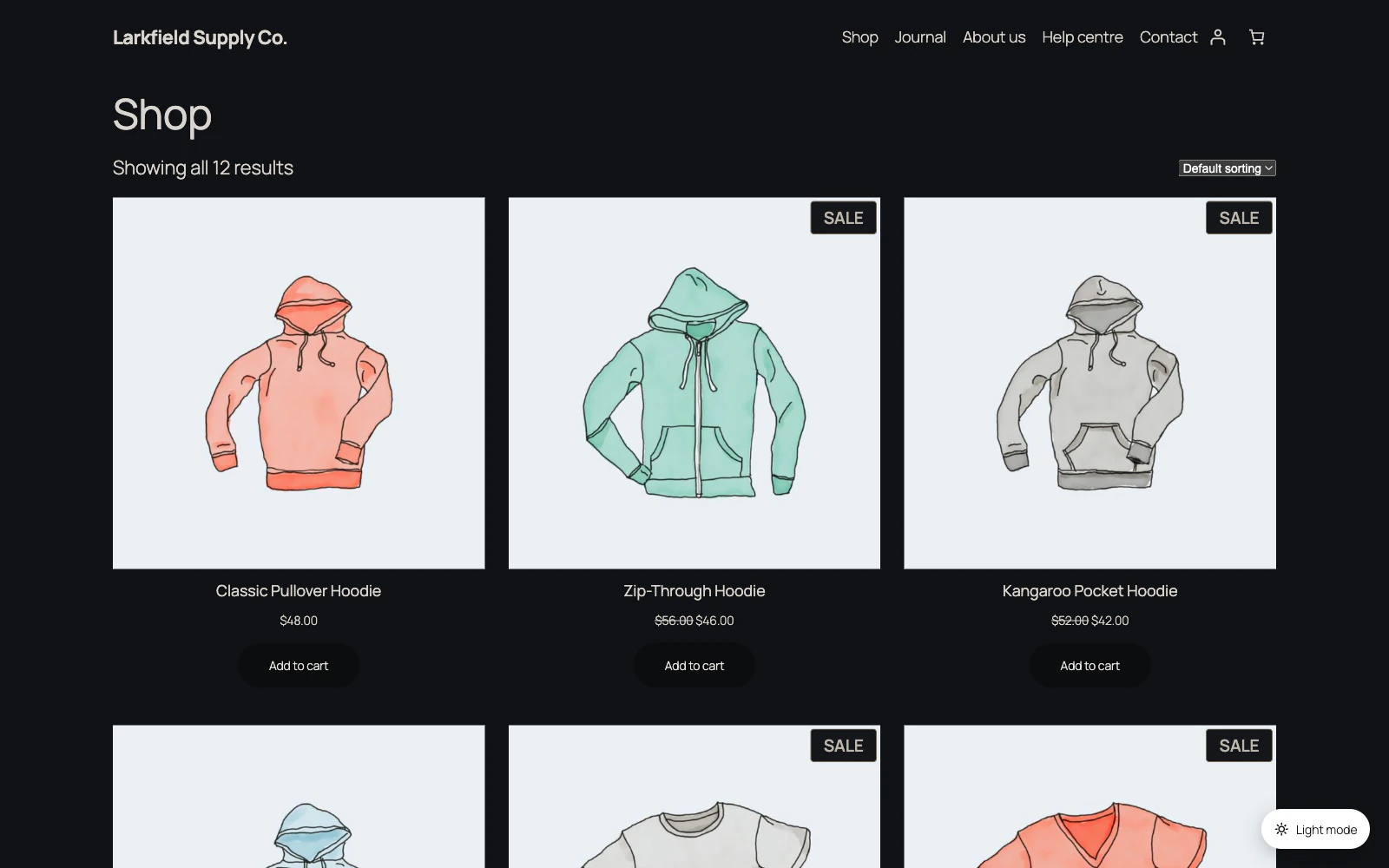
It works on the Shop page and the Posts page too. No rule to write on another screen, and no list to remember you added a page to.
-
The choice follows the person
What a visitor chooses is kept in their own browser.
More: The choice follows the person
For a membership site or a shop it can also be saved to their account — so a customer who chooses dark on their phone finds your site dark on their laptop too.
-
Move a setup between sites
Download your settings as a file and import them on your next site instead of doing the work twice.
More: Move a setup between sites
The file holds settings only — no content, no customer data and no licence key.
-
Counting, if you want it
Two numbers a day: how many people chose dark and how many chose light.
More: Counting, if you want it
No addresses, no pages, no identifiers, no cookie of ours, and nothing leaves your own database. Off until you switch it on.
-
Three ways to do it
Read the theme, invert the page, or a plain stylesheet with no JavaScript at all after it loads.
More: Three ways to do it
The screen where you choose says plainly what each one costs and what it gets wrong, so you are choosing rather than guessing.
Pricing
Every plan includes every feature. Choose how many domains, and whether to pay yearly or once.
Pay yearly renews until you cancel
Pay once (lifetime) no renewals
- Every plan includes every feature. You choose only the number of domains.
- 30-day refund, no reason needed. Refund policy
- Licence key and download straight after payment, by Stripe.
- A lapsed licence stops updates and support. It never switches a feature off.
- Local, development and staging copies are free and do not count against your domains.
- Yearly plans renew at the then-current price until you cancel. Cancel any time from your account.
- Where tax applies it is calculated at checkout and shown before you pay.