


 Table of Contents Content and SEO
Automatic table of contents for WordPress posts
Give a long post a contents list built from its own headings, and a permanent link to every section.

$19 a year for 1 domain 5 domains $29 · unlimited $39 · or pay once from $49
- 30-day refund, no reason needed
- Every feature in every plan
- Support from the developers
- Tested with WordPress
- 6.0 to 7.1
- PHP
- 8.0 or later
- Multisite
- Network activation
- Languages
- English, Spanish, French
- Updates
- From your Plugins screen
- Latest version
- 1.8.1 · 23 Oct 2026
What it does
-
Readers see the shape of a long post
A contents list shows the shape of a long post, so readers jump to the part they came for and find their way back.
-
Every section gets a link of its own
Every heading gets a permanent link that anyone can share. Google may also use it to send a searcher straight to that section.
-
It fits the site you already have
Twenty designs, four colours you can override, and a list in your own typeface. No page builder and no template files.
-
Right on every post without touching any of them
Set it once and every long post gets a contents list, while short ones do not. Any post can overrule that in its editor.
See it working
Captured from a working WordPress site, not drawn. Select one to see it full size.
-

Added before the first heading of a long post, with numbering, a section count, a reading time and a reading progress bar. -

Further down, a button in the corner names the section being read and opens the list at that entry. -

Twenty designs, each drawn as it will look, from a plain list to ruled notebook paper. -

The dashboard says whether the list is on, where it goes and which reader options are switched on.
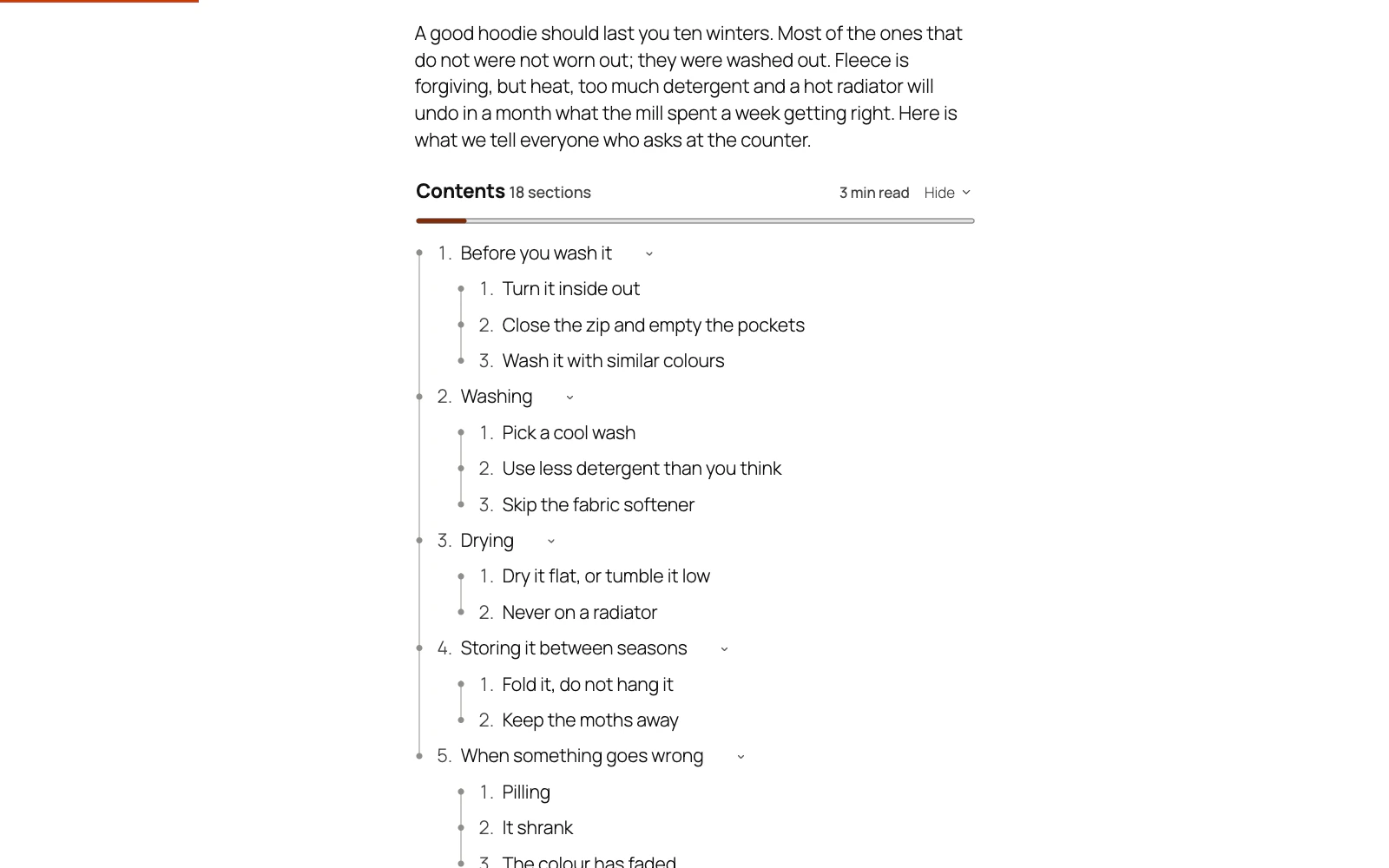
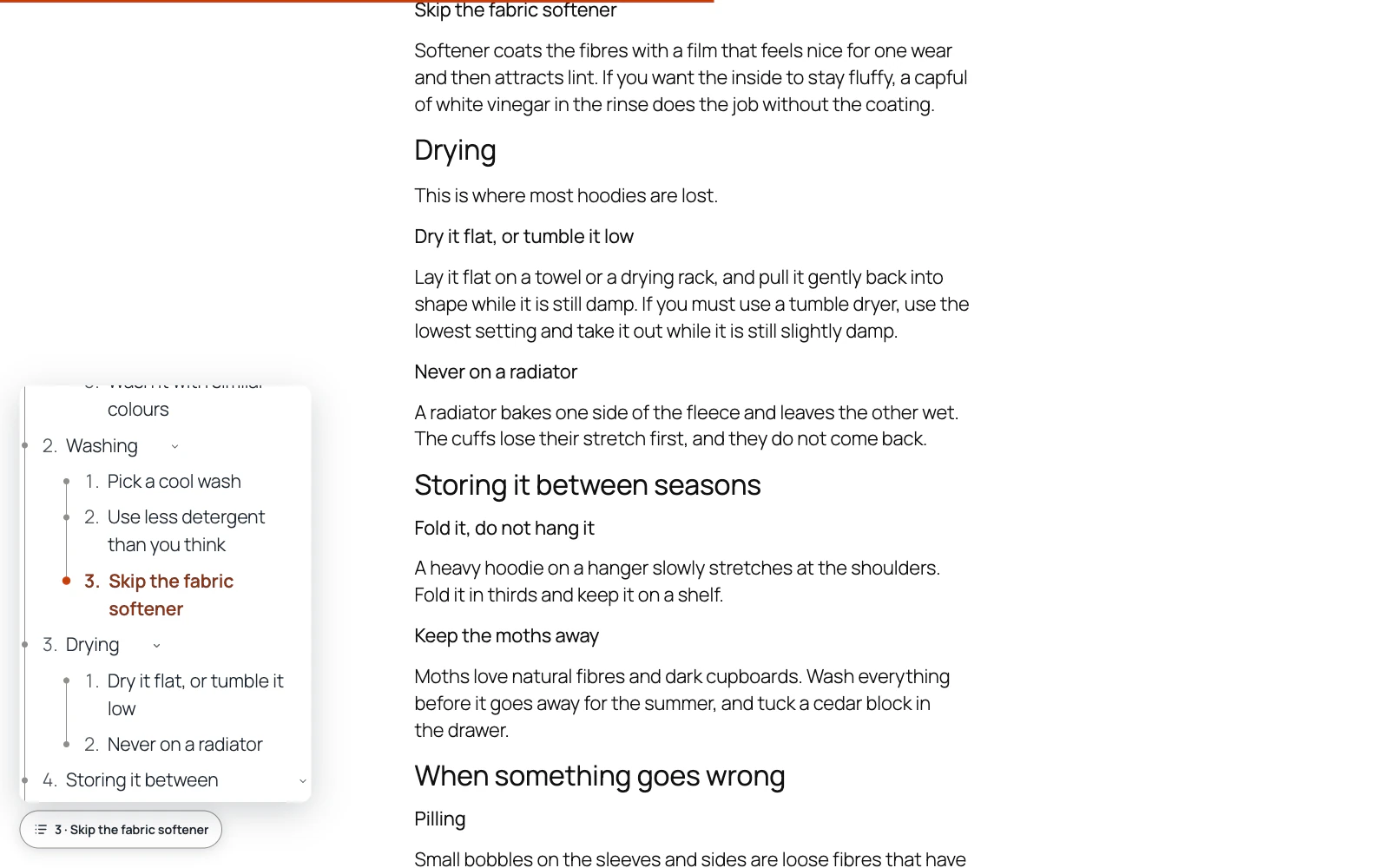
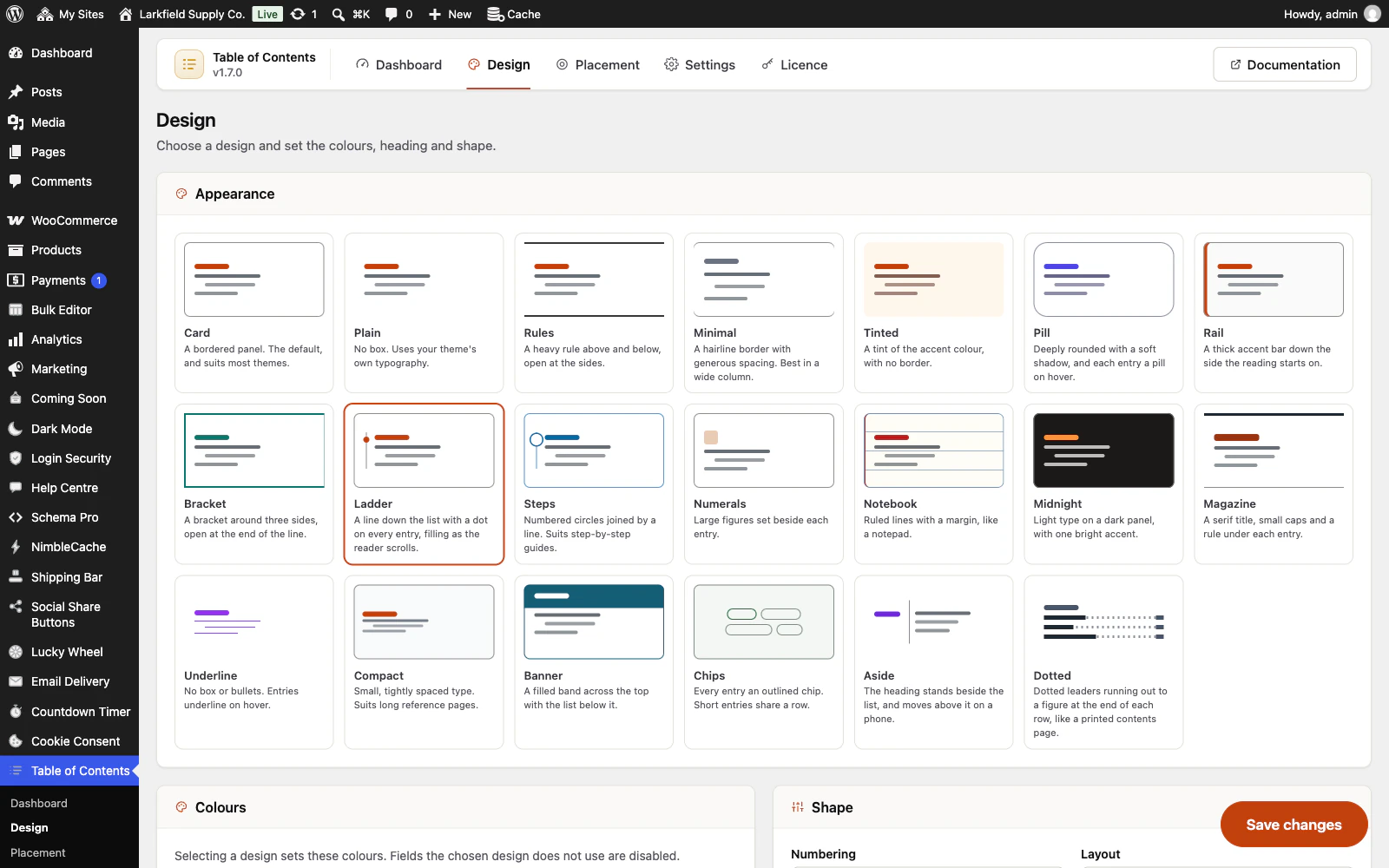
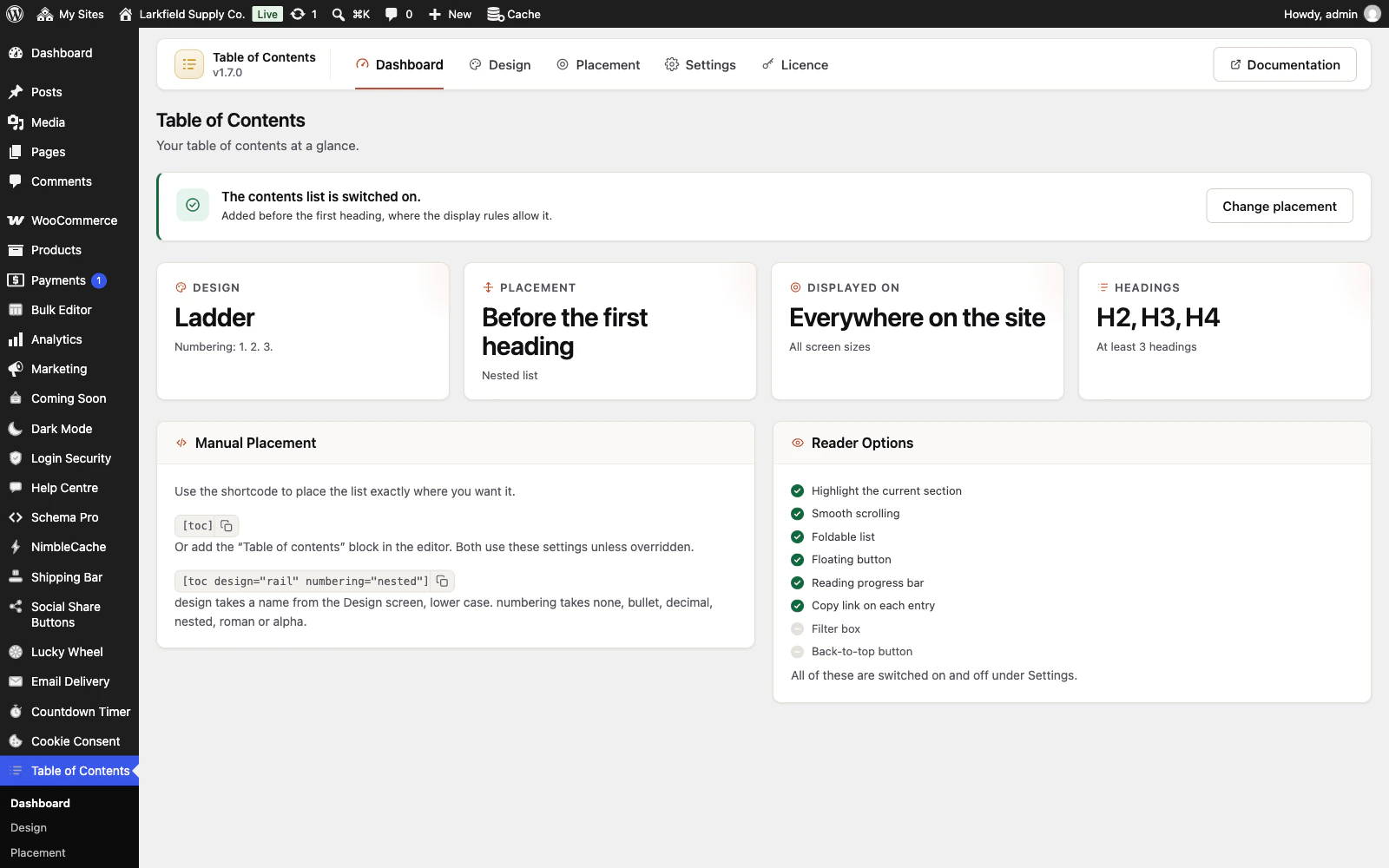
Features
See all 26 features- Twenty designs, not one with twenty colour schemes The look
- Reads on a dark theme as well as a light one The look
- Mirrors properly in Arabic and Hebrew Everywhere
- Marks the section being read The look
- Every heading gets its own permanent link Links to every section
- Rename a heading without breaking the links to it Links to every section
Pricing
Choose how many domains, and whether to pay yearly or once.
Pay yearly renews until you cancel
Pay once (lifetime) no renewals
- Every plan includes every feature. You choose only the number of domains.
- 30-day refund, no reason needed. Refund policy
- Licence key and download straight after payment, by Stripe.
- A lapsed licence stops updates and support. It never switches a feature off.
- Local, development and staging copies are free and do not count against your domains.
- Yearly plans renew at the then-current price until you cancel. Cancel any time from your account.
- Where tax applies it is calculated at checkout and shown before you pay.
Questions
About the plugin first, then how your licence works.
Does Table of Contents work with page builders?
Yes, when the builder writes real heading tags into the post's content: Table of Contents reads the page as it is drawn, so a heading made by a shortcode or a block is found like any other. A builder that draws the page from its own template needs the [toc] shortcode placed in its own text widget.
Will Table of Contents slow my pages down?
Table of Contents adds one small stylesheet and one small script, both from your own server and only on pages that show a list. Nothing loads on the shop, cart, account pages, archives or home page, and nothing is fetched from anyone else.
Will Table of Contents improve my search rankings?
Table of Contents does not improve rankings by itself, and no plugin can promise that. It gives every heading a clean, permanent link, which a search engine needs before it can offer a jump straight to that section. Whether Google shows those links is Google's decision.
What happens to my heading links if I remove Table of Contents?
If you remove Table of Contents, links to a section of your posts stop working, because its anchors are added as each page is drawn rather than stored in your posts. An id you set by hand in the editor stays. Your settings are deleted only if you ticked Delete all data on uninstall.
Does Table of Contents work with WPML, Polylang and multisite?
Yes. Table of Contents offers its heading for translation in WPML and Polylang, and each translation of a post keeps its own settings box. On a multisite network each site keeps its own settings, and a site added later is set up the moment it is created.
Does Table of Contents work with my page cache?
Yes. Table of Contents draws the list into the page on your server, so a page cache keeps it with the page, and saving a setting asks the common page caches, such as NimbleCache, WP Rocket and LiteSpeed Cache, to empty. A host's own cache or a CDN keeps old pages until they expire.
How your licence works
How do I install it?
After checkout you get a licence key and a download link straight away, plus an email copy. Upload the ZIP under Plugins → Add New, activate it, and paste your key into the plugin settings.
How do updates work?
Once your key is entered, new versions appear on your Plugins screen and install with one click, exactly like a plugin from the WordPress directory.
What happens when my licence expires?
The plugin keeps working. You only lose access to new updates and support until you renew.
Do staging sites use up a domain?
No. Local, development and staging copies are free and unlimited: localhost, private IP addresses, domains ending in .test, .local or .localhost, and subdomains beginning with staging. or dev. None of them counts against your plan.
Read before you buy
The documentation and answers are open to everyone.
- Documentation14 sections, open before you buy
- Answers33 questions people ask, answered
- ChangelogEvery version with its date. 1.8.1, 23 Oct 2026: Settings no longer reads every post each day on a site that never had Easy Table of Contents or LuckyWP. First released 24 Aug 2026.
- GuideTable of contents jump links: how Google uses them and why they break