All 39 Free Shipping Bar answers
Answer
Does it work with the new block cart and checkout?
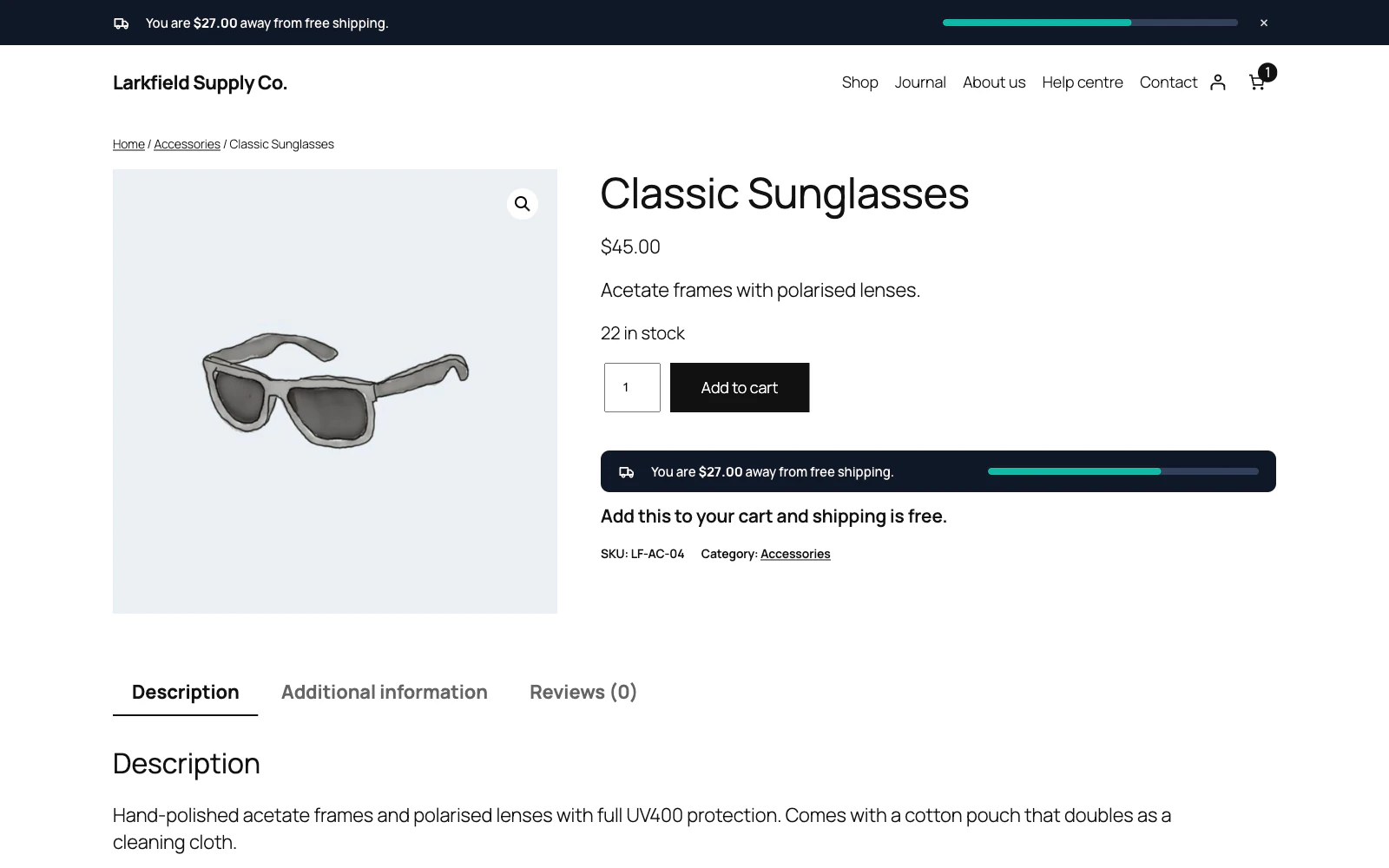
Yes. The bar updates through WooCommerce's classic cart refresh and, on the block cart and checkout, through the Store API. Both paths hand back the same markup, so the bar looks and behaves identically either way.
On the cart page and On the checkout page work with the Cart and Checkout blocks too: the notice sits just above the block. In the mini cart works with the dropdown of the classic Cart widget and with the drawer of the Mini-Cart block that block themes use. In the drawer it sits under the title, above the products, and keeps up as the shopper changes quantities, removes things or adds more.
Still stuck? Ask the developers who wrote it. We aim to reply within one business day.
 Free Shipping Bar for WooCommerce
Show every shopper how close their cart is to free shipping, and how much more it takes.
From $19 a year · every feature · 30-day refund