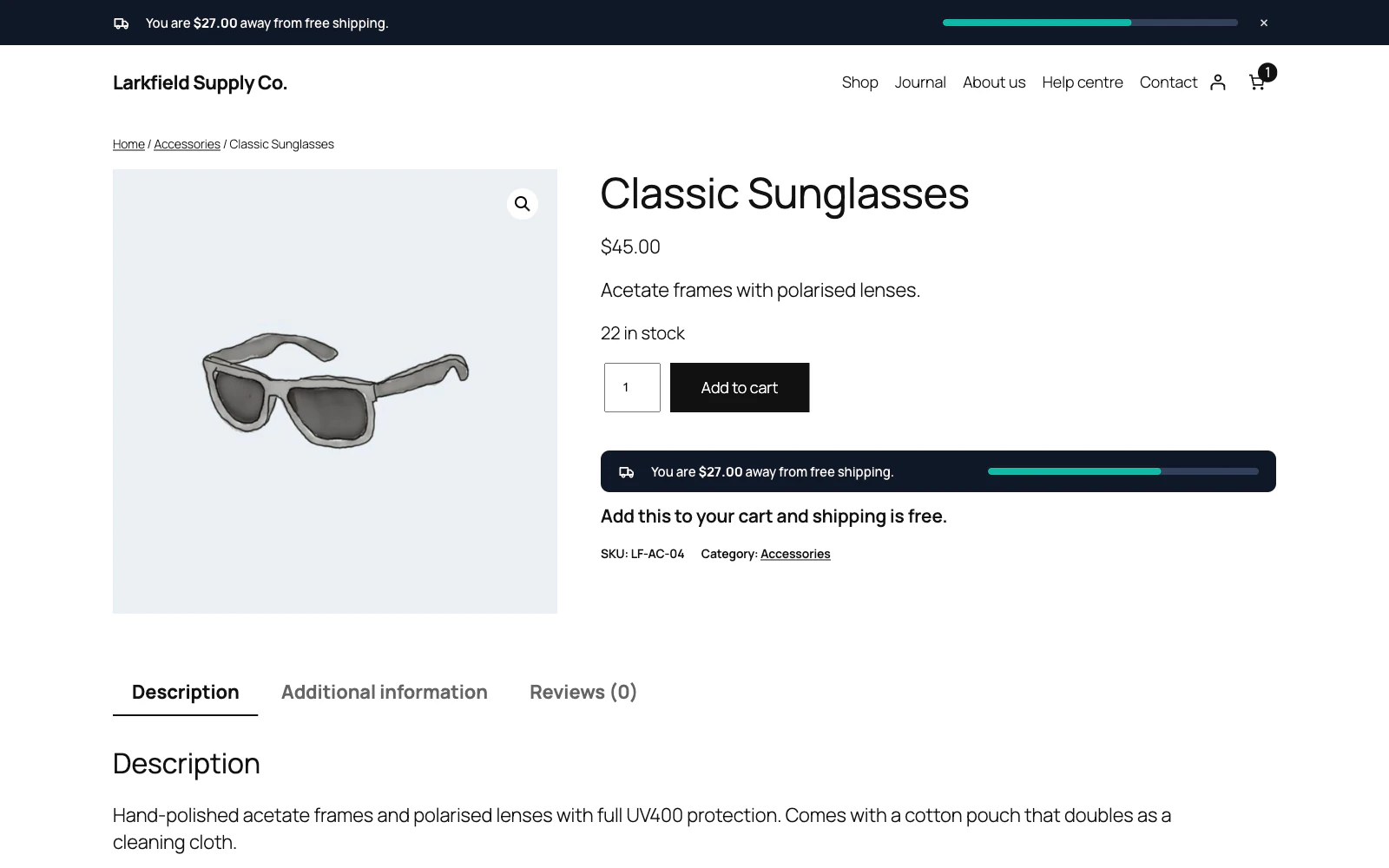
Not unless you ask it to. Placement → Push the page down keeps the bar in the page flow, so your header moves down to make room and nothing is covered.
If you prefer the bar to stay in view while the shopper scrolls, choose Float over the page. The Edge line, Floating pill, Card and Dial templates always float, by design. A floating bar still keeps its own height free at the top of the page, so your header starts below it and nothing in it is covered until the shopper scrolls, and only the visible line, pill, card or block takes clicks. At the bottom of the screen the page gets the same room at its end, so the footer links can always be reached.
If a floating bar ends up underneath something else on your site, raise Stacking order (z-index) on the Settings screen.
Still stuck? Ask the developers who wrote it. We aim to reply within one business day.
 Free Shipping Bar for WooCommerce
Show every shopper how close their cart is to free shipping, and how much more it takes.
From $19 a year · every feature · 30-day refund