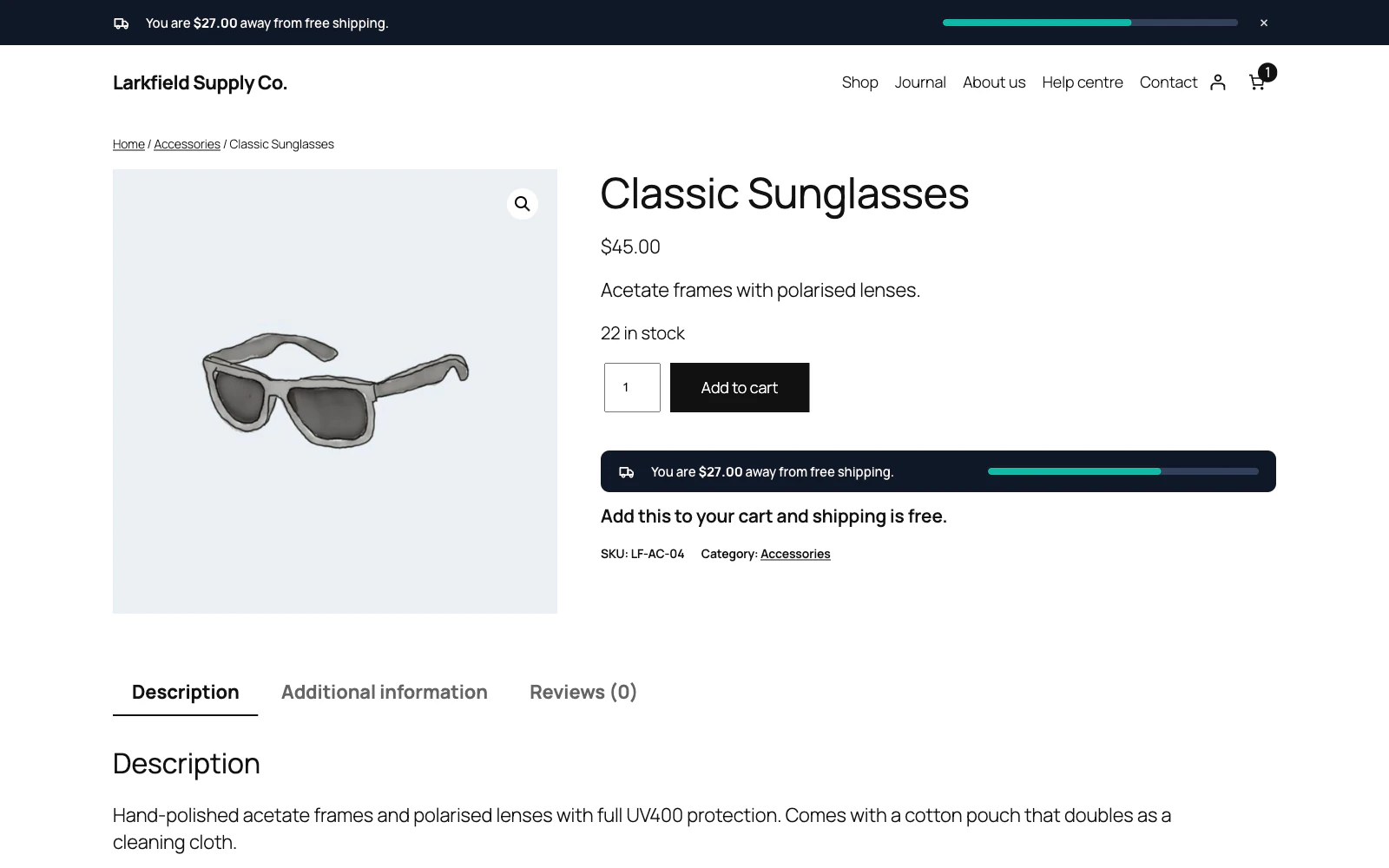
Check these in order:
- The bar is switched on under Setup, In product lists is on under Display, and Label in product lists under Bar → Wording is not empty.
- The page is not left out by your Display rules: excluded pages or addresses, the audience, the schedule or the screen sizes.
- Your free shipping is reached by an amount alone. Where the Free shipping method needs a coupon, alone or with a minimum amount, or where shipping is free for every order, no product gets the label.
- The product's price, as the cart counts it, reaches the threshold. For a variable product that is its cheapest option that can be bought now.
- The product can be shipped and counts: not virtual, not in a shipping class left out under Setup → Cart Total, in stock, and a simple or variable product (grouped and external products never get it).
- The shop is shown in its own currency, or through a currency switcher the plugin can convert for: WooCommerce Multilingual, FOX, CURCY or Aelia.
- The list is drawn on the server: the older All Products block draws its products in the browser and shows no label.
- In a classic list, your theme prints the card's price with WooCommerce's price template, as WooCommerce's own card and Astra's do. The label comes straight after it; a theme that prints the price another way shows none.
Still stuck? Ask the developers who wrote it. We aim to reply within one business day.
 Free Shipping Bar for WooCommerce
Show every shopper how close their cart is to free shipping, and how much more it takes.
From $19 a year · every feature · 30-day refund