Work through these in order:
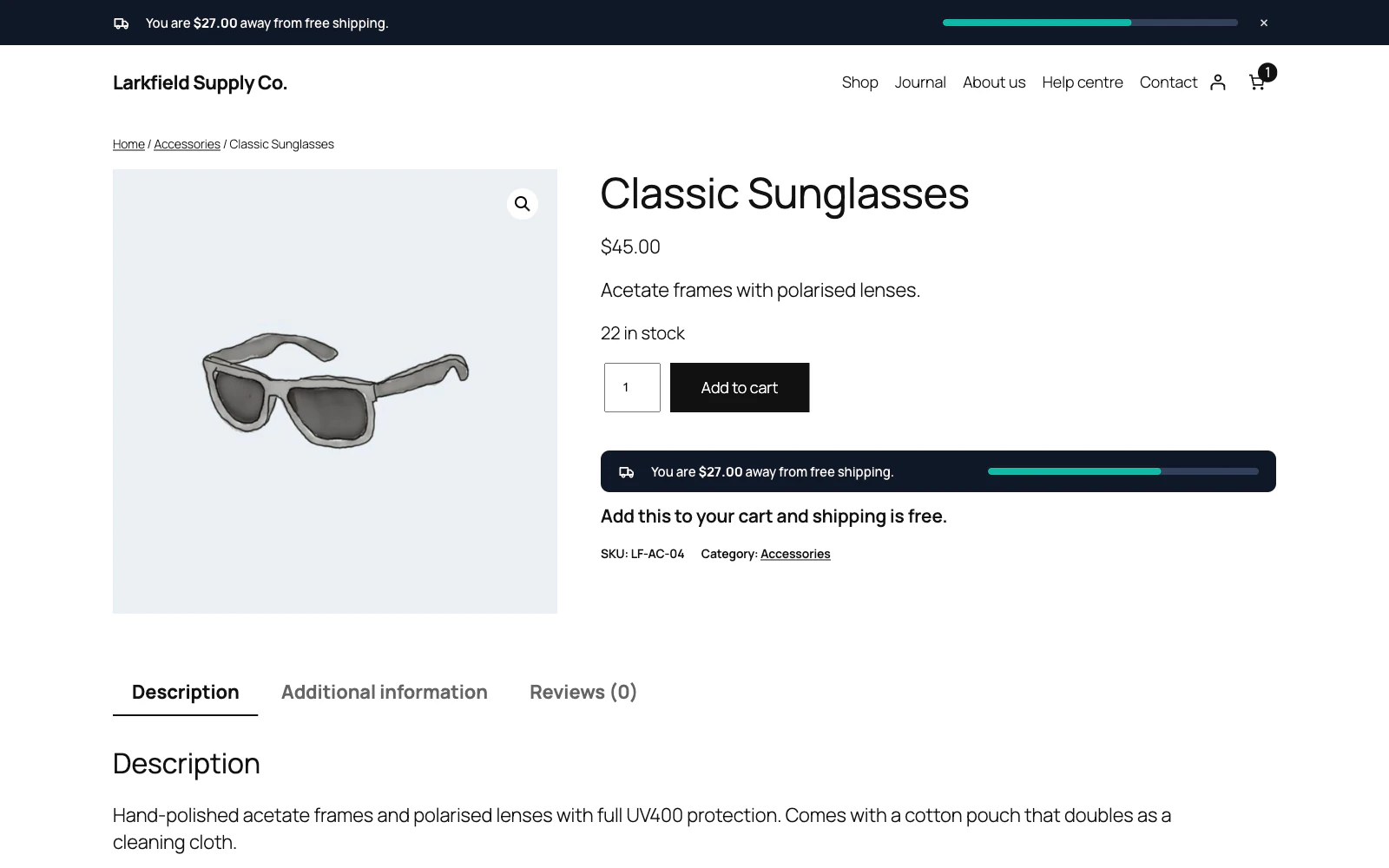
- Setup → Enable the free shipping bar is switched on.
- The Dashboard is not telling you there is no free shipping to advertise. If it is, add a Free shipping method with a minimum, or type a threshold. The bar also stays away from a shopper whose shipping zone has no Free shipping method — check the zone for the address you are testing with.
- The page you are looking at is not excluded under Excluded pages, and — if you have chosen Only what I choose below — that something on the page is actually ticked.
- Audience is not filtering you out: for example, ticking only Signed out under Login status hides the bar while you are signed in as an administrator.
- You have not dismissed it yourself. Dismissal is remembered in your browser; a private window will show it again.
Still stuck? Ask the developers who wrote it. We aim to reply within one business day.
 Free Shipping Bar for WooCommerce
Show every shopper how close their cart is to free shipping, and how much more it takes.
From $19 a year · every feature · 30-day refund