All 36 Redirects answers
Answer
I changed my permalink structure. Do I need to do anything?
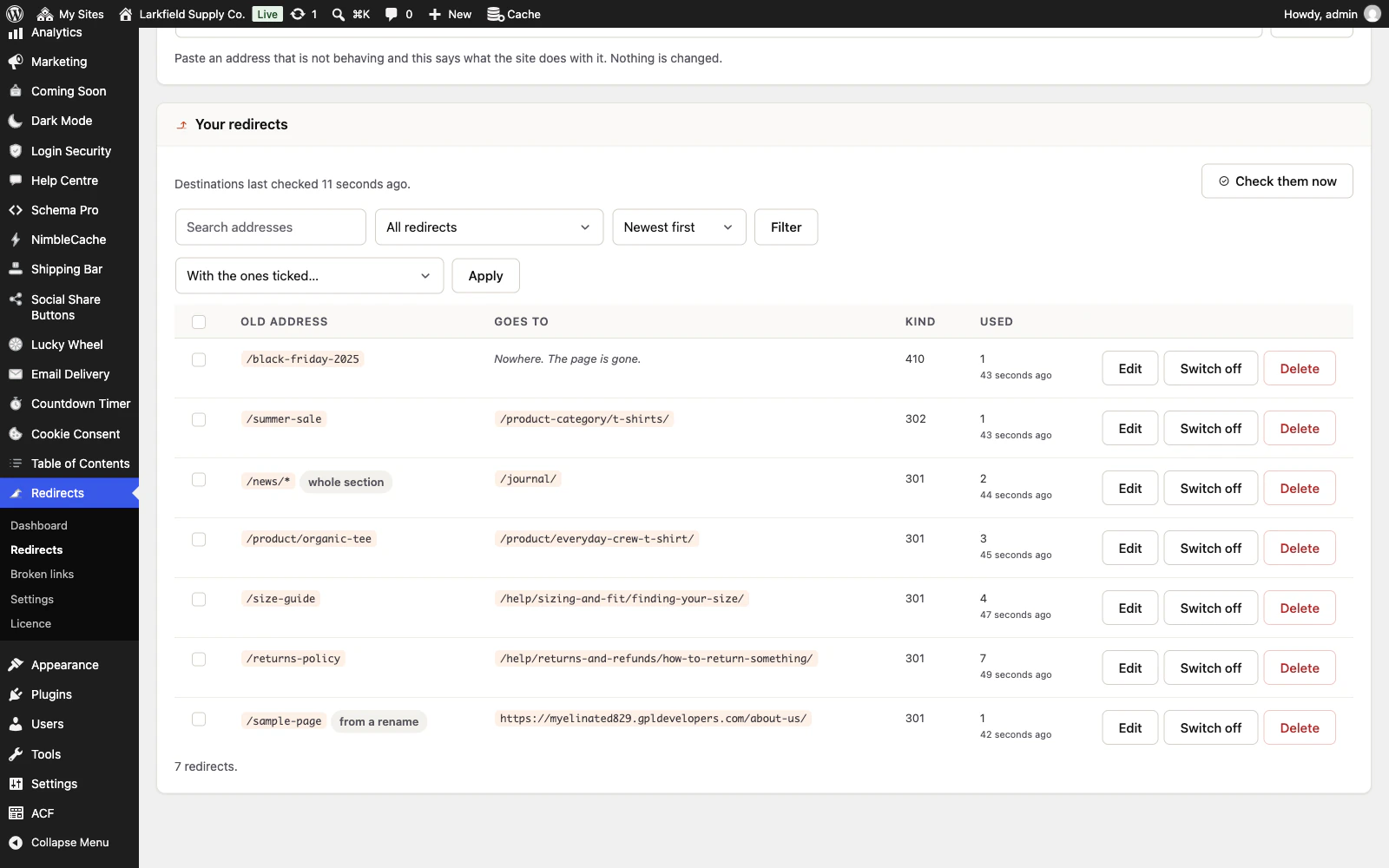
Not if Keep old addresses working when the permalink structure changes is on under Settings → Renamed pages. It is on for new installs. A visit to an old-style address, /2024/03/hello-world/ after a switch to /%postname%/, is sent to where the post lives now, and the redirect is added to the list marked from a permalink change. The same goes for a new category, tag or WooCommerce product base.
If you had the plugin before this was a setting, it starts off, and the Dashboard asks you once you change your permalinks. Your change is remembered either way, so Turn on works for it. For a change you made before installing the plugin, type the old structure into Older structures, or an old base such as /topics/%category%/.
An old address is only sent to a post whose date, category and author all match it, so a newer post with the same name is never the destination by mistake. Anything that does not match stays on Broken links for you to decide. Feeds, second pages of a list, and author and date archives are not followed.
Still stuck? Ask the developers who wrote it. We aim to reply within one business day.
 Redirects
Rename a page without losing the links to it — and see every address on your site that is breaking.
From $19 a year · every feature · 30-day refund