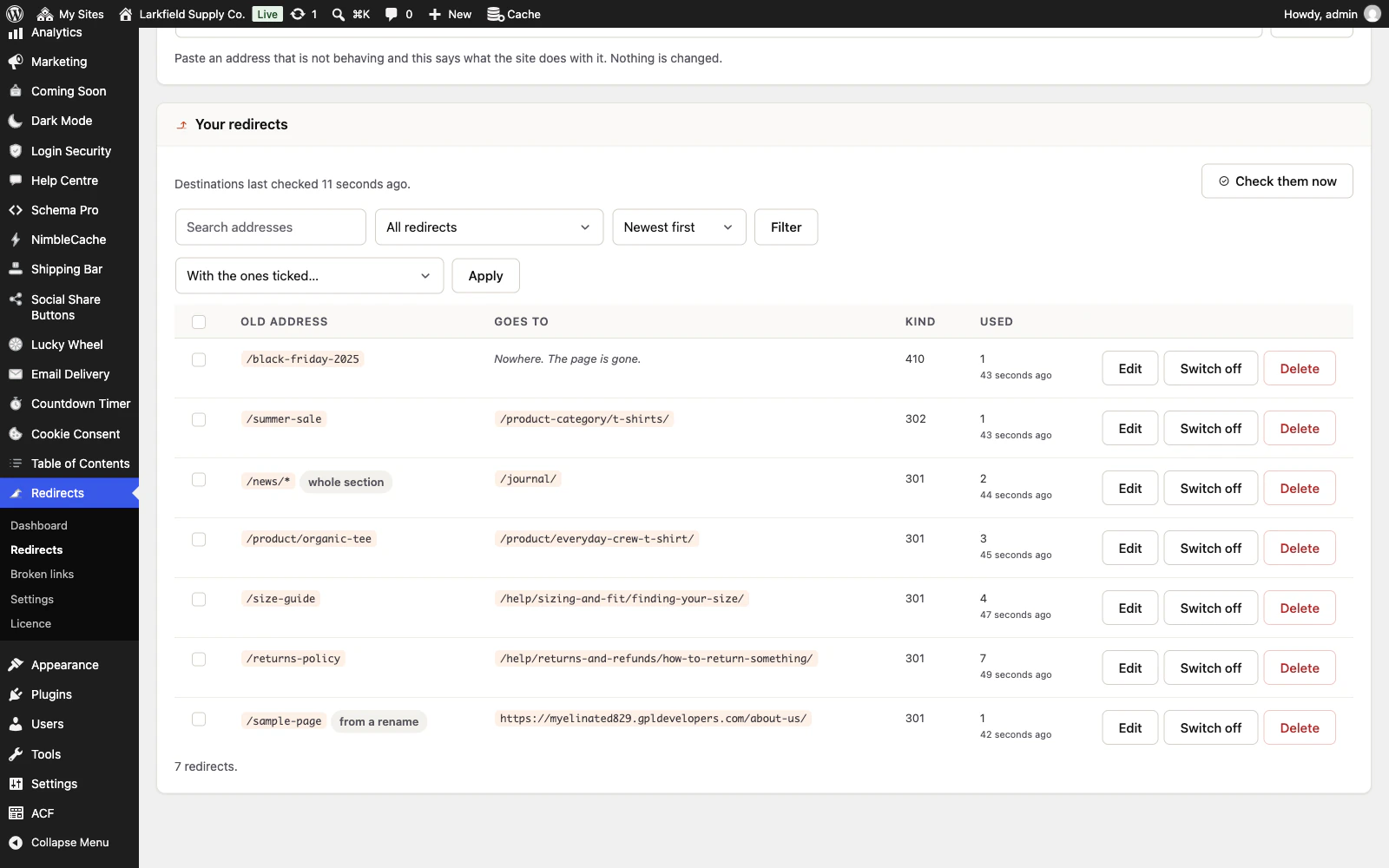
Your redirect sends people to an address that is itself redirected. It works, but the visitor makes two trips instead of one and search engines discount the second hop. It usually happens when the page your redirect points at is renamed later: the plugin keeps the page's old address working with a redirect of its own, and never rewrites one you wrote, so yours now goes through it.
You do not have to work out the final address yourself. The redirect's row has a button under its destination that names it, Point it at /plans, and one press points your redirect straight there. Nothing else about it changes. To do several, tick them and choose Point each straight at its final address under With the ones ticked…; the screen asks first, naming how many, and changes nothing until you answer. The count on the Dashboard and above the list drops straight away.
If the next redirect is a temporary one (302 or 307), the row says The next redirect is temporary, so this one keeps pointing at it. and there is no button: what is away for now is meant to come back, and pointing past it would skip it after it does. Saving a redirect in the form to an address that is already redirected offers the same change in the sentence after the save, and keeps what you typed unless you press it.
Sends visitors round in a circle is different: two redirects that lead to each other, such as /a to /b and /b to /a. There is no final address to point at, so nothing is offered. Decide which address should answer and change or delete the other redirect.
Still stuck? Ask the developers who wrote it. We aim to reply within one business day.
 Redirects
Rename a page without losing the links to it — and see every address on your site that is breaking.
From $19 a year · every feature · 30-day refund