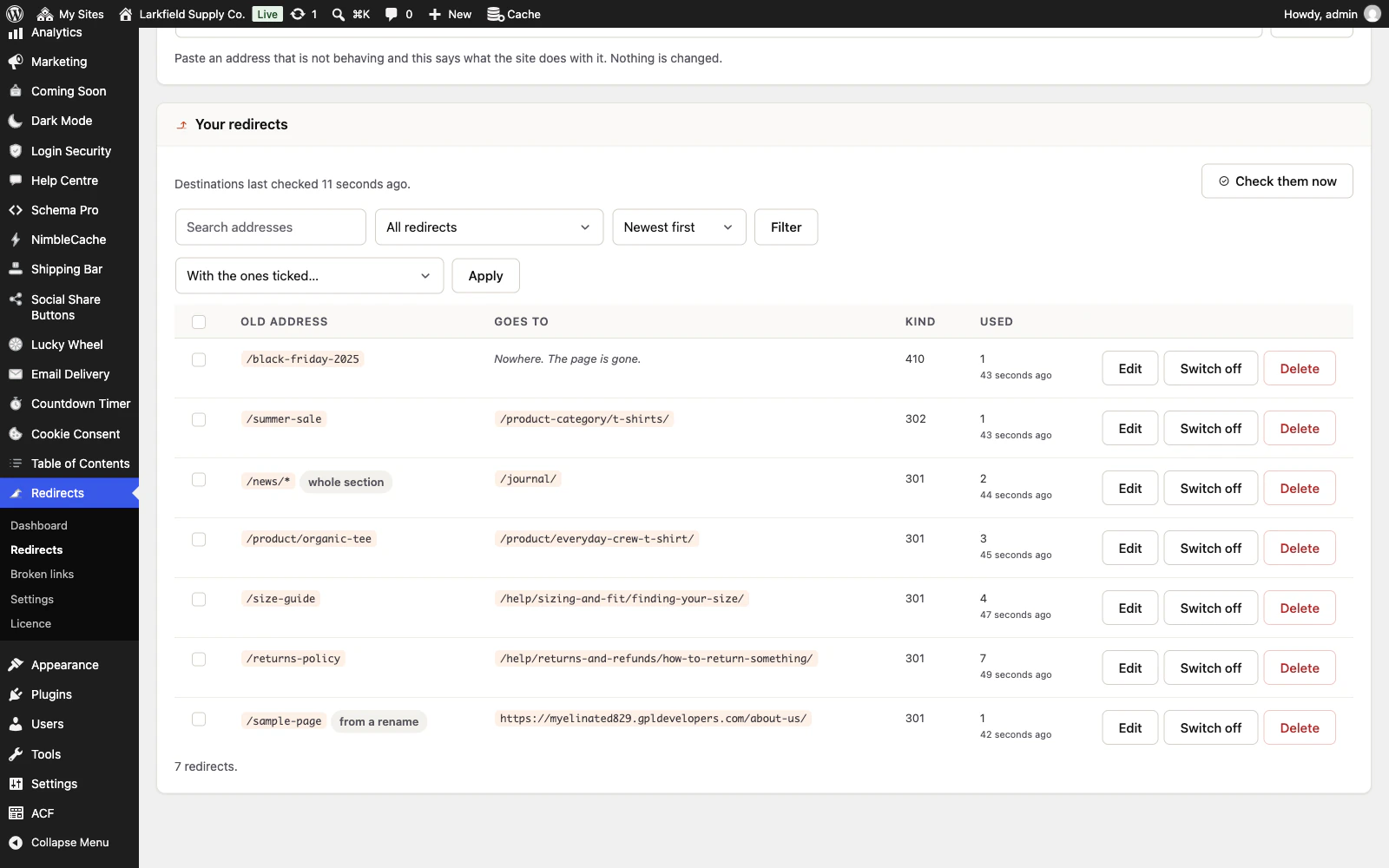
Use Test an address, at the top of the Redirects screen. Paste the address in and it tells you exactly what the site does with it — which redirect catches it, where it sends people, and why nothing catches it when nothing does. Nothing is changed and nobody is redirected.
The three answers it usually gives:
- It redirects. Then the redirect is working and your browser is remembering an earlier one. Try a private window, or your phone. If they show the old page as well, a page cache is handing out a copy it kept from before the redirect. Saving the redirect clears that address from NimbleCache and the common caching plugins, so save it again. A cache WordPress cannot reach, such as your host's own, has to be emptied there.
- The redirect is switched off. Switch it on in the list below.
- Nothing answers this address. The address you tested is not the one the redirect was written for. Broken links shows what people are actually asking for.
You do not need to worry about capital letters, a trailing slash, a whole pasted URL, or a campaign tag on the end. Those are all the same address here and one redirect catches all of them — and the tester shows you what yours was measured as.
Still stuck? Ask the developers who wrote it. We aim to reply within one business day.
 Redirects
Rename a page without losing the links to it — and see every address on your site that is breaking.
From $19 a year · every feature · 30-day refund