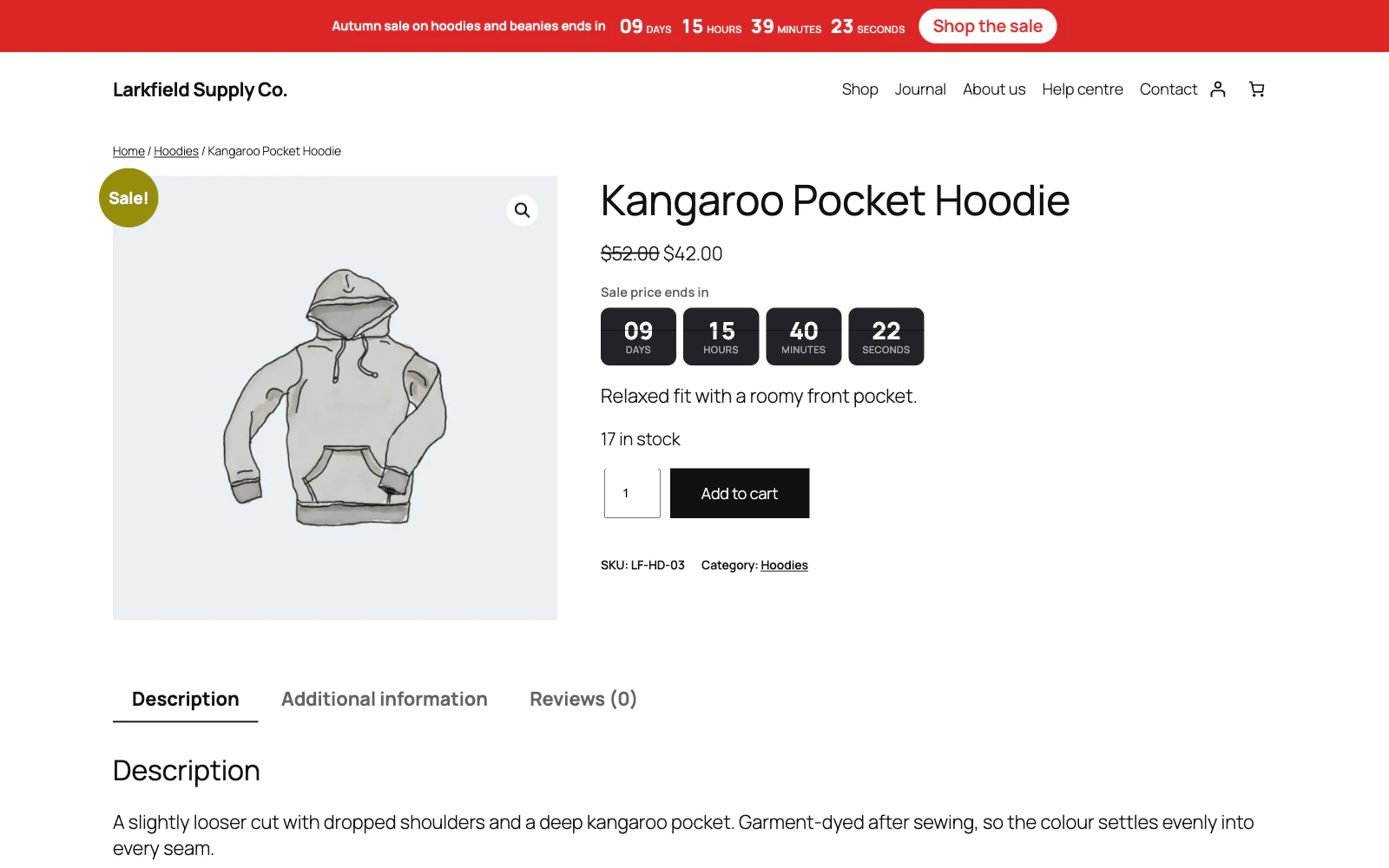
All 41 Countdown Timer answers
Answer
A visitor came back and the timer had restarted
It should not have, and if it did, one of these is why: they cleared their cookies, they are on a different device, their browser has JavaScript switched off, the campaign's Repeat is set to daily or weekly, which restarts it on purpose, or the start their browser carried was more than five minutes ahead of your site's clock (a cookie edited by hand), which does not count.
The start is written by the visitor's own browser when it draws the timer, not sent by the server with the page, so the page can still be cached. A browser with JavaScript off never writes it, and starts again on each page.
The start is kept in a cookie rather than a session so it survives a page cache and a closed browser. There is nothing on our side to reset.
Still stuck? Ask the developers who wrote it. We aim to reply within one business day.
 Countdown Timer
Countdown timers that run to your real sale dates, on a product, across the shop, or as a cart timer at the checkout.
From $19 a year · every feature · 30-day refund