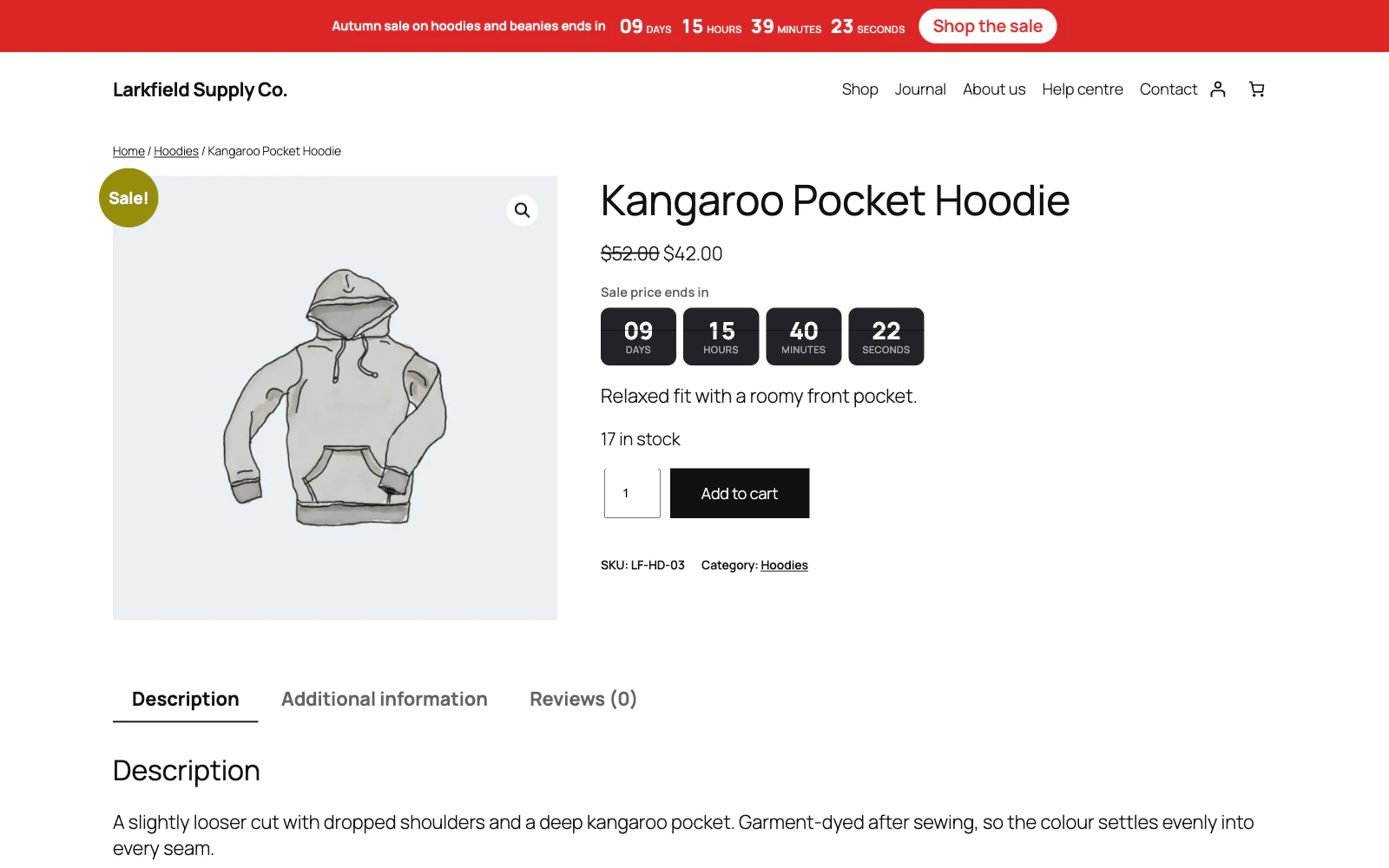
Any of the twelve works anywhere, but they were drawn with places in mind. Blocks is the default because it is the easiest to read at a glance. Panel puts the heading, the clock and the button inside one bordered card, which is what a product page wants when the timer should read as one object. Stack runs the units down the page instead of across it, so it is the one that never runs out of room in a narrow sidebar. Ribbon fills the top of the site. Underline and Stripe are the quiet ones for post and page content. Rings, Flip and Digital are the loud ones.
Still stuck? Ask the developers who wrote it. We aim to reply within one business day.
 Countdown Timer
Countdown timers that run to your real sale dates, on a product, across the shop, or as a cart timer at the checkout.
From $19 a year · every feature · 30-day refund