All 41 Countdown Timer answers
Answer
Can the timer count down to a sale that has not started yet?
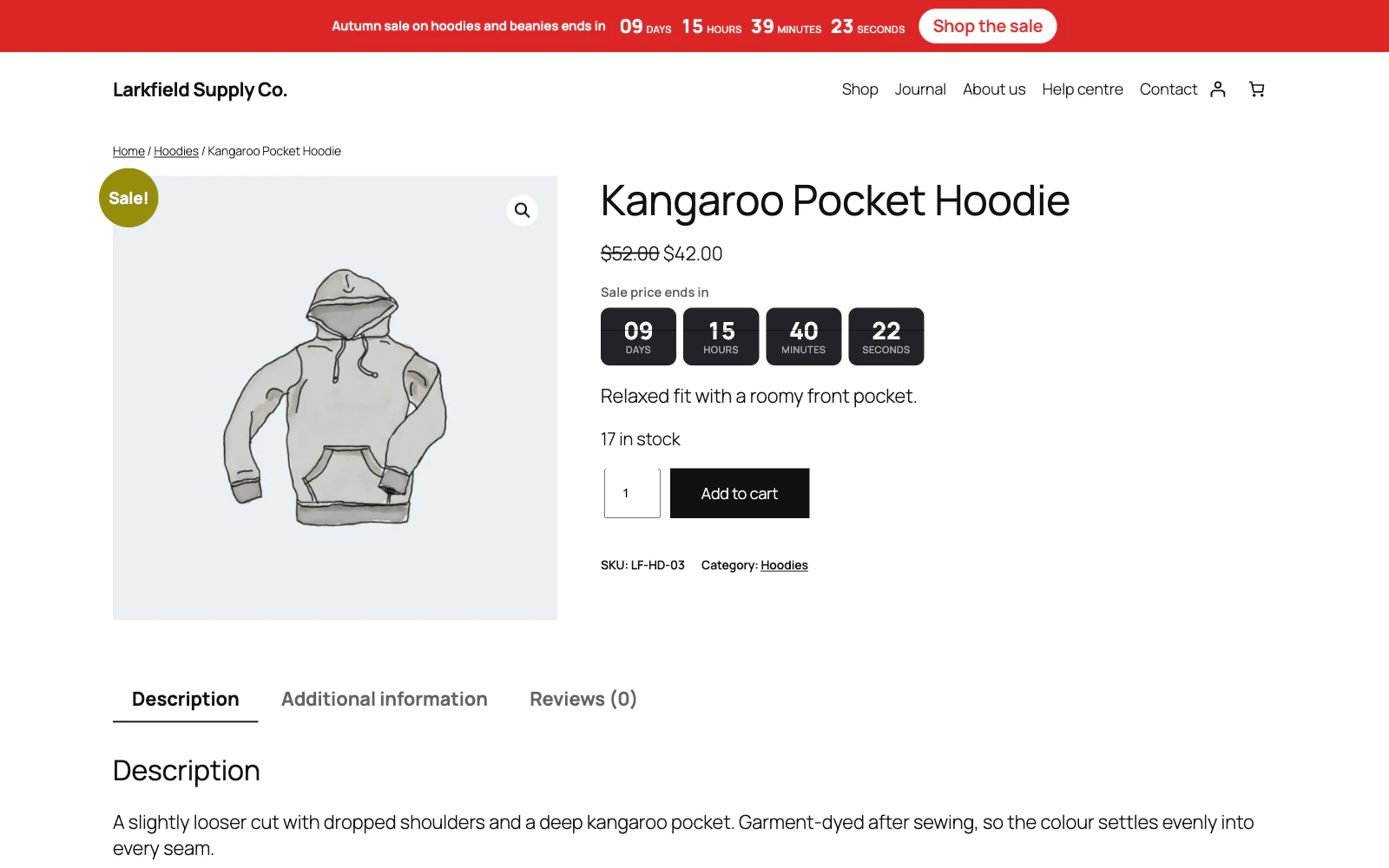
Yes. Schedule the sale in WooCommerce with Sale price dates, then open your Product sale end date campaign and set Before a scheduled sale starts to Count down to the start. Until the sale starts the product shows "Sale starts in" (or your own Heading before the sale, or no heading if you empty it); at the start the timer moves on to the sale's end and the page is shown again.
Three things to know. WooCommerce starts the sale at 00:00 of the day you chose, in your site's time zone, and moves the price with a job of its own that can run after that. Until it has, WooCommerce still shows the regular price, and charges it for a simple product (a variation's sale price is charged from the start); a shopper who watched the start gets one more look a minute later, and the page caches are emptied again when WooCommerce's own job moves the price. Nothing else empties them: not an order, not a change to a sale's price, and not a product you add or put on sale yourself. In shop listings only simple products show the countdown to the start: a variable product's sales are per variation, so it shows its countdown on its own page, where it follows the variation chosen. And a variable product that already has a variation shoppers can choose on sale shows no "Sale starts in" for another: with no end date to count to, or before WooCommerce has moved the price, it shows nothing. A variation switched off, or out of stock when you hide those, counts for neither.
Still stuck? Ask the developers who wrote it. We aim to reply within one business day.
 Countdown Timer
Countdown timers that run to your real sale dates, on a product, across the shop, or as a cart timer at the checkout.
From $19 a year · every feature · 30-day refund