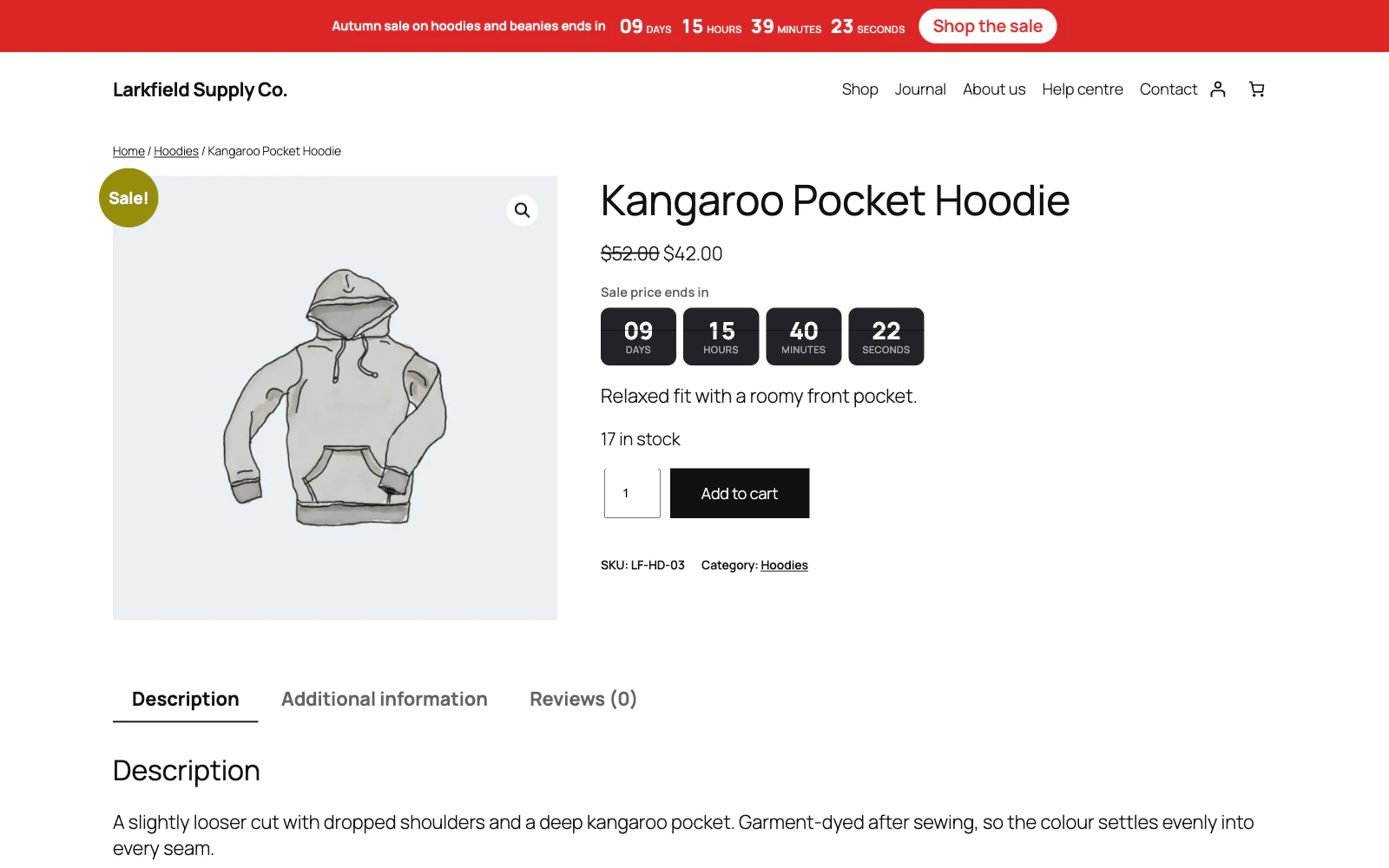
Check the three things that switch it off: Enable the cart timer under Cart Timer, whether Show the timer on includes the page you are looking at, and whether Show to is set to guests only while you are signed in as an administrator. Guests only hides the discount as well as the countdown, so a signed-in customer gets neither.
Just imported your settings from another site? The cart timer comes in switched off, as the campaigns do, so tick Enable the cart timer once you have checked it.
It works on both the block Cart and Checkout that a recent WooCommerce installs by default and on the older shortcode ones, so which kind your shop uses makes no difference.
The timer starts with the first item, so an empty cart shows nothing. If the shopper empties the cart without a page load — on the block Cart, or from the mini-cart — the countdown hides, and comes back if they add something again.
Still stuck? Ask the developers who wrote it. We aim to reply within one business day.
 Countdown Timer
Countdown timers that run to your real sale dates, on a product, across the shop, or as a cart timer at the checkout.
From $19 a year · every feature · 30-day refund