All 41 Countdown Timer answers
Answer
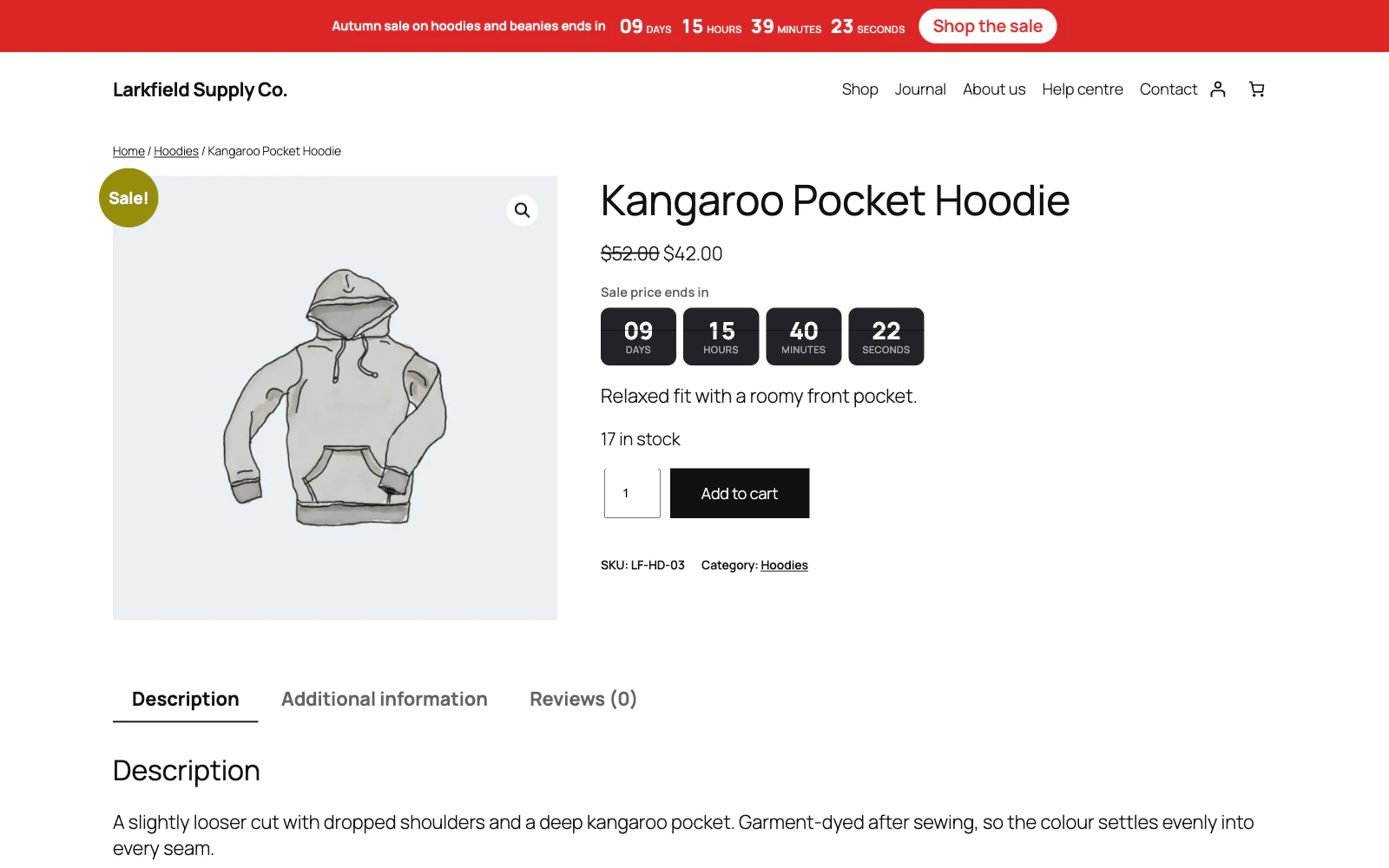
A product shows no countdown but its price is reduced
A price reduced with no end date has no deadline to show. WooCommerce lets you set a sale price with Sale price dates empty, and most shops do. Give the sale an end date, or use a campaign with a fixed date instead.
For a variable product the timer starts at the soonest end date among the variations that are actually on sale. When the shopper picks a variation it switches to that variation's own end, and hides for one that is not on sale or has no end date. Clearing the choice brings the soonest back. A variation shoppers cannot choose is left out: one switched off (Enabled unticked), or out of stock when you hide out-of-stock items.
Still stuck? Ask the developers who wrote it. We aim to reply within one business day.
 Countdown Timer
Countdown timers that run to your real sale dates, on a product, across the shop, or as a cart timer at the checkout.
From $19 a year · every feature · 30-day refund