All 41 Countdown Timer answers
Answer
Can part of the page change when the sale ends?
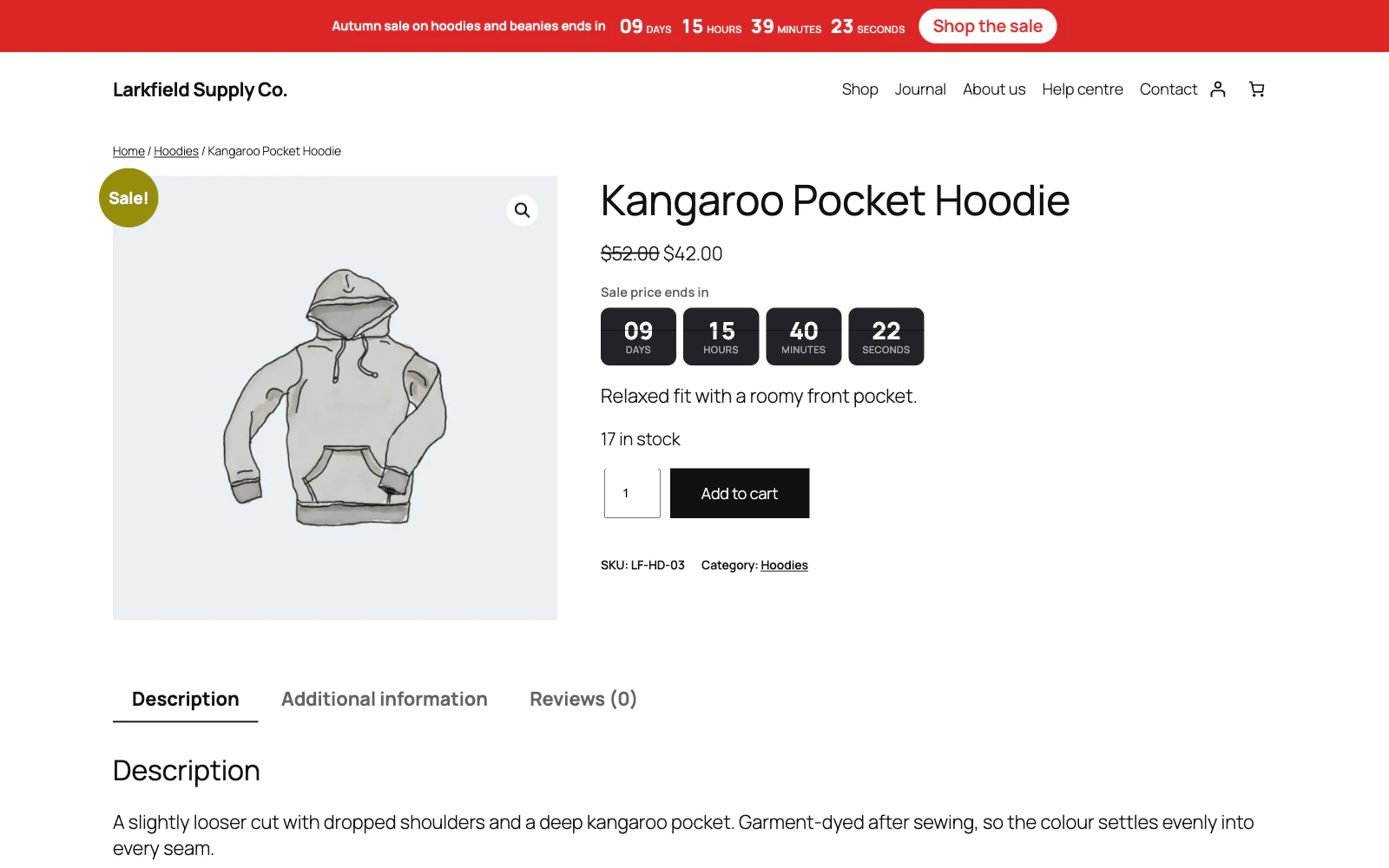
Yes. Put the content in a Countdown content block, choose the campaign, and choose While it runs, After it ends or Before it starts. The sale's banner goes and "The sale has ended" appears the second the timer reaches zero, with no reload, on a cached page too. The shortcode does the same:
[trasl_countdown_show campaign="Black Friday" when="ended"]The sale has ended.[/trasl_countdown_show]On a per-visitor campaign it changes at each visitor's own end. Content still to come is in the page's source, hidden, so link a code to the campaign as a coupon if it must not work outside the sale.
Still stuck? Ask the developers who wrote it. We aim to reply within one business day.
 Countdown Timer
Countdown timers that run to your real sale dates, on a product, across the shop, or as a cart timer at the checkout.
From $19 a year · every feature · 30-day refund