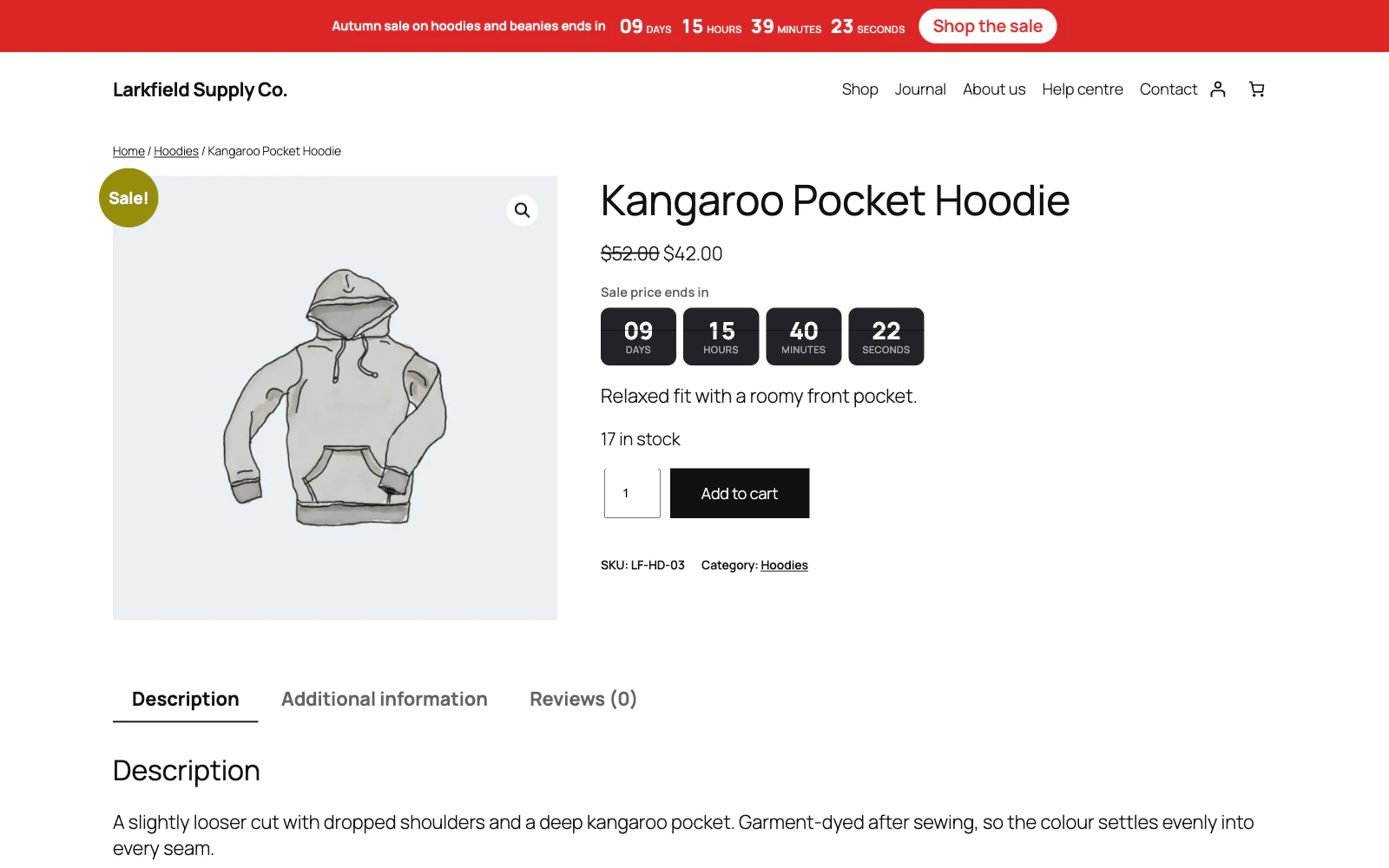
Open the campaign and, under Exclude, tick Checkout in Common exclusions. It always wins, whatever else the campaign says.
The box below it, Excluded pages, does the same for one particular page, post, product or category, all found by typing their name — choosing a category covers its archive and everything filed under it. The named places live in the ticks and the individual things live in the box, so nothing is written down twice.
Still stuck? Ask the developers who wrote it. We aim to reply within one business day.
 Countdown Timer
Countdown timers that run to your real sale dates, on a product, across the shop, or as a cart timer at the checkout.
From $19 a year · every feature · 30-day refund