Yes. Set Discount to "No discount" and the timer is just a timer. Your own code can listen for the trasl-countdown:hold-expired event in the browser, or work from WooCommerce's session on the server.
Still stuck? Ask the developers who wrote it. We aim to reply within one business day.
 Countdown Timer
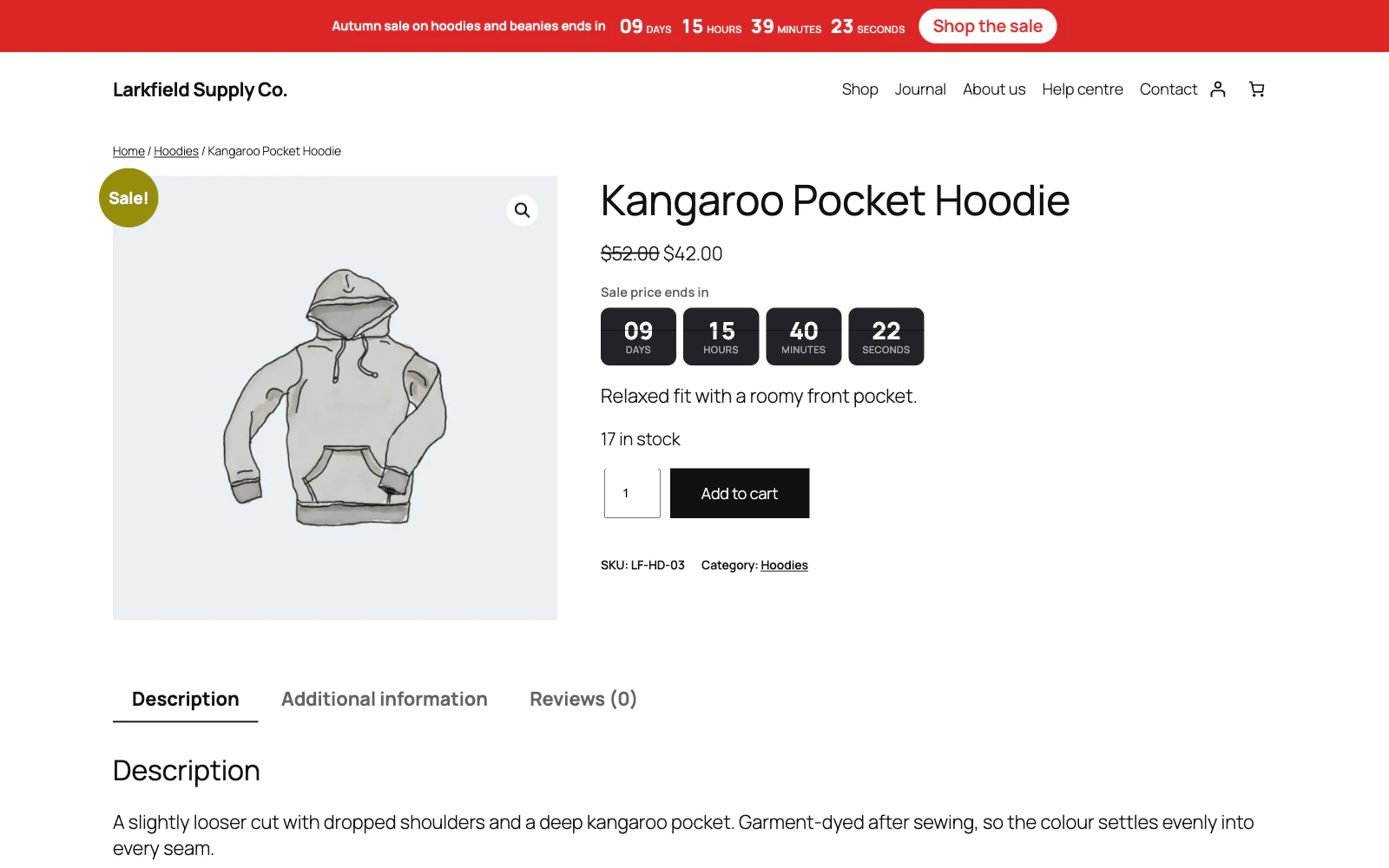
Countdown timers that run to your real sale dates, on a product, across the shop, or as a cart timer at the checkout.
From $19 a year · every feature · 30-day refund