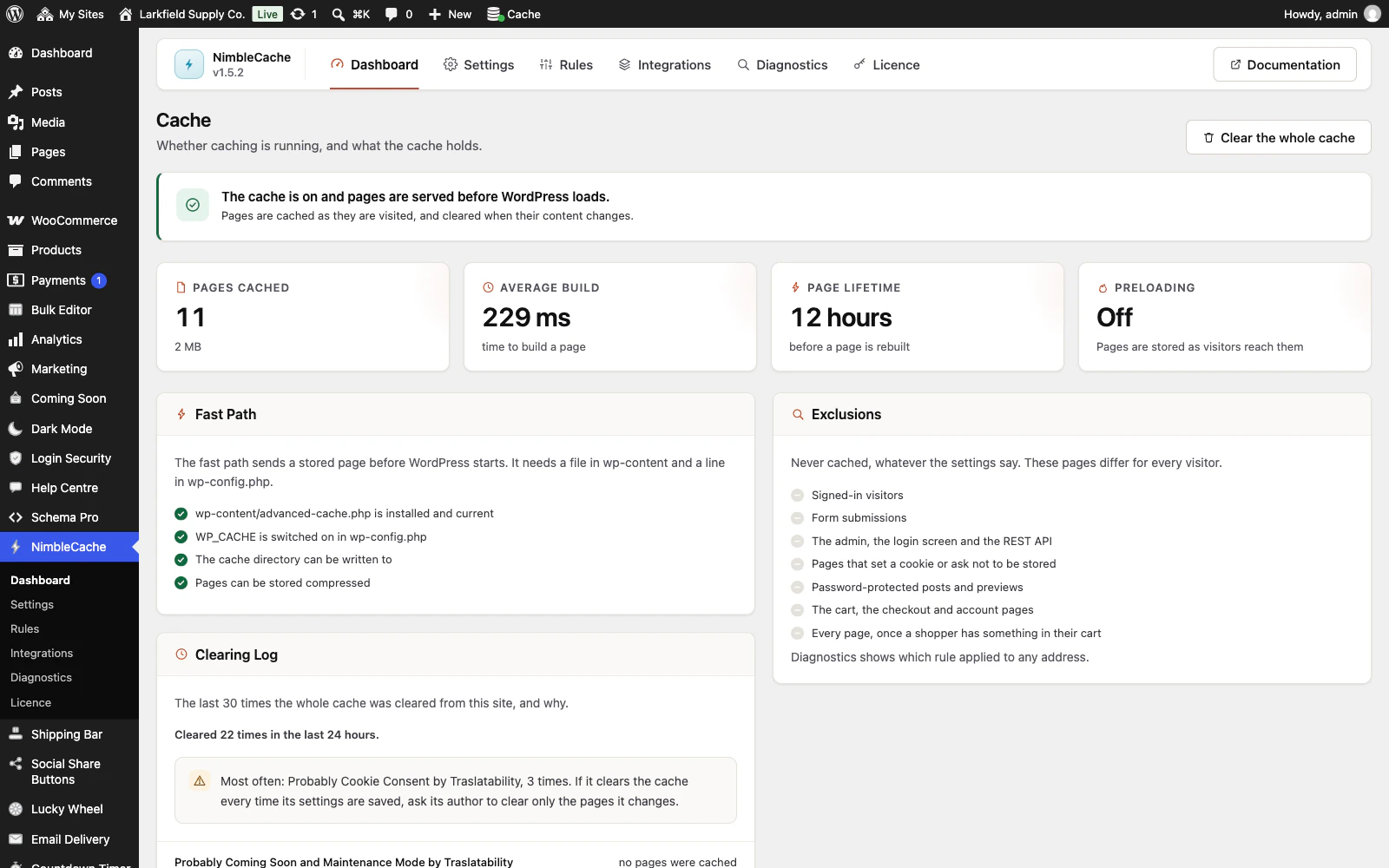
No. NimbleCache is set up and run entirely from the WordPress admin, so you never need WP-CLI, SSH or a terminal.
Activating it puts the fast path in place by itself: the small file that lets a cached page be sent before WordPress loads, and the line in wp-config.php that switches it on. If your host does not let WordPress write one of them, the Dashboard says which, and shows the line to add or the file to copy.
Everything else has a screen:
- Diagnostics checks any address, fetches it twice and says whether it was cached, and if not, why.
- Clear this page in the toolbar, and Clear the whole cache on the Dashboard.
- Preload now on the Settings screen.
The command line is there for the jobs a screen cannot do: clearing the cache from a deploy script with wp nimblecache purge, or wp nimblecache repair after moving a site to a new folder.
Related: NimbleCache docs: Diagnostics
Still stuck? Ask the developers who wrote it. We aim to reply within one business day.
 NimbleCache
Serve your pages before the plugins load — and never touch a setting to do it.
From $19 a year · every feature · 30-day refund