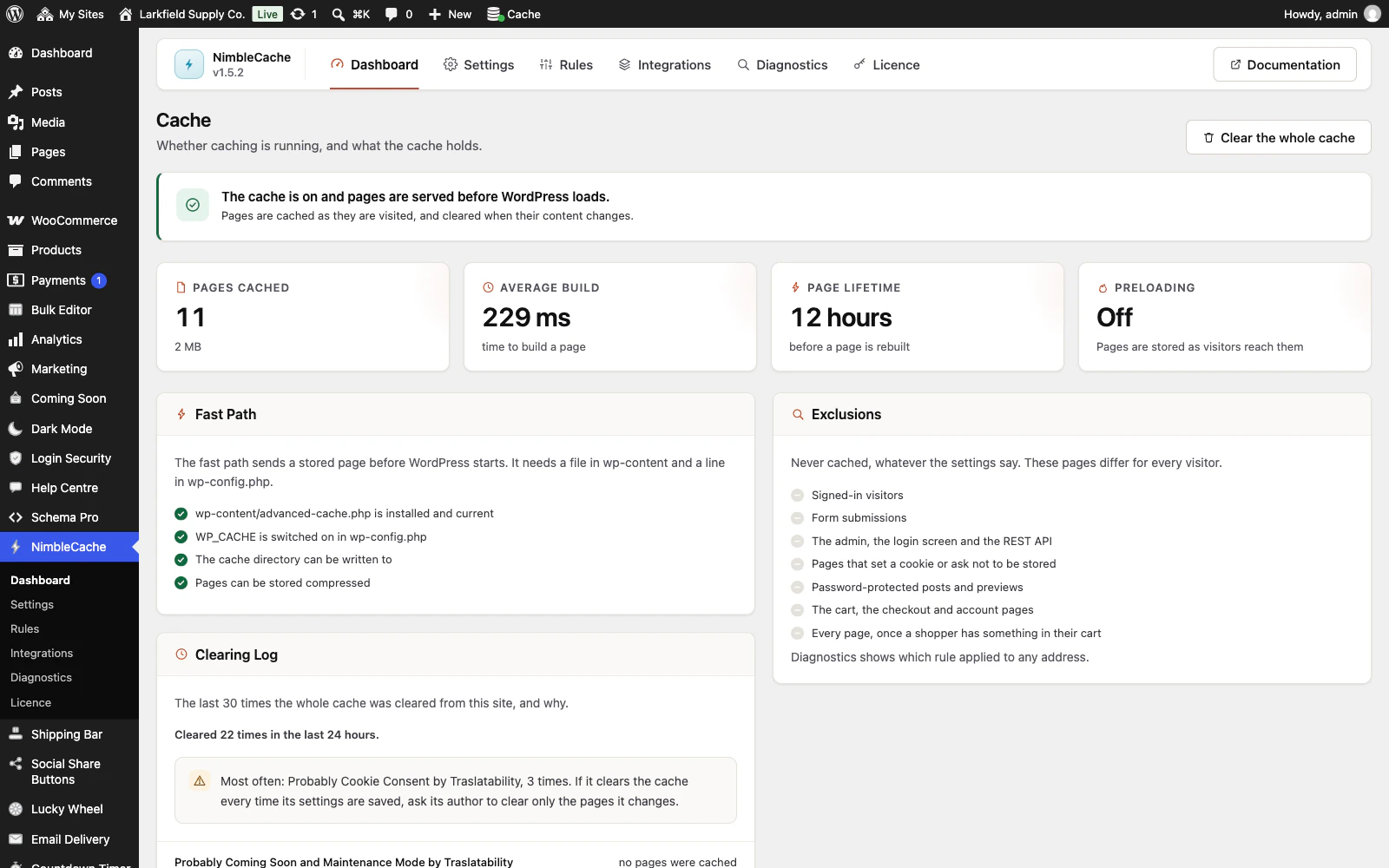
Look at the Pages Not Stored panel on the Dashboard. It appears when WordPress built pages for signed-out visitors in the last seven days that the cache then refused to keep, and it says why, busiest reason first.
Often the reason is a cookie: "A page set the cookie xyz_visitor", with how many samples saw it. A page that sets a cookie is treated as personal to one visitor, so it is never stored, and a plugin that sets a cookie on every page stops every page being cached. Search the cookie's name to find which plugin sets it, then turn off the feature that sets it or ask the plugin's makers not to set it for visitors who are not signed in. Check an example opens Diagnostics on one of the pages, and your browser's developer tools show the same thing in the header: X-NimbleCache: BYPASS set-cookie (xyz_visitor).
If the cookie is PHPSESSID, a plugin is starting a PHP session for every visitor, which also sends a header asking not to be stored. The line reads "A page set the cookie PHPSESSID and asked not to be cached", and the header BYPASS no-store (PHPSESSID). Look for the plugin that starts the session: deactivating plugins one at a time while signed out, and checking the header each time, finds it.
The counts are samples, at most one page a minute, so read them as which reason matters most rather than as exact totals. Signed-in visitors, carts, form submissions, redirects and 404s are never counted: those are meant to be fresh. Neither is robots.txt, which is short on purpose, nor the cache's own preloading and Diagnostics checks. After fixing the plugin, press Clear these samples in the panel so the old samples do not linger for a week.
Still stuck? Ask the developers who wrote it. We aim to reply within one business day.
 NimbleCache
Serve your pages before the plugins load — and never touch a setting to do it.
From $19 a year · every feature · 30-day refund