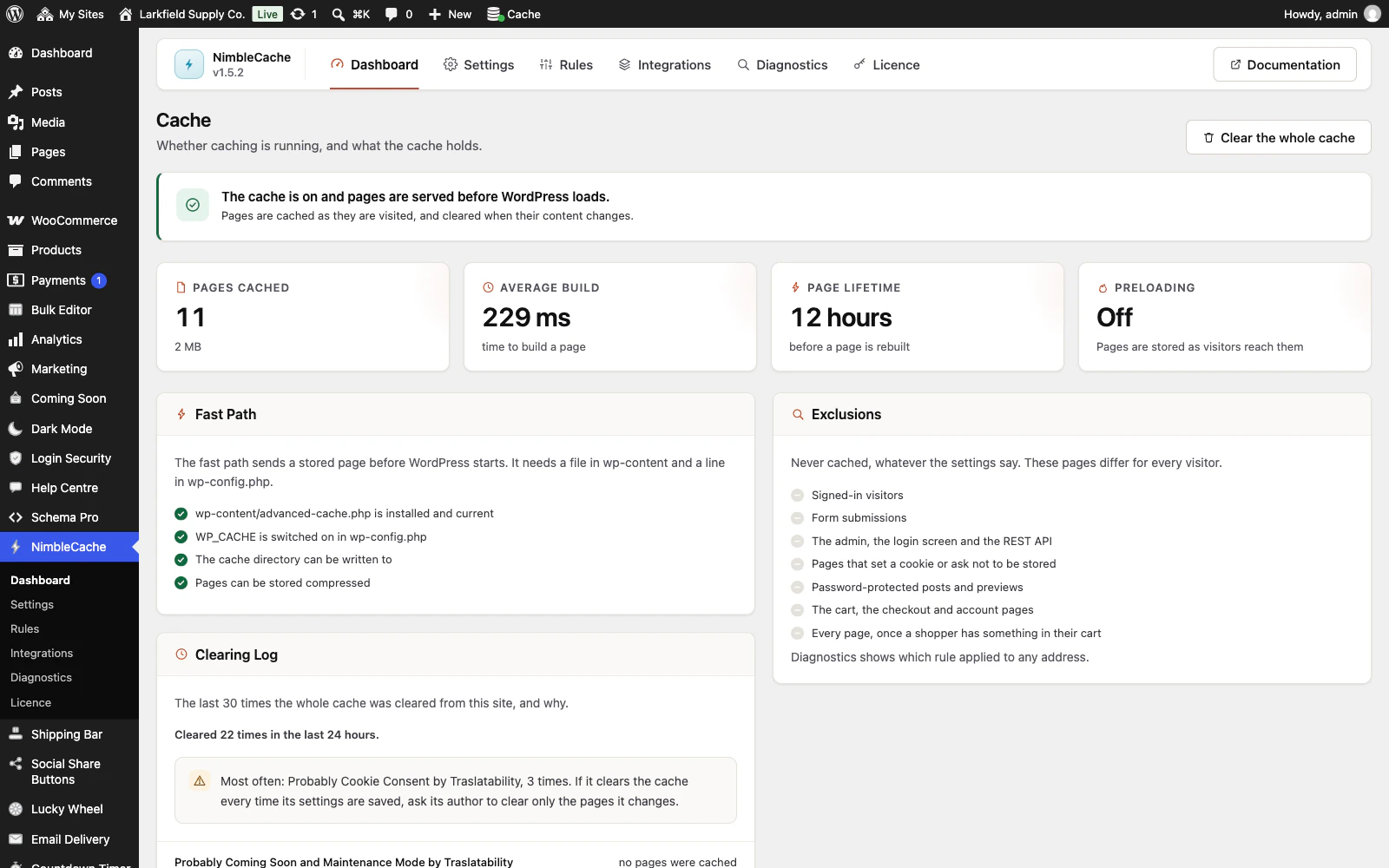
No. NimbleCache loads its admin code only in the admin, and only the parts a screen needs; the few jobs it does while you work are listed below.
- Saving a post clears that post and the pages that list it, never the whole cache.
- A cache in front of yours, such as Cloudflare through its own plugin, is told about each clear at the end of the save. Where the server allows it (PHP-FPM or LiteSpeed), your browser has its answer first; elsewhere the save waits for that cache, for up to 8 seconds.
- Each admin page an administrator opens compares the fast-path file with the plugin's own copy, and replaces it after an update.
- Preloading, if you switch it on, fetches a few pages every five minutes in the background and stands down while the server is busy.
On the front end it loads five small classes, and a cached page does not run WordPress at all.
Still stuck? Ask the developers who wrote it. We aim to reply within one business day.
 NimbleCache
Serve your pages before the plugins load — and never touch a setting to do it.
From $19 a year · every feature · 30-day refund