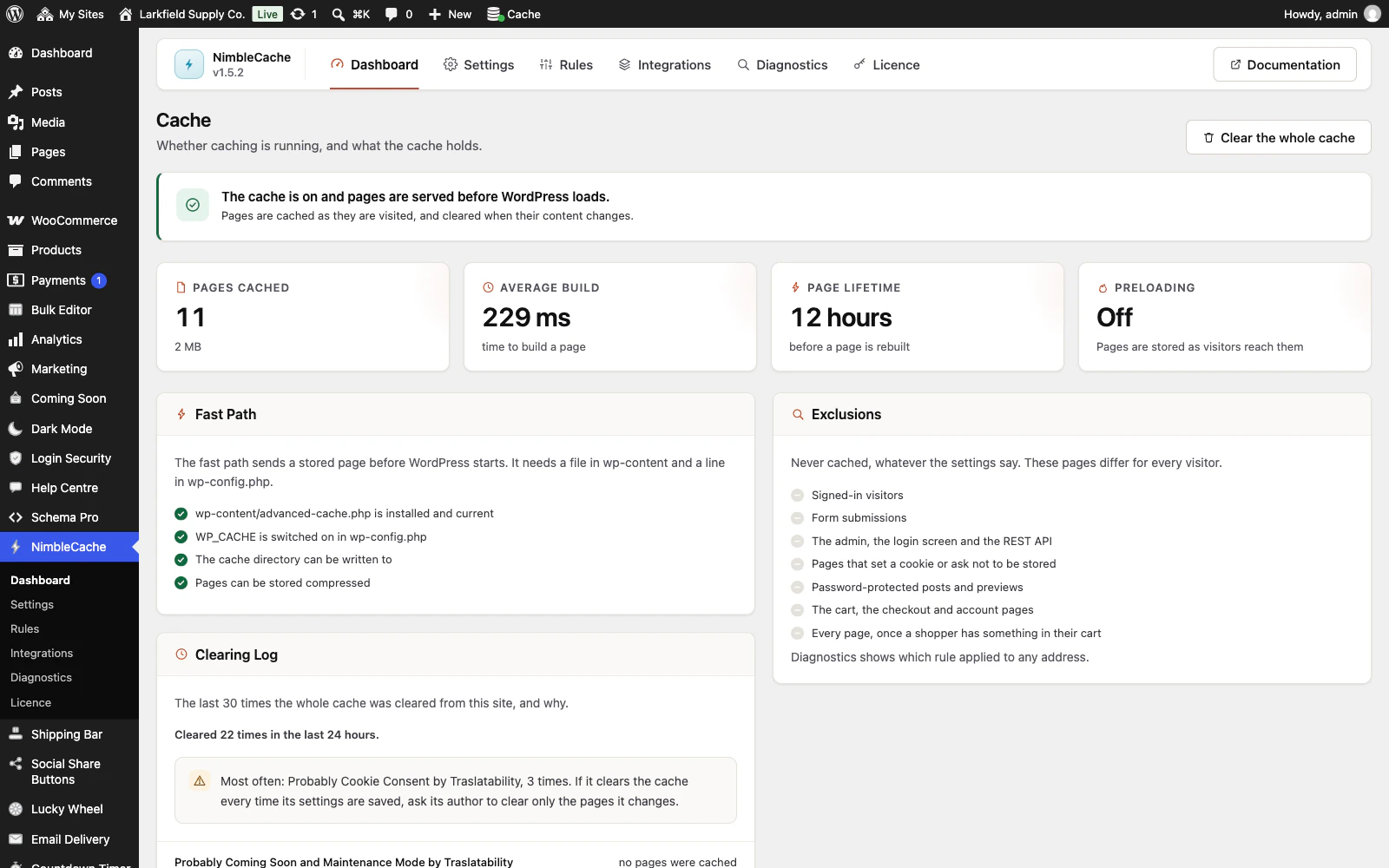
Yes, and carefully. The cart, checkout and account pages are never cached. The moment a shopper puts anything in their cart they stop being served cached pages at all, because the header shows a cart count.
Product and category pages are cached, and are thrown away the moment WooCommerce reports a price change, a stock change, a scheduled sale starting or ending, or an order that consumed stock — however the change was made: the product screen, an import, the REST API or a stock-sync plugin. A change to one variation clears its product's page. On a multi-currency shop, every currency's copy of the page goes, not only the default one.
Price edits follow Settings → Clear when a post is published or edited, like any other edit. Stock changes and scheduled sales always clear the page.
Still stuck? Ask the developers who wrote it. We aim to reply within one business day.
 NimbleCache
Serve your pages before the plugins load — and never touch a setting to do it.
From $19 a year · every feature · 30-day refund