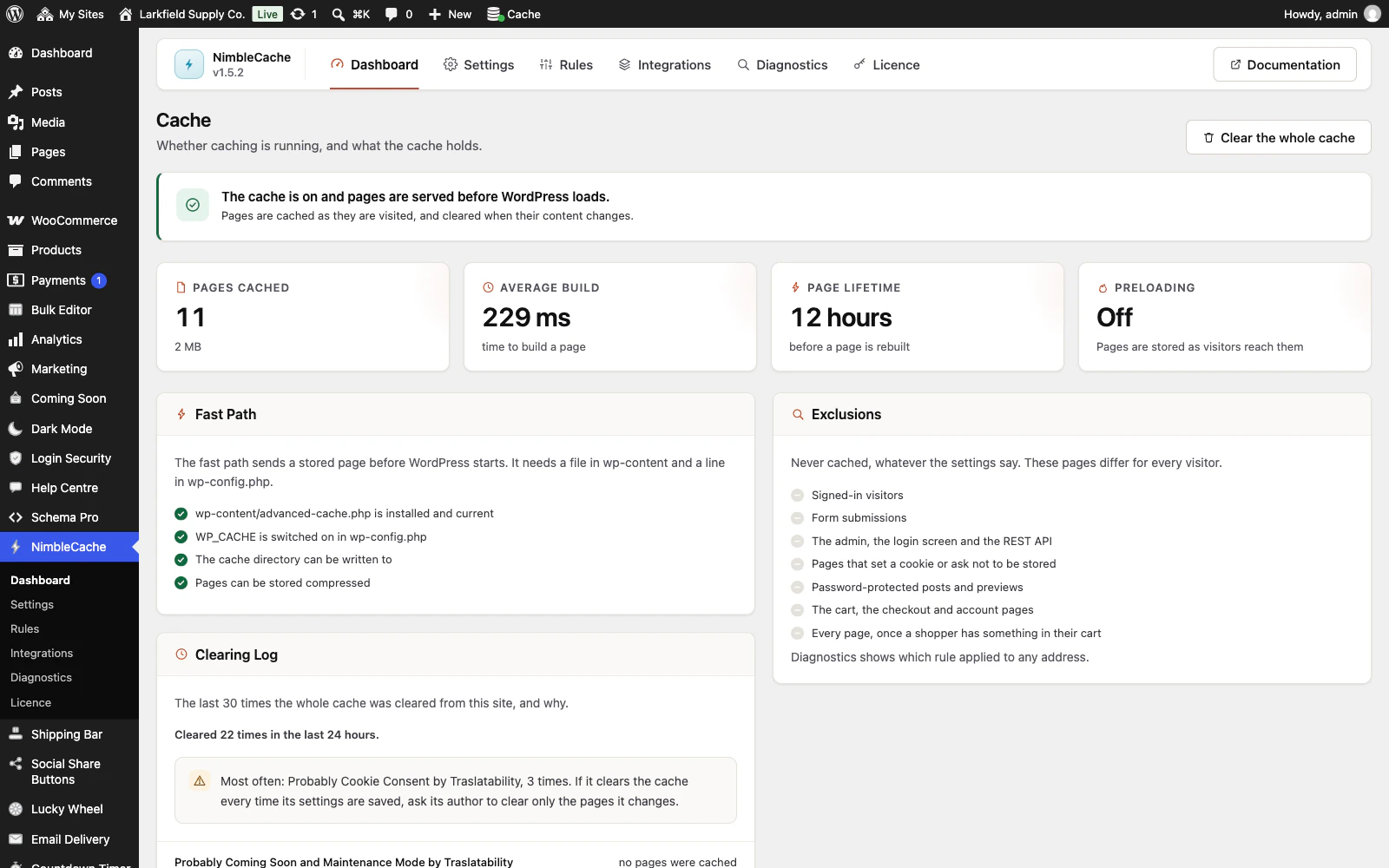
The Dashboard answers this at the top. Green means pages are being served before the plugins load.
To check a specific page, put its address into Diagnostics. It fetches the page twice and tells you what the server did. The second fetch saying HIT is the proof.
You can also open the page in a private window and view the source: a cached copy ends with <!-- NimbleCache … -->. Signed in, you always get a freshly built page, so look while signed out. Your browser's developer tools show the same thing in the X-NimbleCache response header — HIT, MISS, or BYPASS and the reason.
Still stuck? Ask the developers who wrote it. We aim to reply within one business day.
 NimbleCache
Serve your pages before the plugins load — and never touch a setting to do it.
From $19 a year · every feature · 30-day refund