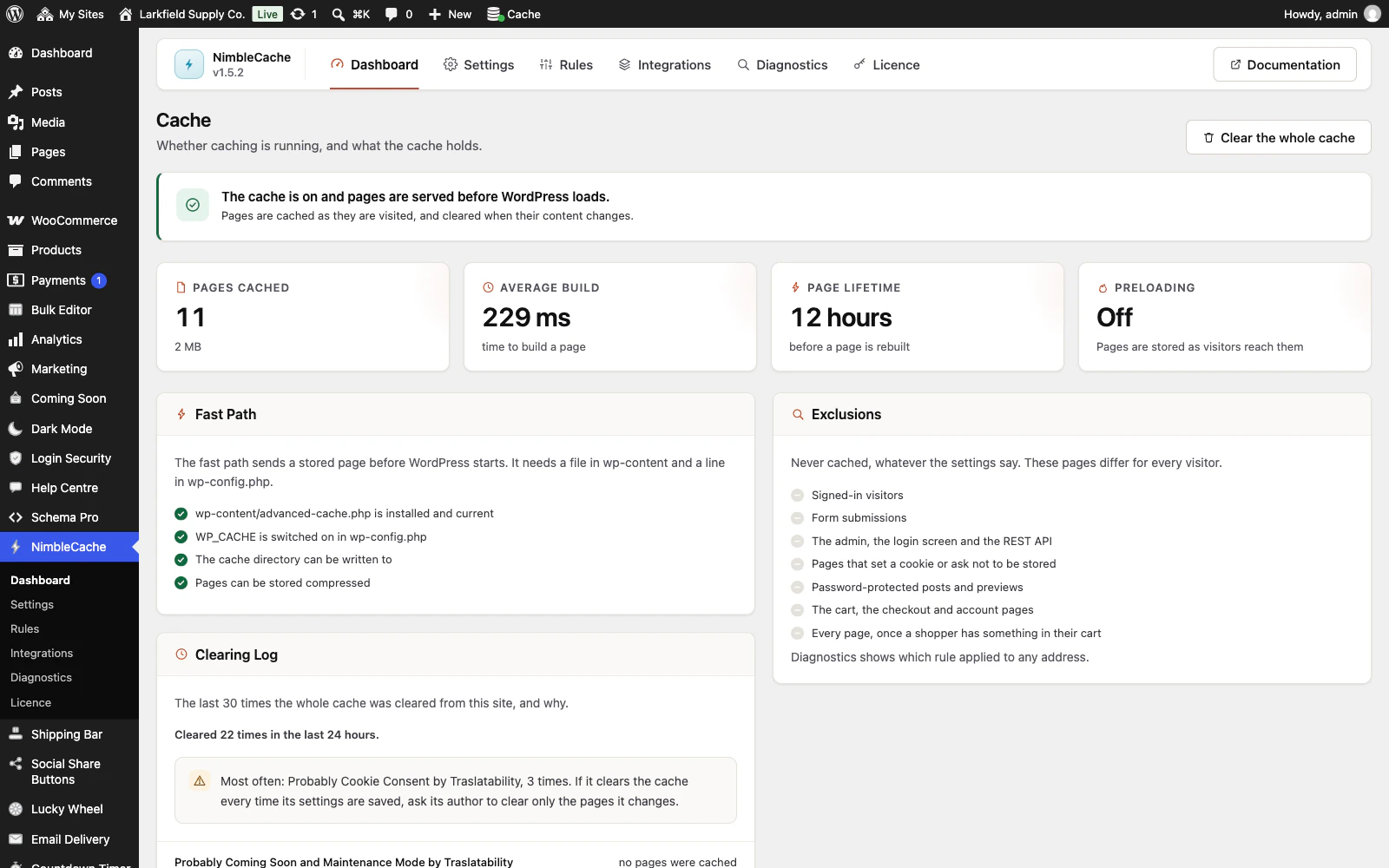
First: are you signed in? Signed-in visitors are never served cached pages, so if you can see the change and a signed-out visitor cannot, the cache is the reason and purging fixes it.
Use Clear this page in the toolbar while looking at the page, or Clear cache under it in the Posts, Pages or Products list. The page reloads with a message saying whether a cached copy was cleared. If that does not do it, the page you are looking at may be assembled from something we do not know changed — tell us what plugin builds it and we will add it.
A page that lists posts or products without being their archive, such as a news page built with a Query Loop block or a "New arrivals" page, is not something a post knows it appears on. Put its address in Settings → Clearing → Also clear these pages and it is cleared with every post, page or product that is published, edited or taken down.
Changes to the header, footer, menus, colours or fonts in the Site Editor, and to the text of a widget, empty the whole cache on their own, as do plugin, theme and WordPress updates.
Still the old page after that? Another cache may sit in front of this one: your host's, or Cloudflare. Put the page's address into Diagnostics. If it says "A second cache sits in front of NimbleCache", it quotes the header that cache sent, names the cache where the header says whose it is, and says whether NimbleCache asks it to clear pages. See the next question.
Still stuck? Ask the developers who wrote it. We aim to reply within one business day.
 NimbleCache
Serve your pages before the plugins load — and never touch a setting to do it.
From $19 a year · every feature · 30-day refund