All 33 NimbleCache answers

See every answer

Answer

What happens when I deactivate it?

Updated NimbleCache 1.7.0Tested with WordPress 7.1

The drop-in is removed, WP_CACHE comes back out of wp-config.php and the cache is cleared. The site goes back to exactly how it was.

On a multisite network, deactivating it on one site clears that site's cache and stops it being cached. The other sites keep theirs, so the drop-in and WP_CACHE stay until the plugin is deactivated on the last of them. Deactivating it for the whole network removes them for every site at once.

Still stuck? Ask the developers who wrote it. We aim to reply within one business day.

NimbleCache

Serve your pages before the plugins load — and never touch a setting to do it.

From $19 a year · every feature · 30-day refund
Buy NimbleCacheSee the plugin

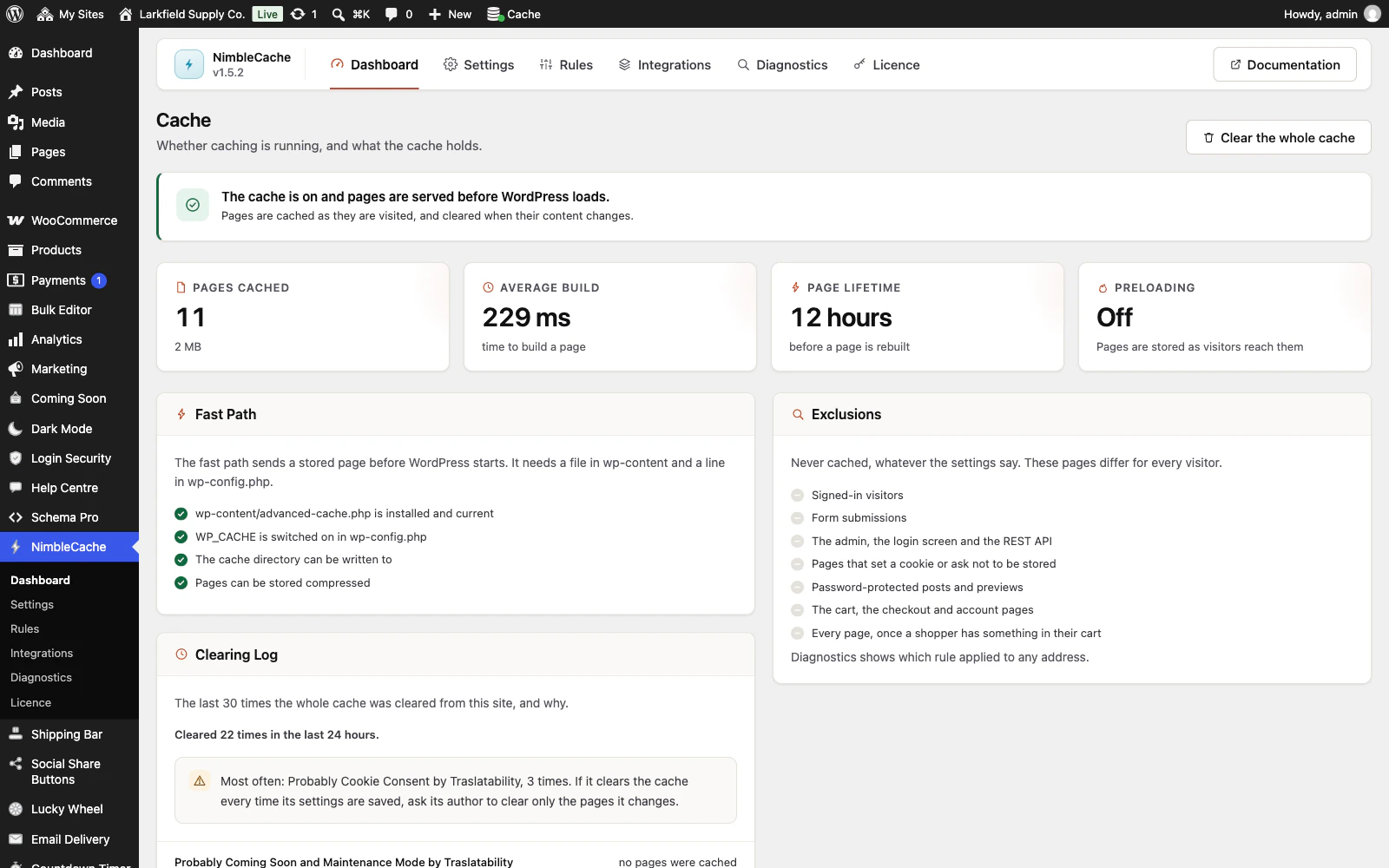
The NimbleCache dashboard in WordPress admin. A green notice reads The cache is on and pages are served before WordPress loads. Four cards show 11 pages cached (2 MB), an average build of 229 ms, a 12 hour page lifetime and preloading off. A Fast Path panel ticks off advanced-cache.php installed and current, WP_CACHE switched on in wp-config.php, the cache directory writable and compressed pages. An Exclusions panel lists what is never cached, and a Clearing Log lists recent full clears with the plugin that probably caused each.