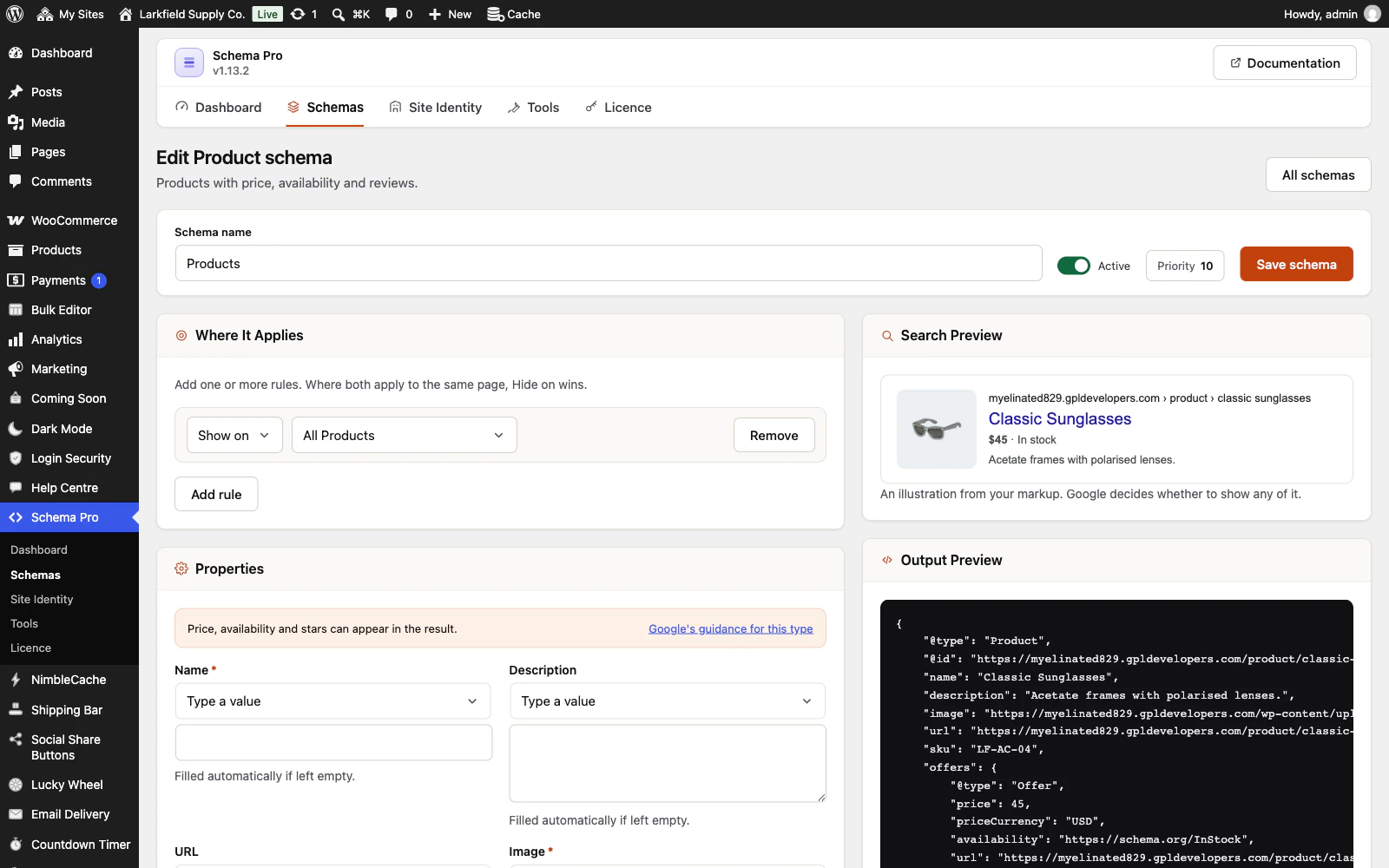
Yes. Open the post and use the Schema Pro panel below the editor. Every schema that applies to that post is listed with its fields, and each box shows the value that would be used if you leave it empty.
Anything you type applies to that post only — the schema itself and every other post it covers stay as they were. Clearing the box restores the automatic value.
Still stuck? Ask the developers who wrote it. We aim to reply within one business day.
 Schema Pro
Mark up your pages so Google can show stars, prices, cook times and more, set up in two minutes with no code.
From $19 a year · every feature · 30-day refund