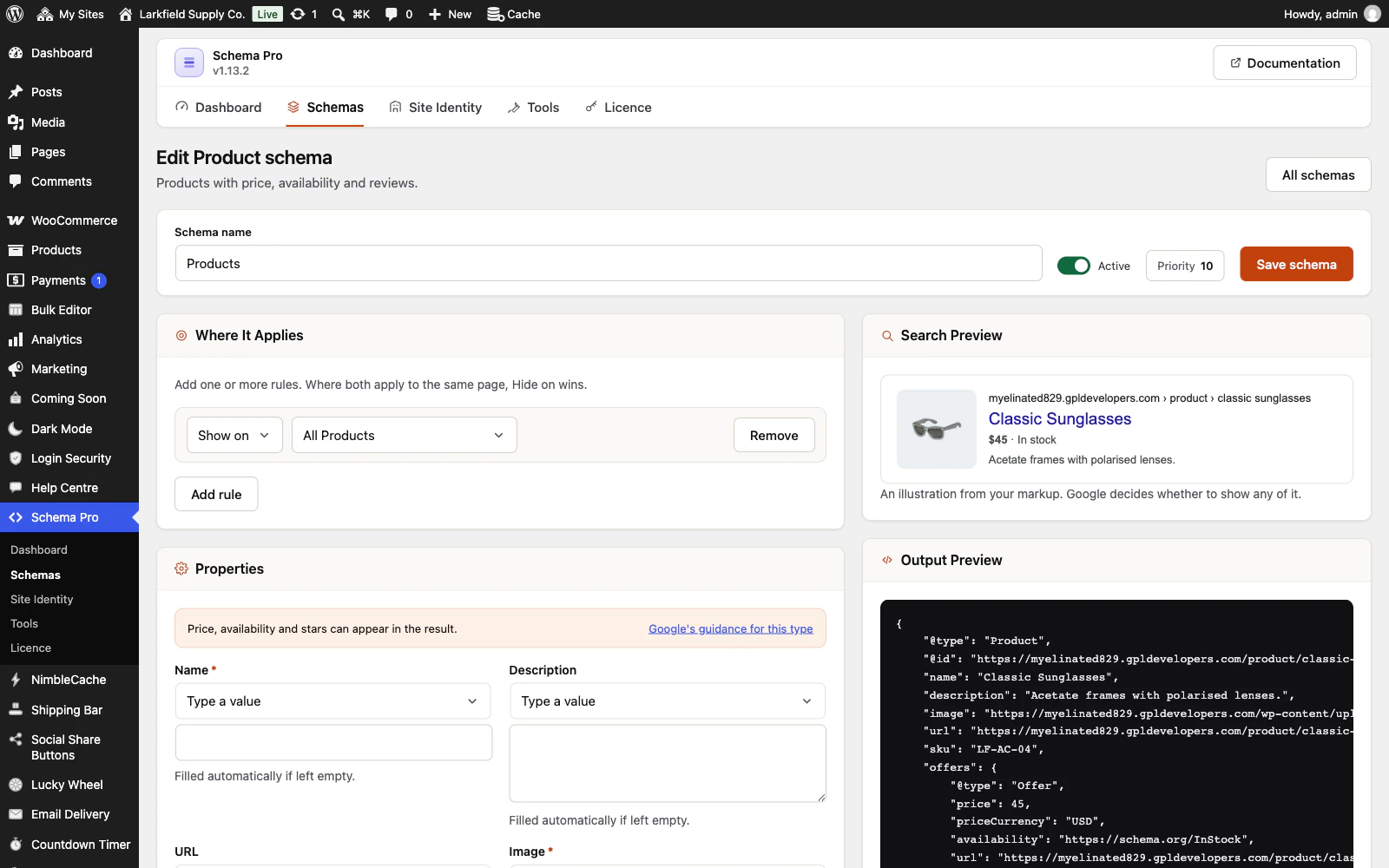
Valid markup makes a page eligible for rich results; it does not guarantee them. Google decides per query, and it can take days or weeks after recrawling.
Work through this in order:
- Check Schema Pro → Tools for validation errors on that schema, and in Page Checks whether that page is one of the pages missing a required property. The Schema Pro panel in that post's editor says the same for the post.
- Test the live URL with Google's Rich Results Test. It shows what Google actually sees, which matters if a cache or CDN is serving something older.
- In Search Console, use URL Inspection → Test live URL, then request indexing.
If the test passes and the page is indexed, it is a matter of waiting.
Still stuck? Ask the developers who wrote it. We aim to reply within one business day.
 Schema Pro
Mark up your pages so Google can show stars, prices, cook times and more, set up in two minutes with no code.
From $19 a year · every feature · 30-day refund