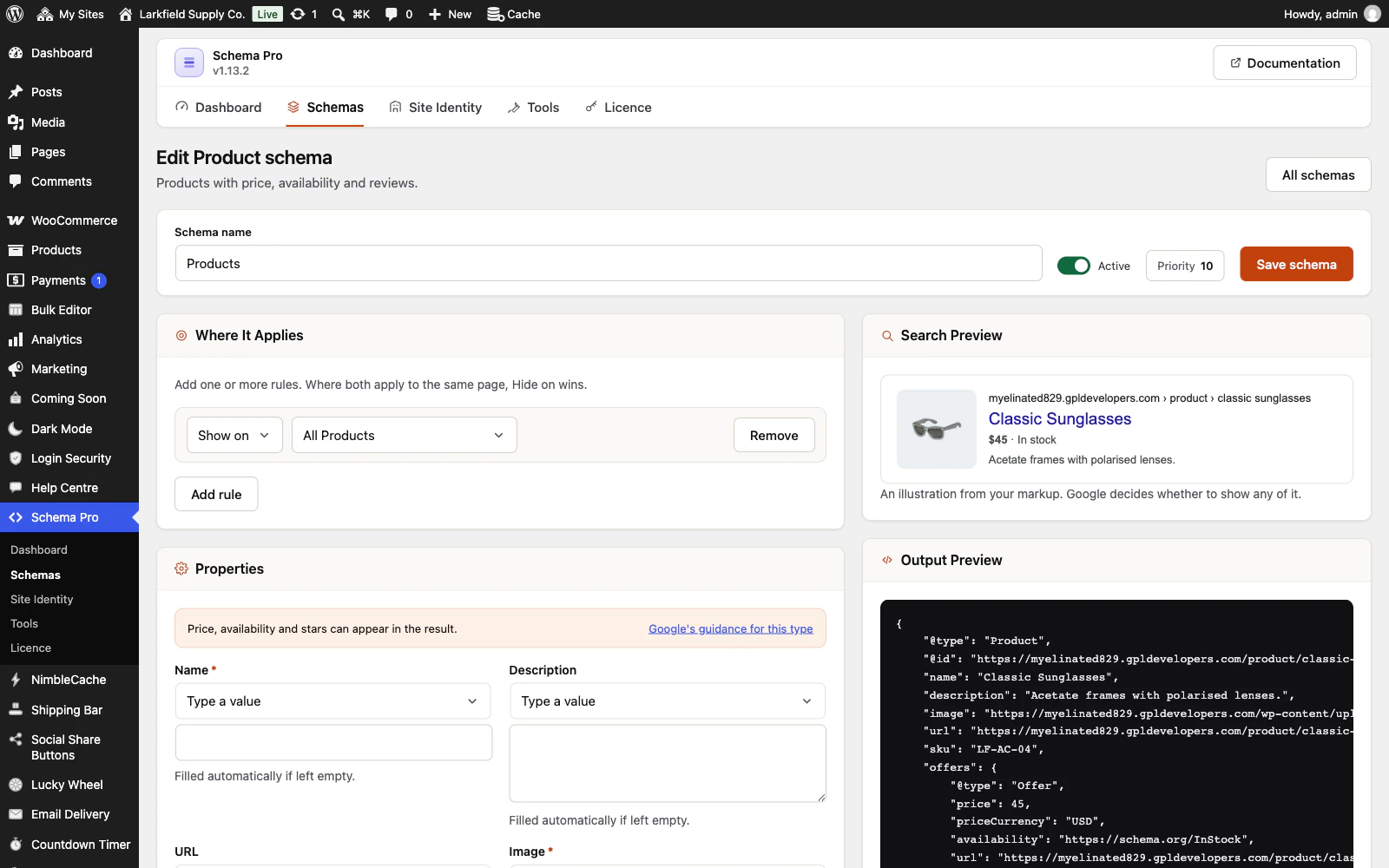
Saving a post clears the cache, so this is normally handled, and on a WooCommerce shop a stock, price or review change clears that product's markup too. While you are logged in you always see freshly built markup, never a stored copy. If you changed content another way — an import, a direct database edit, a bulk tool — use Clear schema cache under Tools.
Saving a schema or Site Identity also asks the common page caches to empty themselves — NimbleCache, WP Rocket, LiteSpeed Cache, W3 Total Cache, WP Super Cache, WP Fastest Cache, SiteGround, Breeze, WP-Optimize and Cloudflare's own plugin. A CDN or a host's cache that is none of these can still serve an older copy of the whole page; clear that too if the source still shows old markup.
Still stuck? Ask the developers who wrote it. We aim to reply within one business day.
 Schema Pro
Mark up your pages so Google can show stars, prices, cook times and more, set up in two minutes with no code.
From $19 a year · every feature · 30-day refund