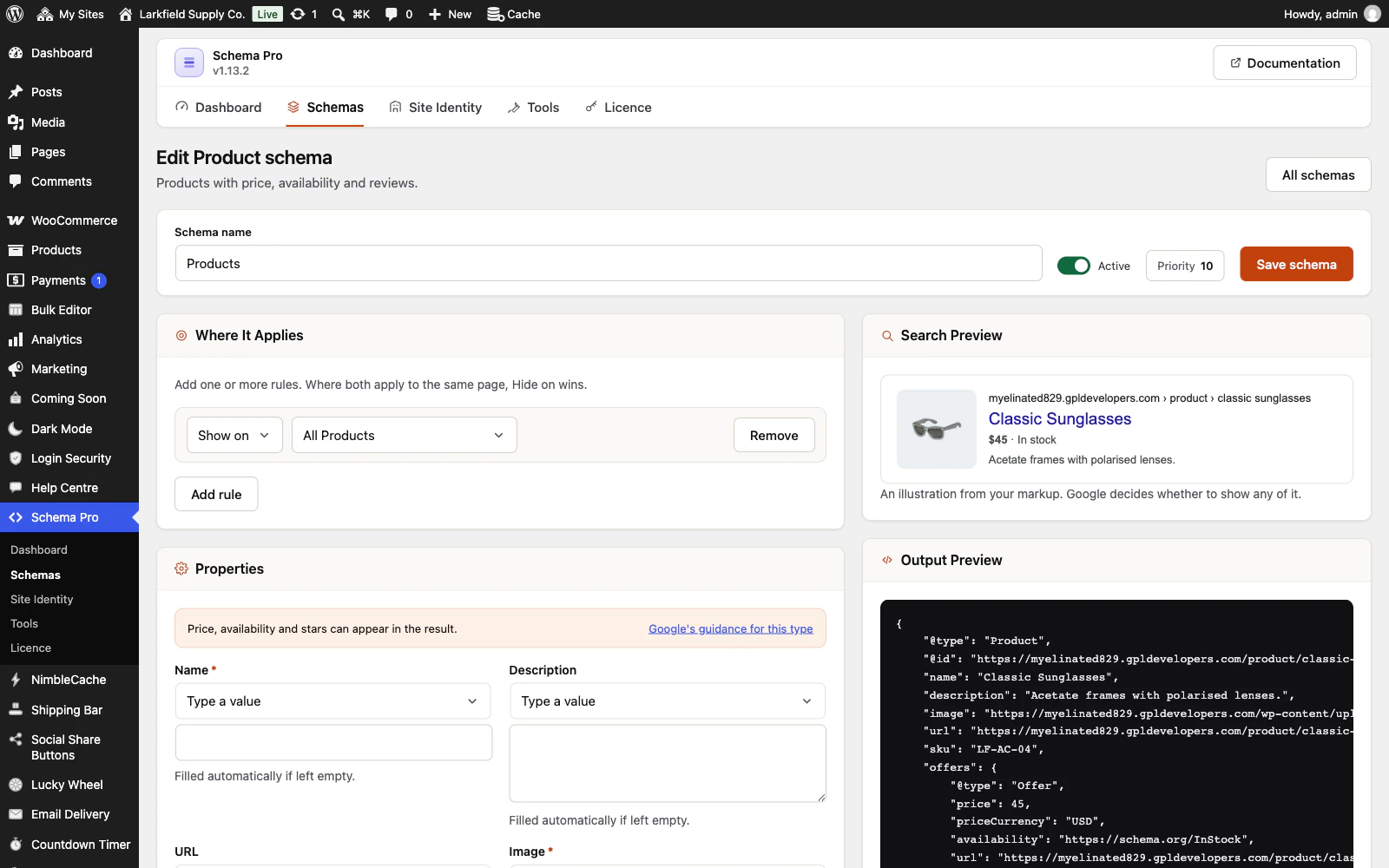
Not from the post itself. A description left to fill itself in is normally the post's excerpt or its first 55 words. On a post restricted by MemberPress, Paid Memberships Pro, WooCommerce Memberships or Restrict Content Pro, or a LearnDash lesson, topic or quiz of a course that is not open to everyone, only an excerpt you have written is used; without one there is no description. A lesson shared between courses is described only when every course it is in is open to everyone (LearnDash's Open access mode). One that is also in any other kind of course, free with sign-up, paid, recurring or closed, or in a course whose access mode was never saved, is treated as members-only, to be on the safe side, even when its own course is open. A password-protected post has none at all. Write an excerpt for a members-only post if you want search engines to have a summary of it.
This covers the automatic description only. Anything you type or map into a field yourself is published as you set it. If you use another membership plugin, a developer can tell Schema Pro which posts it restricts with the trsch_post_is_restricted filter.
Still stuck? Ask the developers who wrote it. We aim to reply within one business day.
 Schema Pro
Mark up your pages so Google can show stars, prices, cook times and more, set up in two minutes with no code.
From $19 a year · every feature · 30-day refund