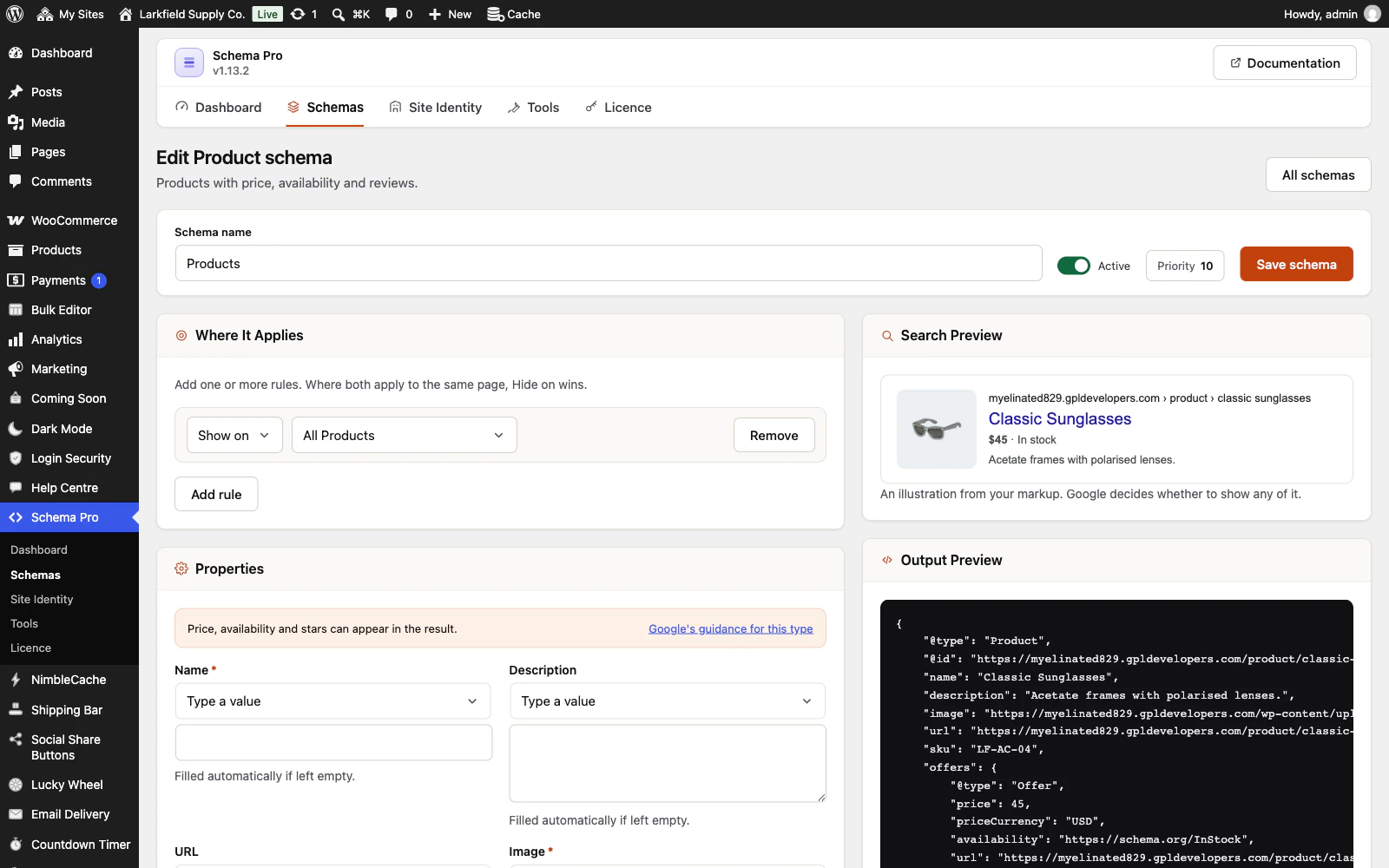
Yes. Schema Pro takes your own JSON-LD in a Custom JSON-LD schema and adds it to the same block as the rest of its markup, so a page keeps one block.
Paste the object itself, not a <script> tag. It is checked as JSON when you save, and if it does not parse, it is not saved.
A second block from somewhere else is treated by where it comes from:
- An SEO plugin (Yoast, Rank Math, SEOPress, All in One SEO, The SEO Framework): Schema Pro stands down for the parts it already outputs. Tools → Other schema plugins shows which plugin handles what.
- A theme that hard-codes markup: this cannot be detected. Remove the theme's block, or set the competing Schema Pro schema to Draft.
To keep a schema off one post, add a Hide on → A specific post or page rule to it. Check the result with Test with Google in the post's Schema Pro panel, which opens Google's Rich Results Test.
Related: Schema Pro docs: Custom JSON-LD
Still stuck? Ask the developers who wrote it. We aim to reply within one business day.
 Schema Pro
Mark up your pages so Google can show stars, prices, cook times and more, set up in two minutes with no code.
From $19 a year · every feature · 30-day refund