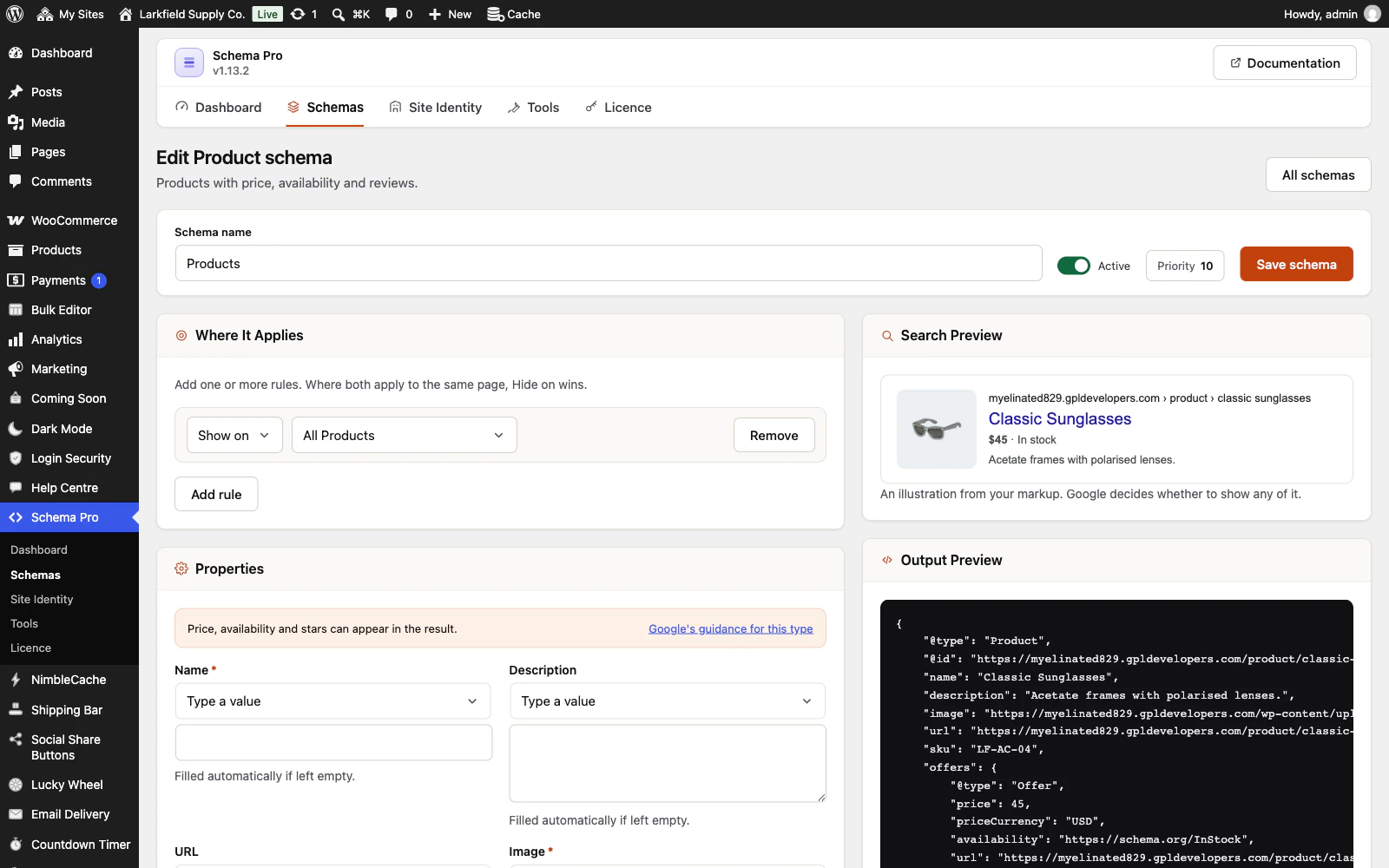
Check Tools → Integrations → WooCommerce → Mark up each variation of a variable product. A shop that had Schema Pro before this option existed keeps its price ranges until it ticks it, or presses Mark up each variation on the Dashboard.
With it ticked, a product still keeps its range when a variation is set to Any for one of its attributes, when it has more than 30 variations, or when its price is typed into the schema. While Let WooCommerce handle products is chosen, the markup is WooCommerce's own, which has no variations in it. The schema editor's checks say which, on the product it is checking. Give each variation a value for every attribute, and it is marked up one variation at a time.
Still stuck? Ask the developers who wrote it. We aim to reply within one business day.
 Schema Pro
Mark up your pages so Google can show stars, prices, cook times and more, set up in two minutes with no code.
From $19 a year · every feature · 30-day refund