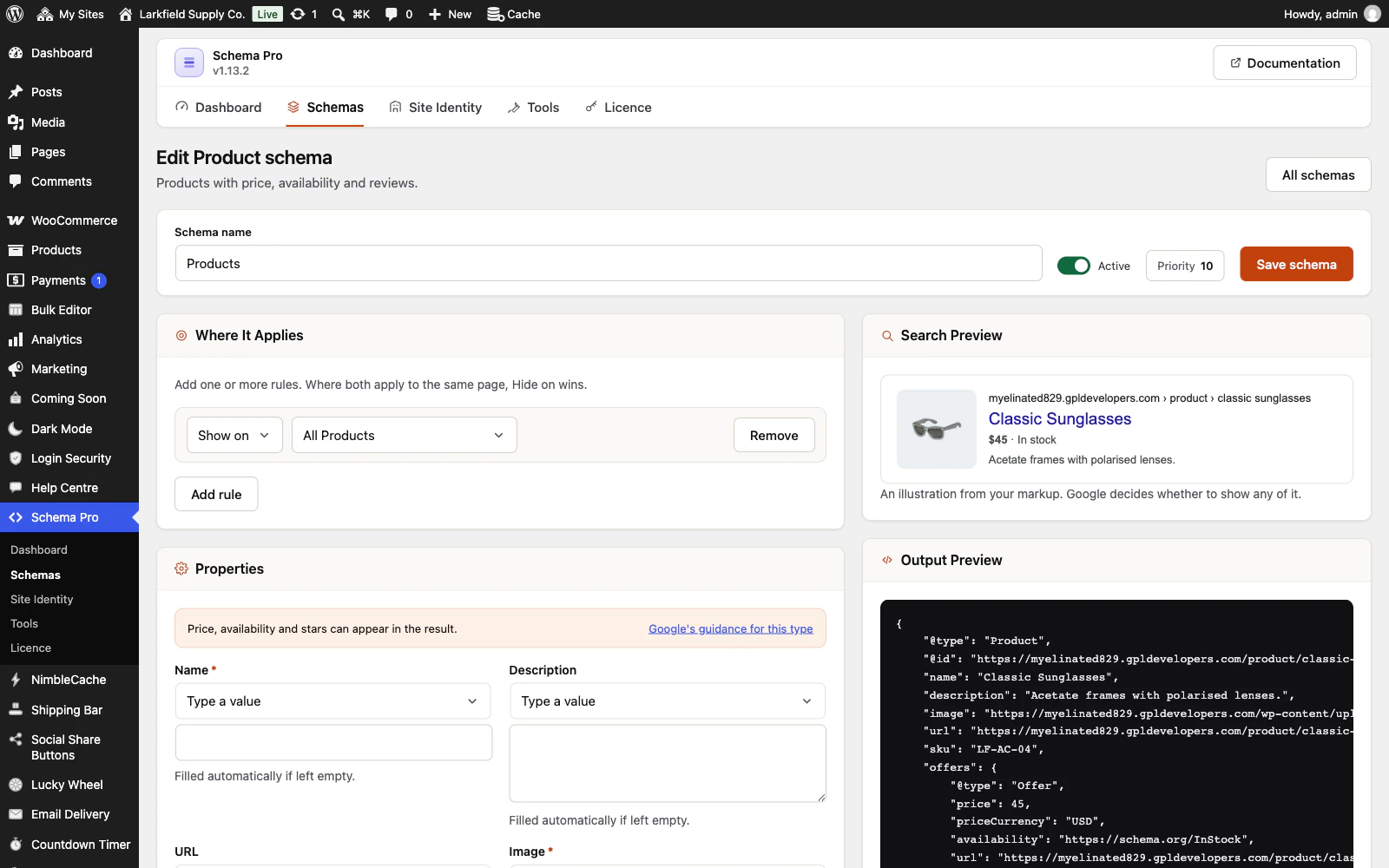
Yes. Tools → Maintenance → Export downloads every schema, with its rules and fields, and the site settings as one file. On the other site, choose the file under Export and Import and press Import. The schemas are added beside any already there; tick Also import the site settings to bring Site Identity and the output options across as well.
Per-post overrides stay behind. A rule naming one specific post or term finds the same one on the new site by its slug or exact title. A rule that finds no match is imported switched off and listed after the import, so you can pick the right page; nothing is left pointing at an unrelated one. A full database migration still carries everything across too.
Still stuck? Ask the developers who wrote it. We aim to reply within one business day.
 Schema Pro
Mark up your pages so Google can show stars, prices, cook times and more, set up in two minutes with no code.
From $19 a year · every feature · 30-day refund