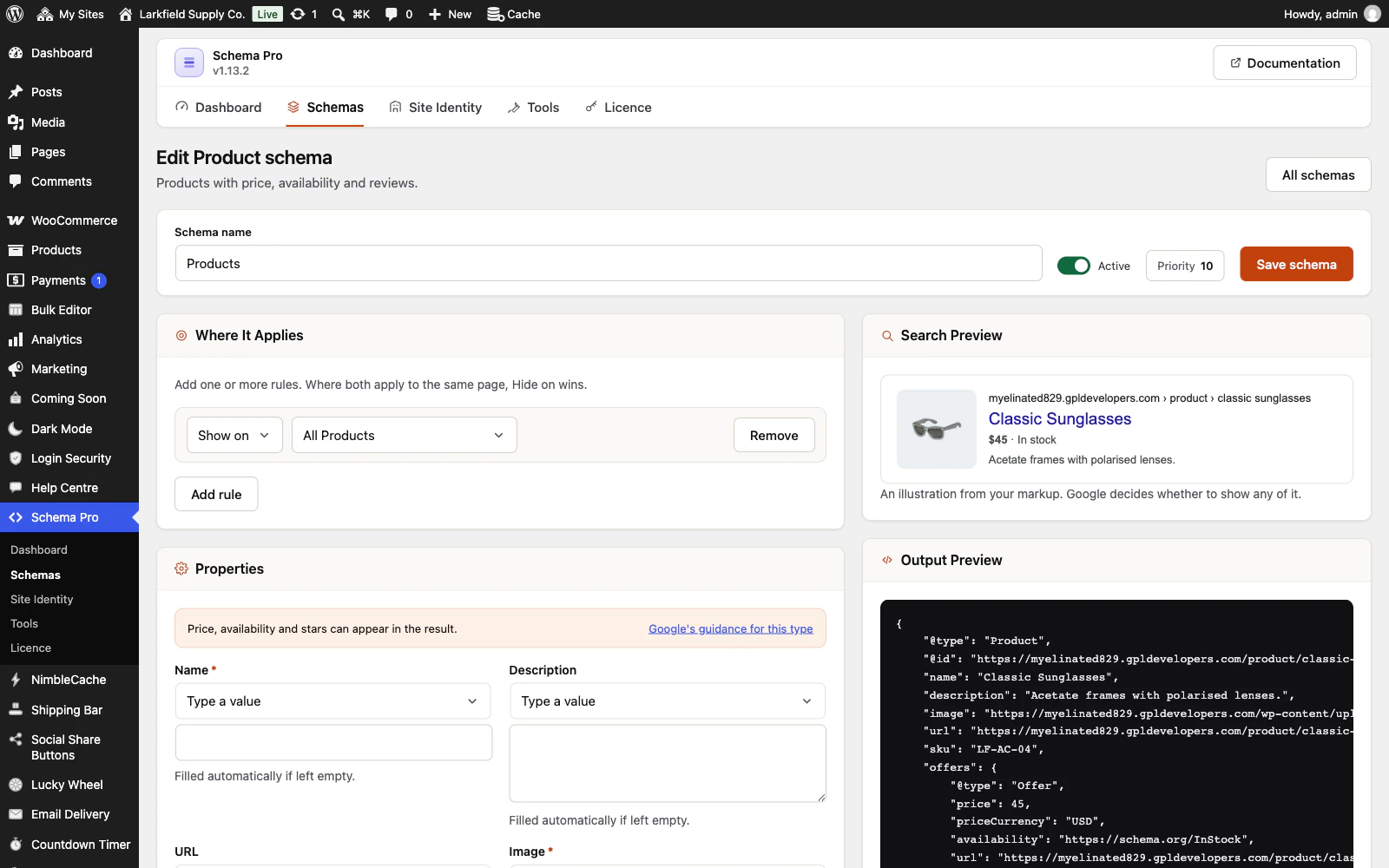
Yes, and there is nothing to map. Add a Product schema aimed at All Products — the setup offers one, and so does Tools → Integrations → WooCommerce — and leave its fields empty: price, currency, stock status, SKU, brand, GTIN, sale end date and ratings are read from each product. A product in variations is marked up with each variation's own price, stock and link (or as a price range, if you switch that off), and a back-ordered one is marked as on back-order.
WooCommerce writes its own Product markup too. On each product your Product schema covers, we switch WooCommerce's off so there is exactly one Product block on the page, and ours carries everything WooCommerce's did: the newest rated reviews, the seller and a sale's struck-through price. A sale is marked the way Google now asks, with the old price as StrikethroughPrice and the sale's start and end with their time and time zone. A product no Product schema covers keeps WooCommerce's markup. You can hand every product back to WooCommerce under Tools → Integrations → WooCommerce.
Still stuck? Ask the developers who wrote it. We aim to reply within one business day.
 Schema Pro
Mark up your pages so Google can show stars, prices, cook times and more, set up in two minutes with no code.
From $19 a year · every feature · 30-day refund