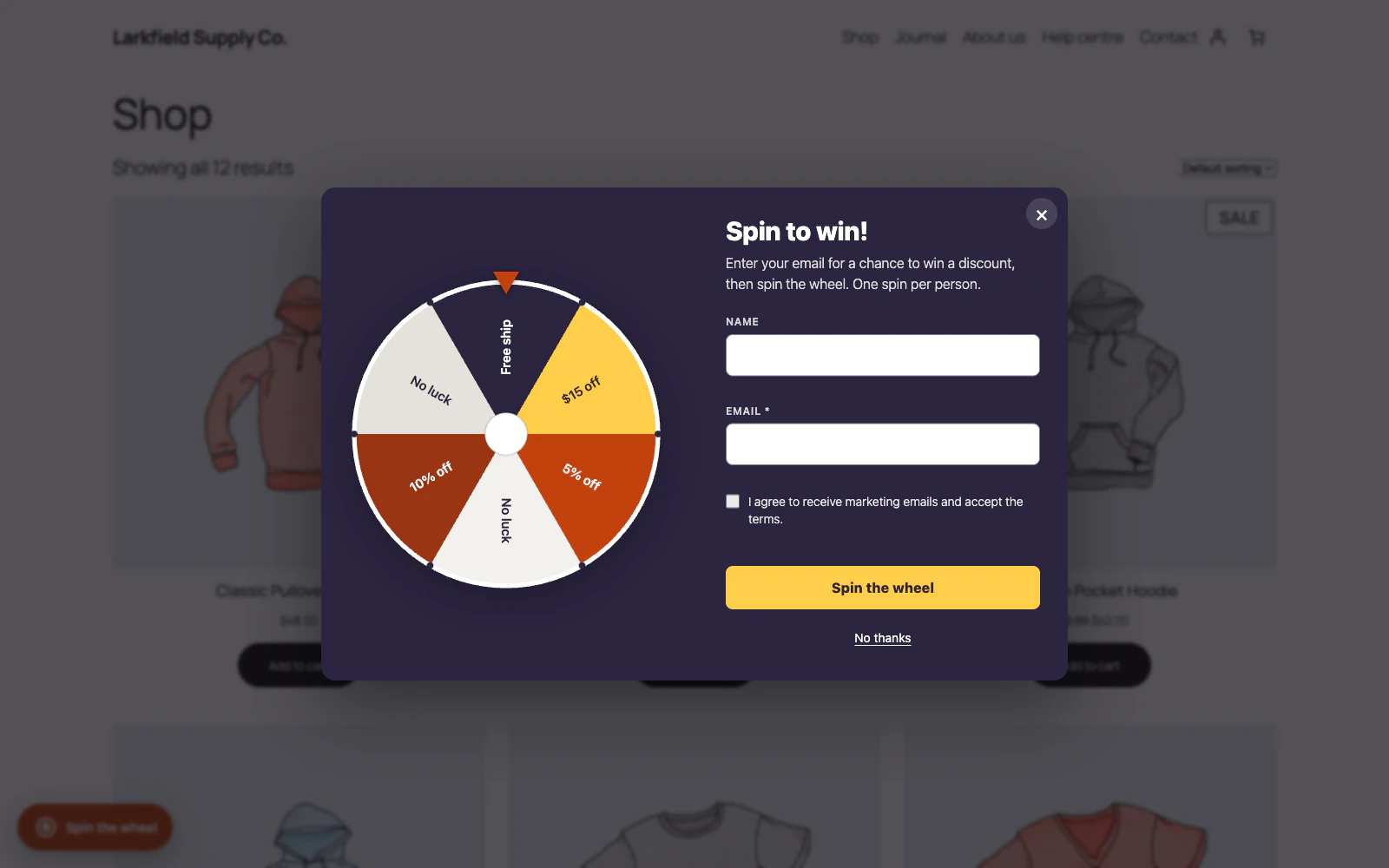
Yes. Design, at the top of the Appearance panel on the Wheel screen, offers eight: Card (the wheel beside the words, and the default), Stack (one narrow column with the wheel on top), Ticket (a cloakroom ticket with a torn perforation and two punched notches), Strip (a wide, low band with the fields in a row, made for a page), Split (the wheel on a tinted half, the form on the other), Dome (one column under an arched, tinted top), Frame (square corners, a fine double line inside the edge and a serif heading) and Sheet (rising from the bottom of the screen, the full width of it).
A design is a shape and nothing else. All eight are drawn in the colours you set under it, so you can try each one and come back without having lost the colours you matched to your shop. A shop that has never chosen keeps Card, which is what the popup looked like before designs existed.
Still stuck? Ask the developers who wrote it. We aim to reply within one business day.
 Lucky Wheel for WooCommerce
A spin-to-win prize wheel that gives shoppers a real WooCommerce coupon for their email address, and shows the orders those coupons bring in.
From $19 a year · every feature · 30-day refund