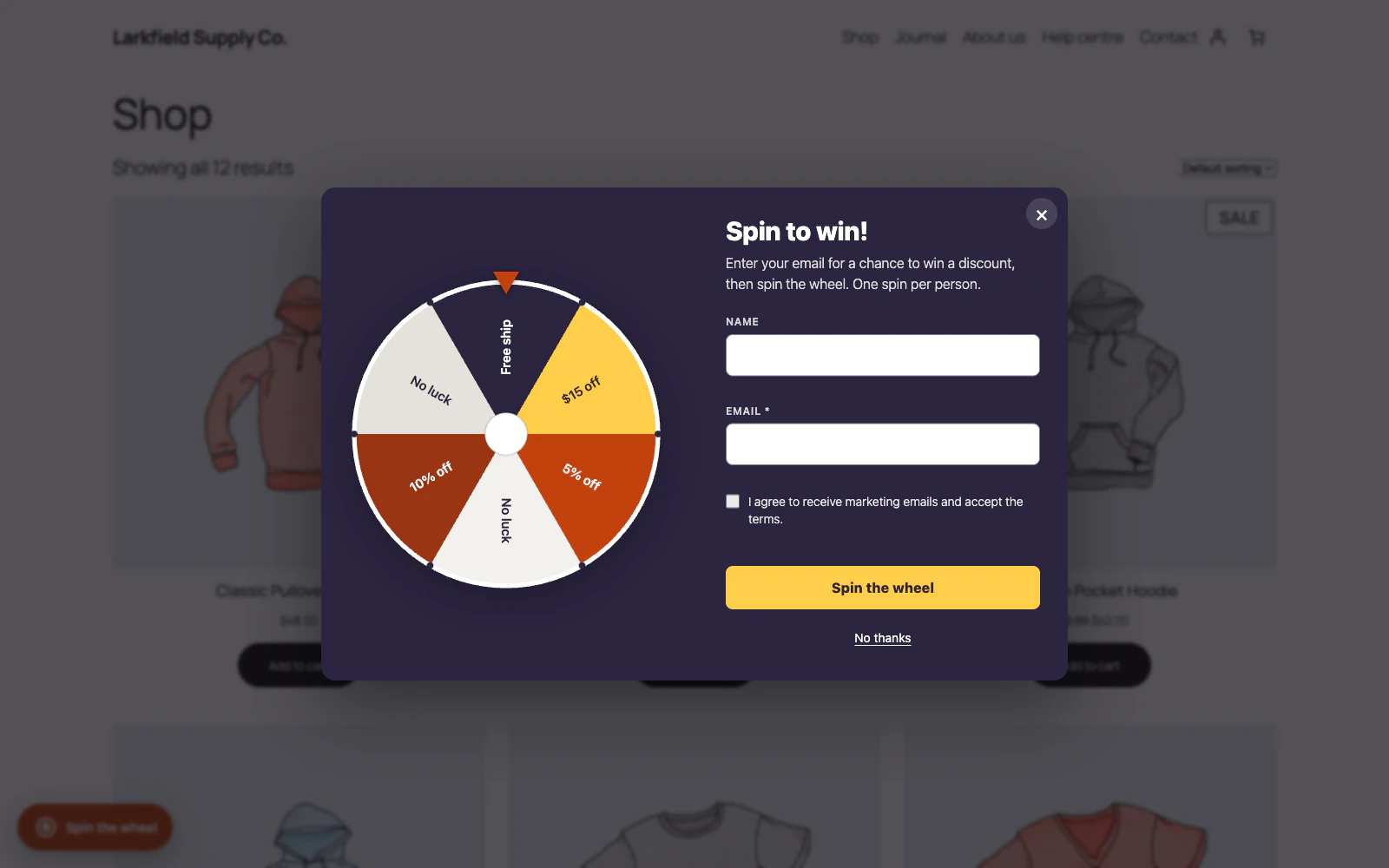
Switch on Remind winners of their code on later pages under Settings → Messages. After a win, a small Your prize button stays on your shop's pages, in the launcher's corner, until the code is in the cart, has been used in an order, or has expired. Pressing it shows the code, its date and any conditions, with Copy code, and the apply button when Show a button to apply the coupon is on. A shopper who does not want it can choose Close for now, which hides it for the rest of the visit in that browser tab. If your spin limit lets a winner spin again, the launcher stays for the next spin, with the button just above it (just below it when the launcher is in a top corner). Once a spin in that browser, with the same email, says none are left, the button takes the launcher's place. A winner who wins again keeps both codes: the button is then called Your prizes and lists each one, newest first, until each is in the cart, used or expired. When Cannot combine with other coupons is on for your prize coupons (the default) and the shopper applies the second code, WooCommerce takes the first out of the cart, and the first comes back to the button. One browser keeps up to five codes; a sixth win lets the oldest go from the button, and its code still works from the winner's email.
It is on for new installs. If you had the wheel before, the Dashboard offers it once while the wheel is turned on, with Switch it on; No thanks hides the suggestion and leaves it off.
The code is kept in the shopper's own browser and never sent anywhere, so the button shows in the browser the prize was won in, not on another device. Where the site runs WP Consent API, it is kept only for shoppers who allow preferences. It does not show on the checkout or the order received page, and it works while the wheel is turned on.
Still stuck? Ask the developers who wrote it. We aim to reply within one business day.
 Lucky Wheel for WooCommerce
A spin-to-win prize wheel that gives shoppers a real WooCommerce coupon for their email address, and shows the orders those coupons bring in.
From $19 a year · every feature · 30-day refund