All 40 Lucky Wheel answers
Answer
Can I open the wheel from my own button or menu link?
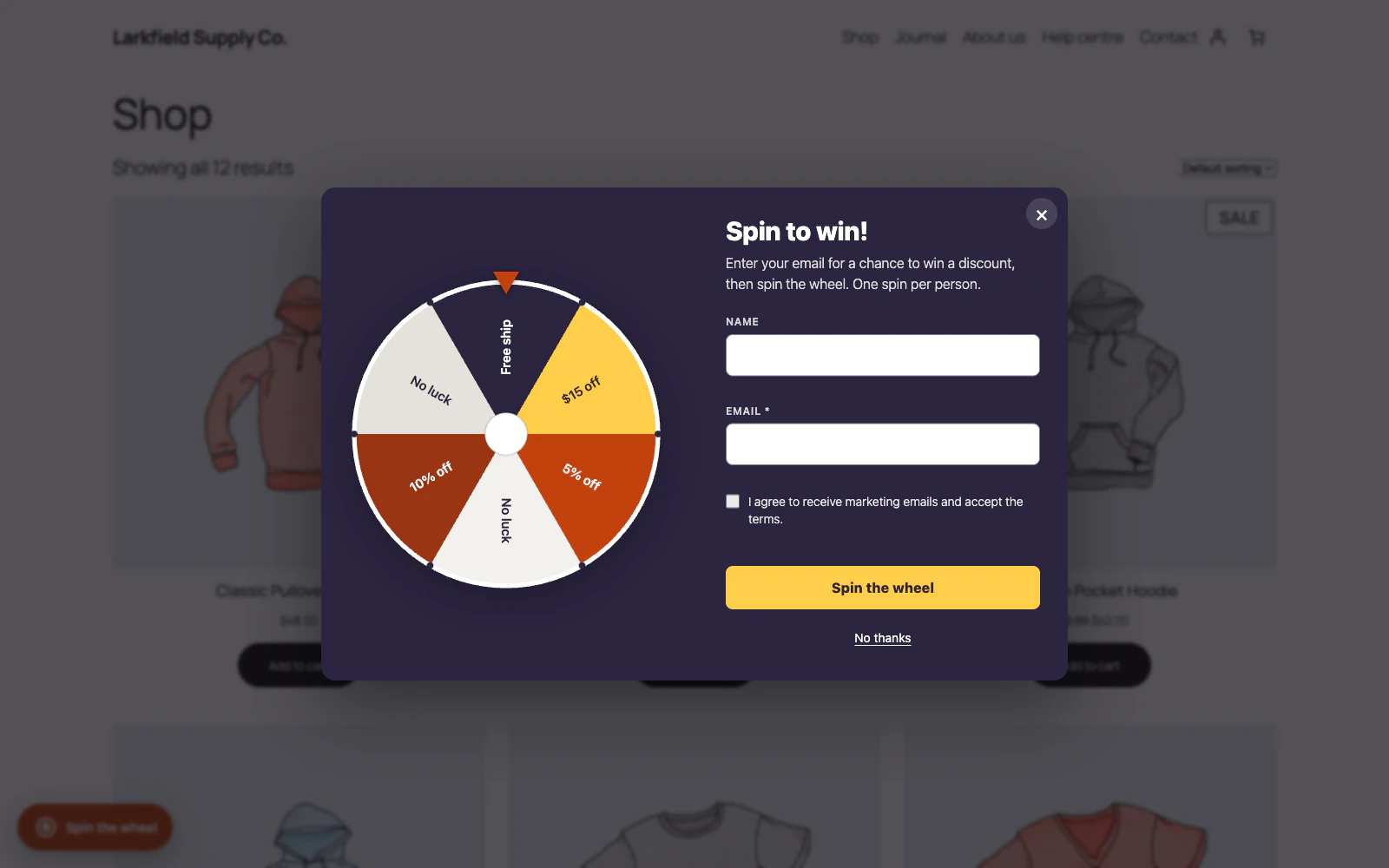
Yes. Link anything to the address #trlw-open: a menu item (a Custom Link in Appearance → Menus), a button or a banner image. Pressing it opens the popup on the page the shopper is on. Put #trlw-open on the end of a page address in a newsletter or a social post, such as https://yourshop.com/sale/#trlw-open, and that page opens with the wheel open. Anything with the class trlw-open opens it too, and the shortcode [trasl_lucky_wheel_button] draws a button in your theme's style. All three are on the Display screen under Open it from your own links, ready to copy.
A link opens the wheel even for a shopper who closed it or pressed No thanks, and on phones where it does not open by itself. It works on the pages the wheel shows on; the button brings the wheel to any page you put it on. Outside the Schedule, or with the wheel switched off, a link does nothing. The spin limits still apply: a second spin with the same email gets the usual message, not another prize.
Still stuck? Ask the developers who wrote it. We aim to reply within one business day.
 Lucky Wheel for WooCommerce
A spin-to-win prize wheel that gives shoppers a real WooCommerce coupon for their email address, and shows the orders those coupons bring in.
From $19 a year · every feature · 30-day refund