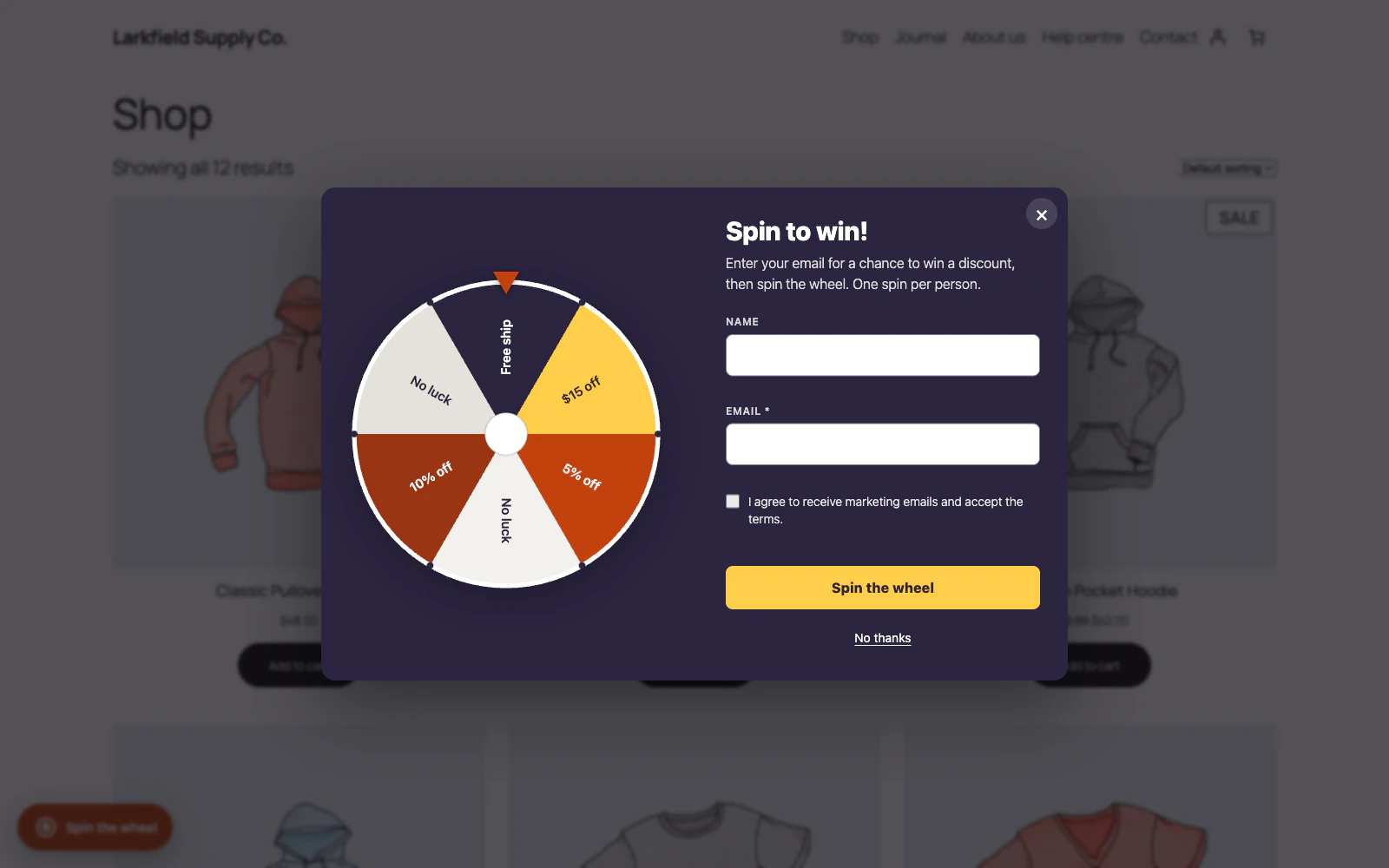
If you set a stock on a prize, it is reduced by one each time that prize is won. When it reaches zero, the prize is marked Sold out on the Wheel screen and that slice is never landed on again — the other slices carry the odds. Raising its weight does not bring it back: enter a new stock to offer it again, or untick Sold out to offer it with no limit. Leave stock at 0 for a prize that never runs out.
The stock is taken the moment the wheel draws the prize, before its coupon is made, so two shoppers spinning at once cannot both win the last one: the second spin lands on another slice or, with nothing else to win, is turned away and keeps its spin. A prize the wheel has shown is never taken back. Saving the Wheel screen keeps the wins made while it was open: a Stock box you leave as it was is saved as the number left when you press Save, so a prize that sold out meanwhile stays sold out, even if another tab changed the prizes in between. A number you type in is saved as you typed it. A prize removed in another tab comes back when you save, with the stock your screen showed.
When the last prize that could be won sells out, the wheel stops showing on your shop, even if a No luck slice has a weight, so it does not collect email addresses for spins that can only land on No luck. The Dashboard says No prize can be won right now until you give a sold-out prize a new stock (or untick Sold out), or give another prize a weight above 0.
Still stuck? Ask the developers who wrote it. We aim to reply within one business day.
 Lucky Wheel for WooCommerce
A spin-to-win prize wheel that gives shoppers a real WooCommerce coupon for their email address, and shows the orders those coupons bring in.
From $19 a year · every feature · 30-day refund