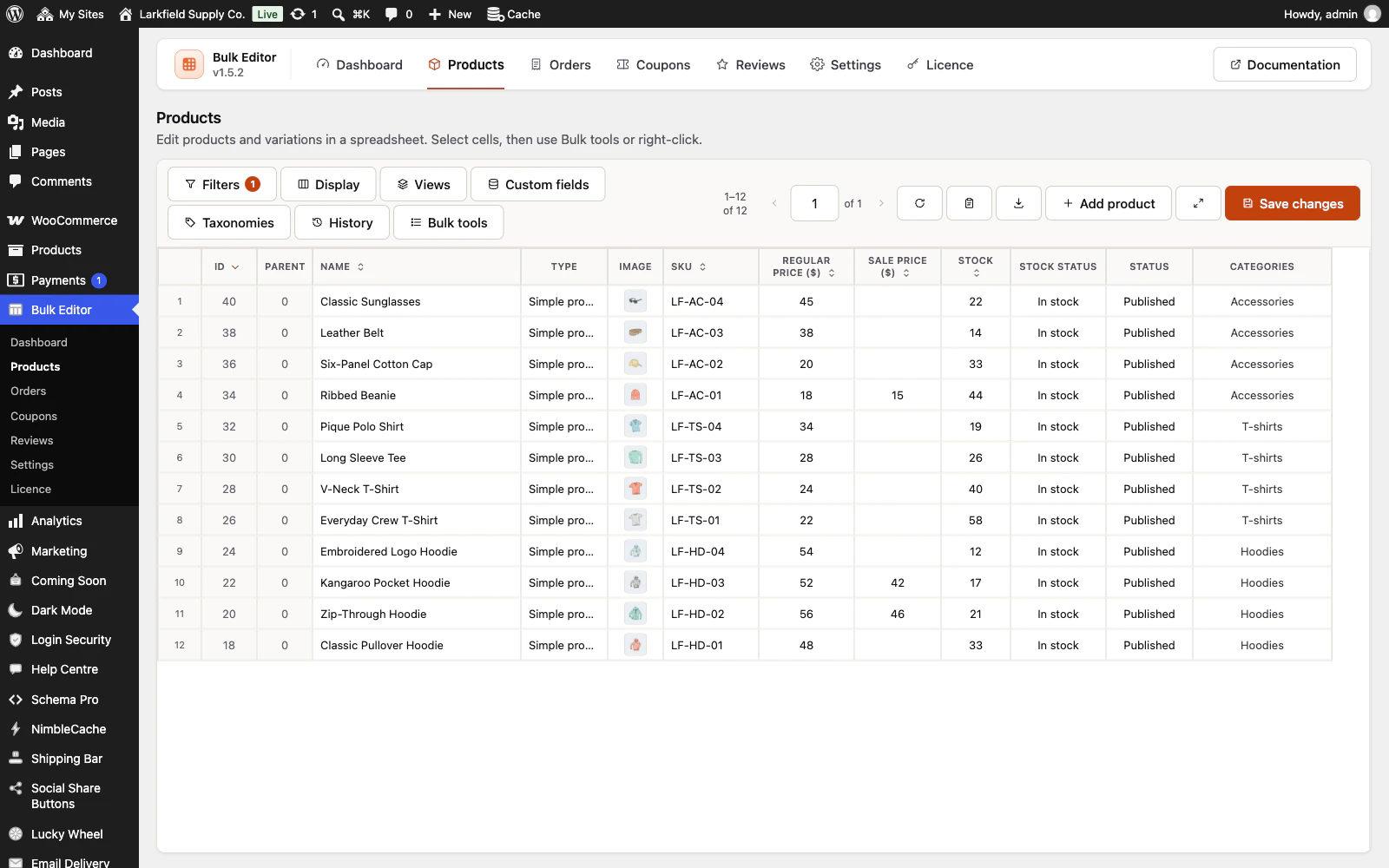
Yes. Straight after saving, press Undo on the message that confirms it; it stays until you use it or dismiss it, open a panel, or make your next edit. For an older save, open History in the editor, find the point, and revert one field, one record or the whole point; the page of records reloads so you see the restored values. Deleted variations cannot be restored this way (WooCommerce deletes them outright), and that includes the variations WooCommerce removes when a variable product becomes another type: reverting the type makes it variable again, without them. On Orders, a status change also does what WooCommerce does for that status, such as emailing the customer, and for Refunded recording a refund in the order (no money is sent back): reverting puts the status back, but an email that was sent stays sent and the refund record stays. The editor asks before it saves a new order status. Products, orders, coupons and reviews go to the trash and can be restored from there.
Still stuck? Ask the developers who wrote it. We aim to reply within one business day.
 Bulk Editor for WooCommerce
Edit WooCommerce products, orders, coupons and reviews in one spreadsheet, paste supplier lists by SKU, undo your edits.
From $19 a year · every feature · 30-day refund