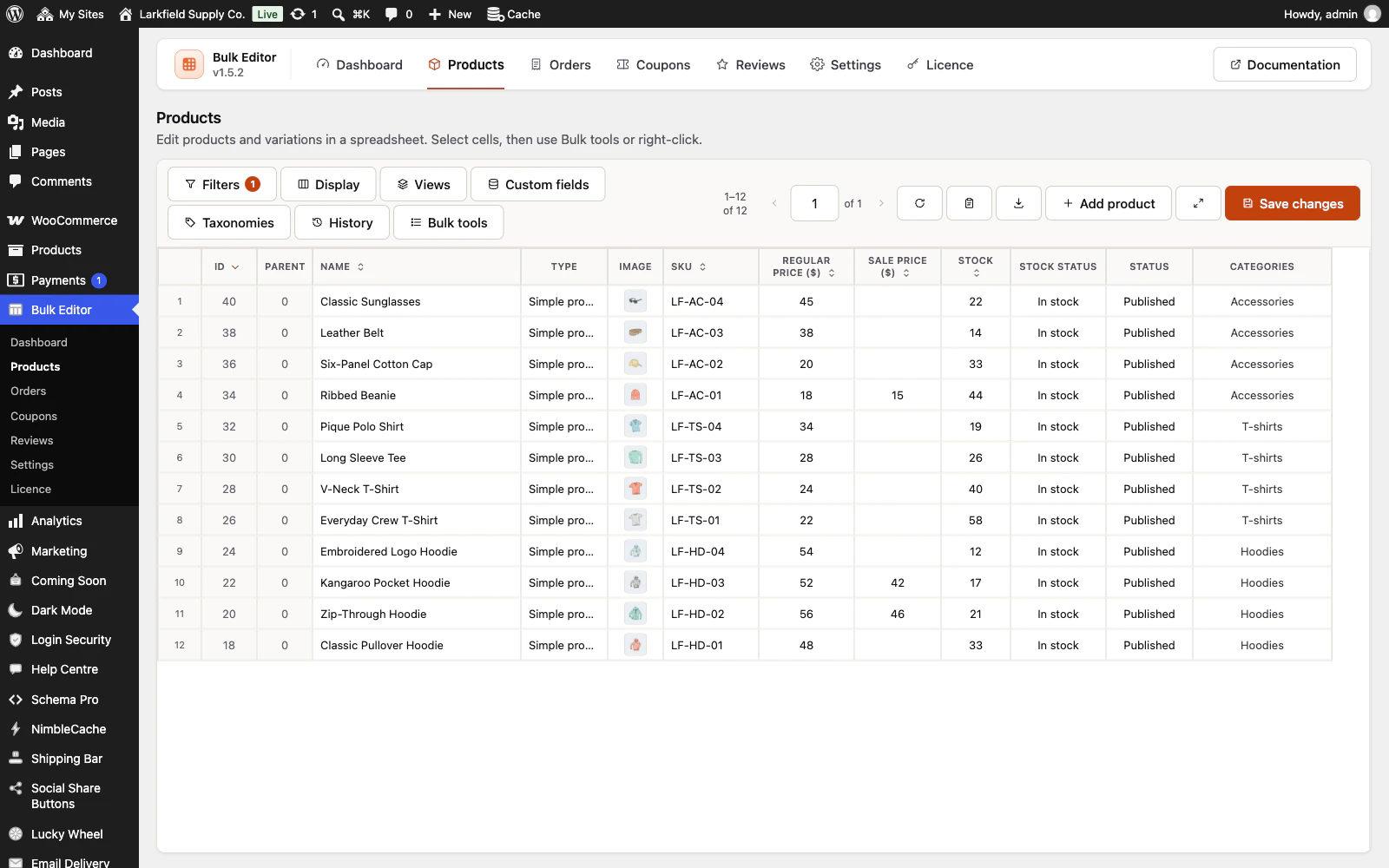
You need a cost column on screen first. WooCommerce's cost of goods feature adds one: it is off by default and switched on under WooCommerce → Settings → Advanced → Features. If your costs are kept in a custom field instead, switch that field on as a Number column in Custom fields. Show the Cost of goods column, select the Regular price cells, open Calculate…, set Start from to Cost of goods, choose Increase by, type 60, pick percent and apply. Each regular price becomes the cost plus 60%, rounded to your store's decimals; products with no cost are left alone. Use Apply to: All N records in this list to do the whole filtered list, and Undo on the message to put it all back. The same works for a sale price 20% below the regular price: Start from Regular price, Decrease by 20 percent. Any number column that is showing can be the starting point, including a numeric custom field.
Still stuck? Ask the developers who wrote it. We aim to reply within one business day.
 Bulk Editor for WooCommerce
Edit WooCommerce products, orders, coupons and reviews in one spreadsheet, paste supplier lists by SKU, undo your edits.
From $19 a year · every feature · 30-day refund