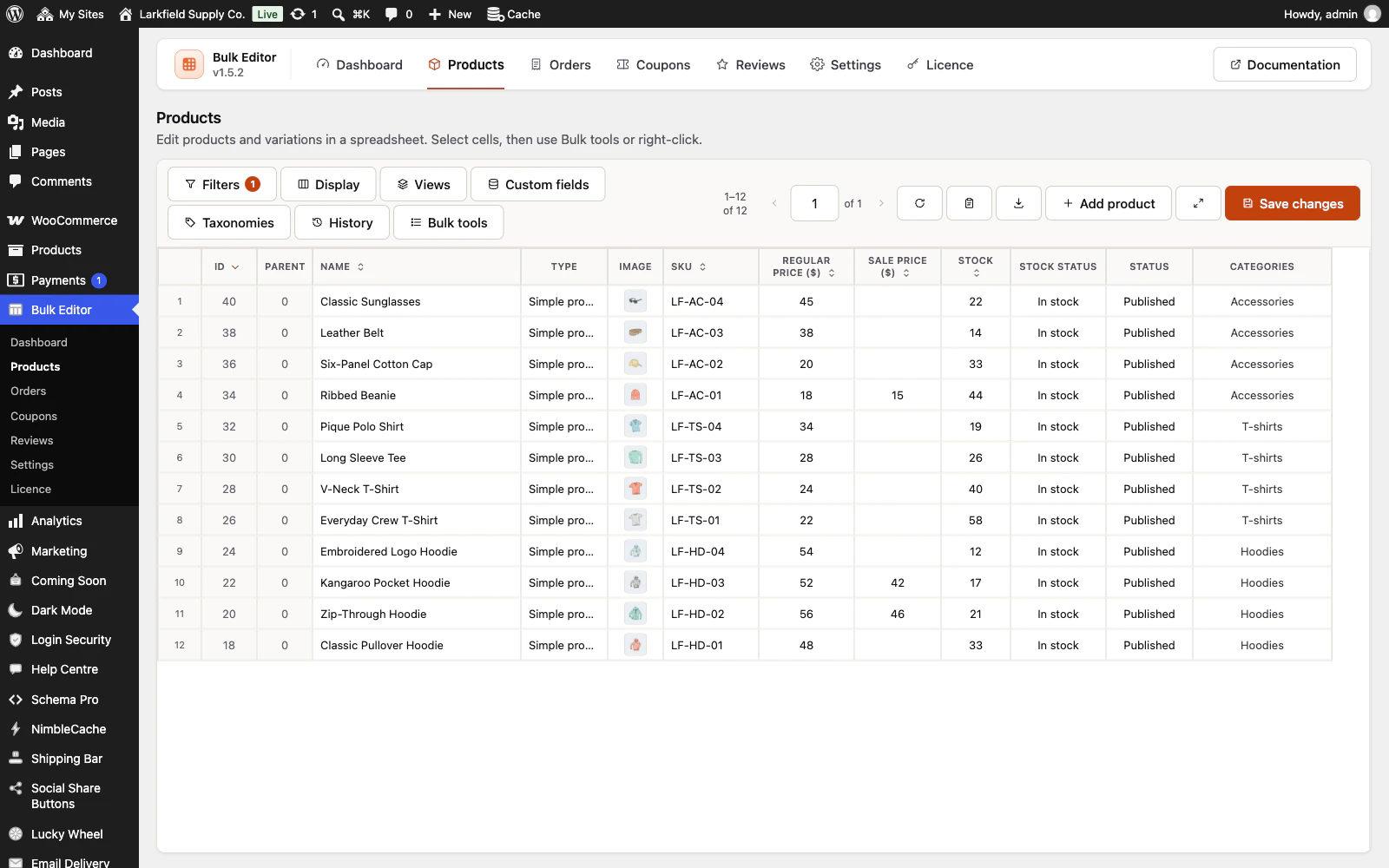
A save of more than twenty rows, a Paste a list or a change to All N records in this list is written twenty records at a time. If the columns changed while it was being written (usually in another tab), the rest is refused rather than written into the wrong column, and the message says how many records were saved before that. Those records have their new values. Press Undo on the message to put them back, then reload the page and run the change again. Do not simply run a relative change such as Increase by 10% again without undoing: the records already saved would be raised twice. While a save is being written, the same tab's Display, pager, filters, views, sort buttons and the Save buttons under Custom fields and Taxonomies wait until it has finished. Another tab can still change the columns; the rest of the save is then refused as described above.
Still stuck? Ask the developers who wrote it. We aim to reply within one business day.
 Bulk Editor for WooCommerce
Edit WooCommerce products, orders, coupons and reviews in one spreadsheet, paste supplier lists by SKU, undo your edits.
From $19 a year · every feature · 30-day refund