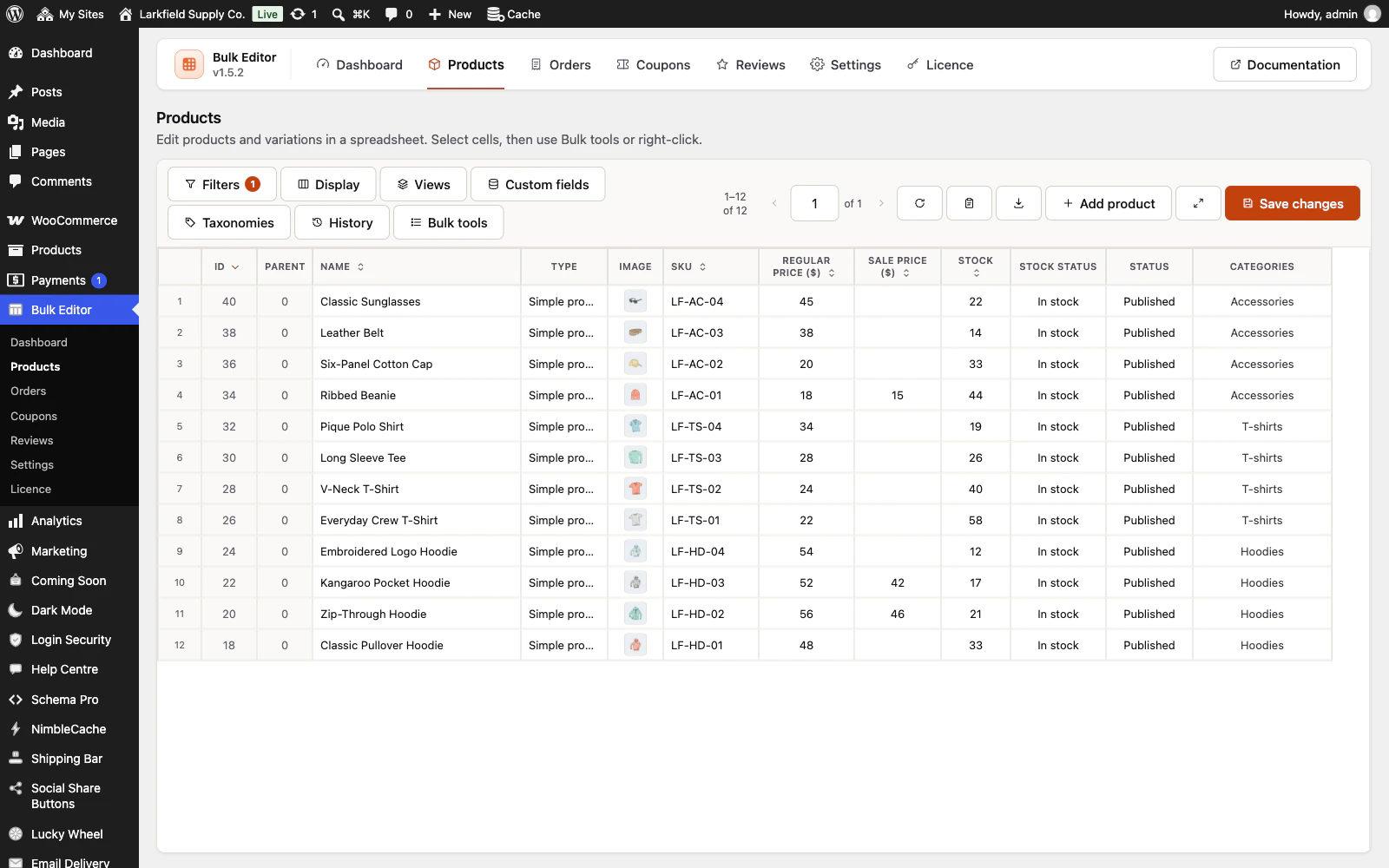
In Display, pick Units sold, Average rating, Review count or Last modified in Columns to show. They are hidden until you pick them, so your grid does not change on its own; picked on their own they are added to every column you already see. They are WooCommerce's own figures and read only: nothing in the editor writes them. Units sold is WooCommerce's total sales count for the product, which it keeps for the product as a whole, not per variation. Press the arrow in the Units sold heading to put your best sellers first.
Still stuck? Ask the developers who wrote it. We aim to reply within one business day.
 Bulk Editor for WooCommerce
Edit WooCommerce products, orders, coupons and reviews in one spreadsheet, paste supplier lists by SKU, undo your edits.
From $19 a year · every feature · 30-day refund