All 37 Bulk Editor answers
Answer
Can I update prices or stock from a supplier's spreadsheet?
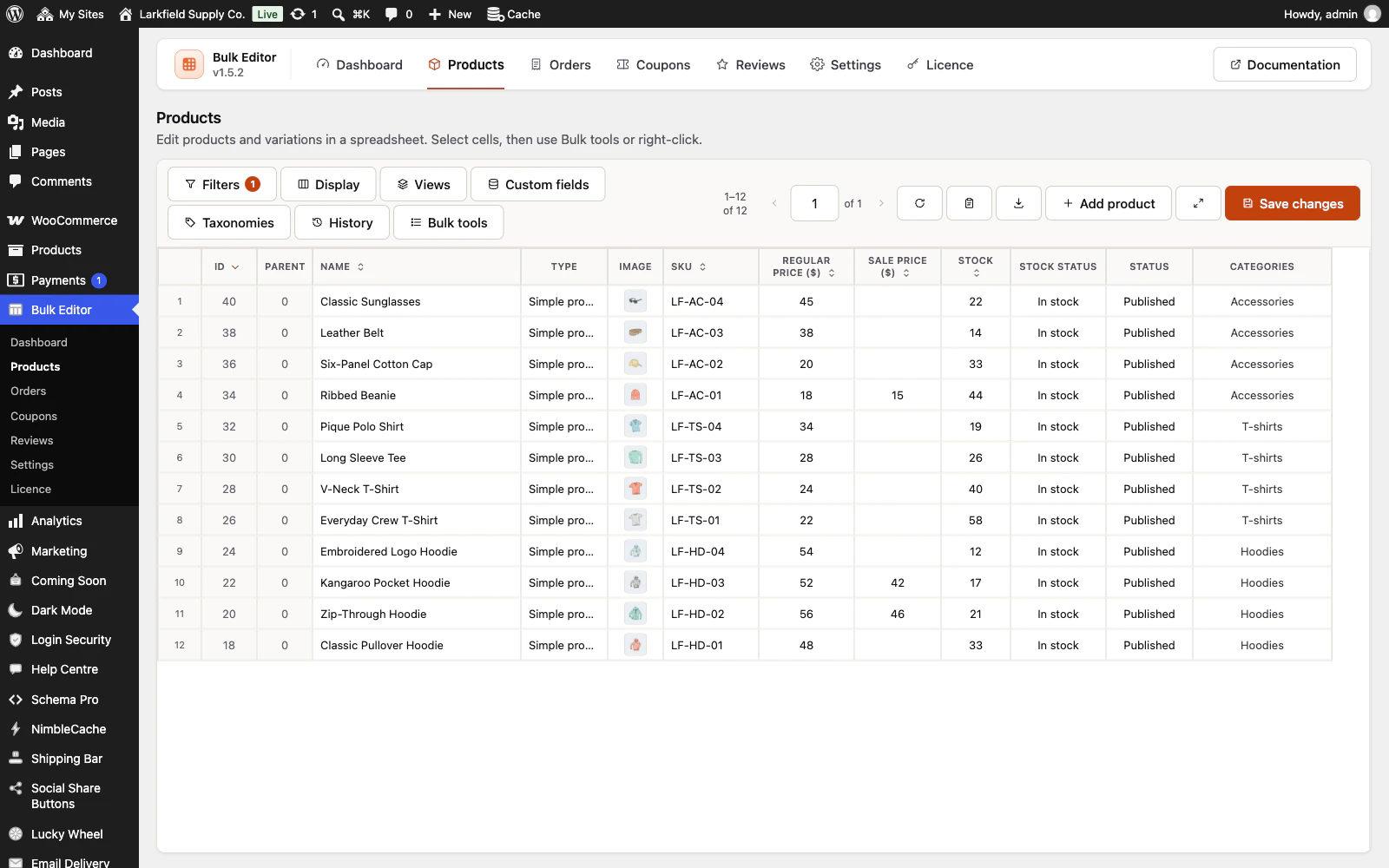
Yes, by SKU. On the Products editor, press Paste a list (the clipboard button beside the download button, or Paste a list… in the right-click menu), choose the column to change (Stock, Stock status, Regular price, Sale price or Cost of goods, whichever are showing), then copy the SKU column and the new value column from the spreadsheet and paste them into the box. They can be in either order: a first line that says SKU picks the SKU column for you, and otherwise choose it under SKU is in (until you do, the first column is taken as the SKU). Check the list shows every change as Now and New, and every line it will leave out with the reason: a SKU no product has, a SKU two products share, the same product on two lines, a value written differently from the way your store writes numbers (a store that writes 12.50 will not read 12,50), a product whose stock is not tracked, a sale price that is not below the regular price. Nothing is saved until you press Apply changes, and then the whole run is one History point with Undo on the message. Every product with a matching SKU is checked, whatever the filters show, up to 5,000 lines at a time. It changes one column at a time.
Still stuck? Ask the developers who wrote it. We aim to reply within one business day.
 Bulk Editor for WooCommerce
Edit WooCommerce products, orders, coupons and reviews in one spreadsheet, paste supplier lists by SKU, undo your edits.
From $19 a year · every feature · 30-day refund