All 37 Bulk Editor answers
Answer
Can I use the editor without a mouse, or on a tablet?
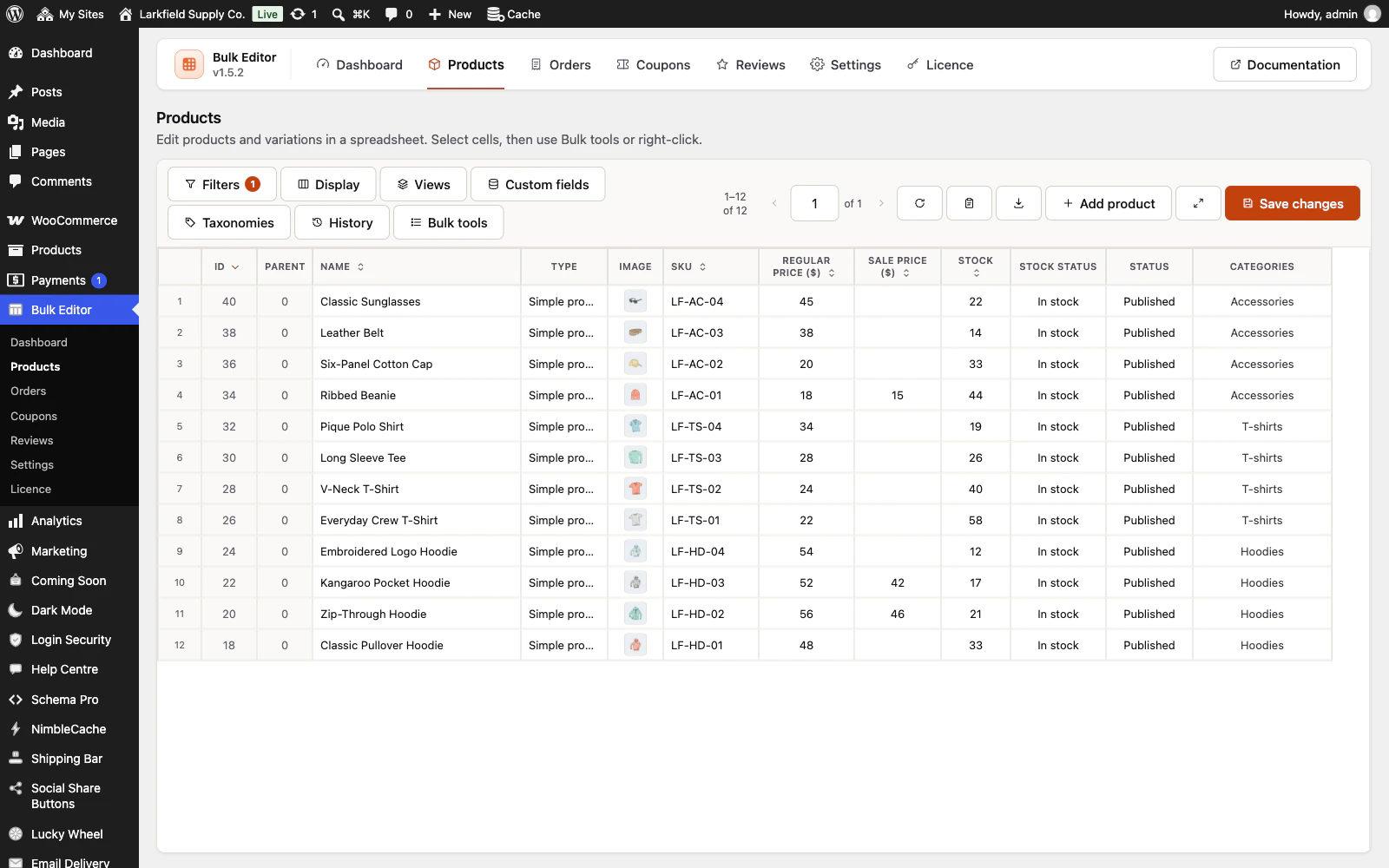
Yes. Tab moves into the grid, then to the sort buttons in the column headings (one stop: Left and Right move between them, Enter sorts), then out again, also straight after you edit a cell; the arrow keys move between cells, typing or F2 edits a cell, and Shift+F10 or the menu key opens the bulk tools, which work with the arrow keys, Enter and Escape. On a tablet or phone, tap a cell and press Bulk tools in the toolbar: touch screens have no right click. Lists you would drag, such as the column order, also have Move up and Move down buttons.
Still stuck? Ask the developers who wrote it. We aim to reply within one business day.
 Bulk Editor for WooCommerce
Edit WooCommerce products, orders, coupons and reviews in one spreadsheet, paste supplier lists by SKU, undo your edits.
From $19 a year · every feature · 30-day refund