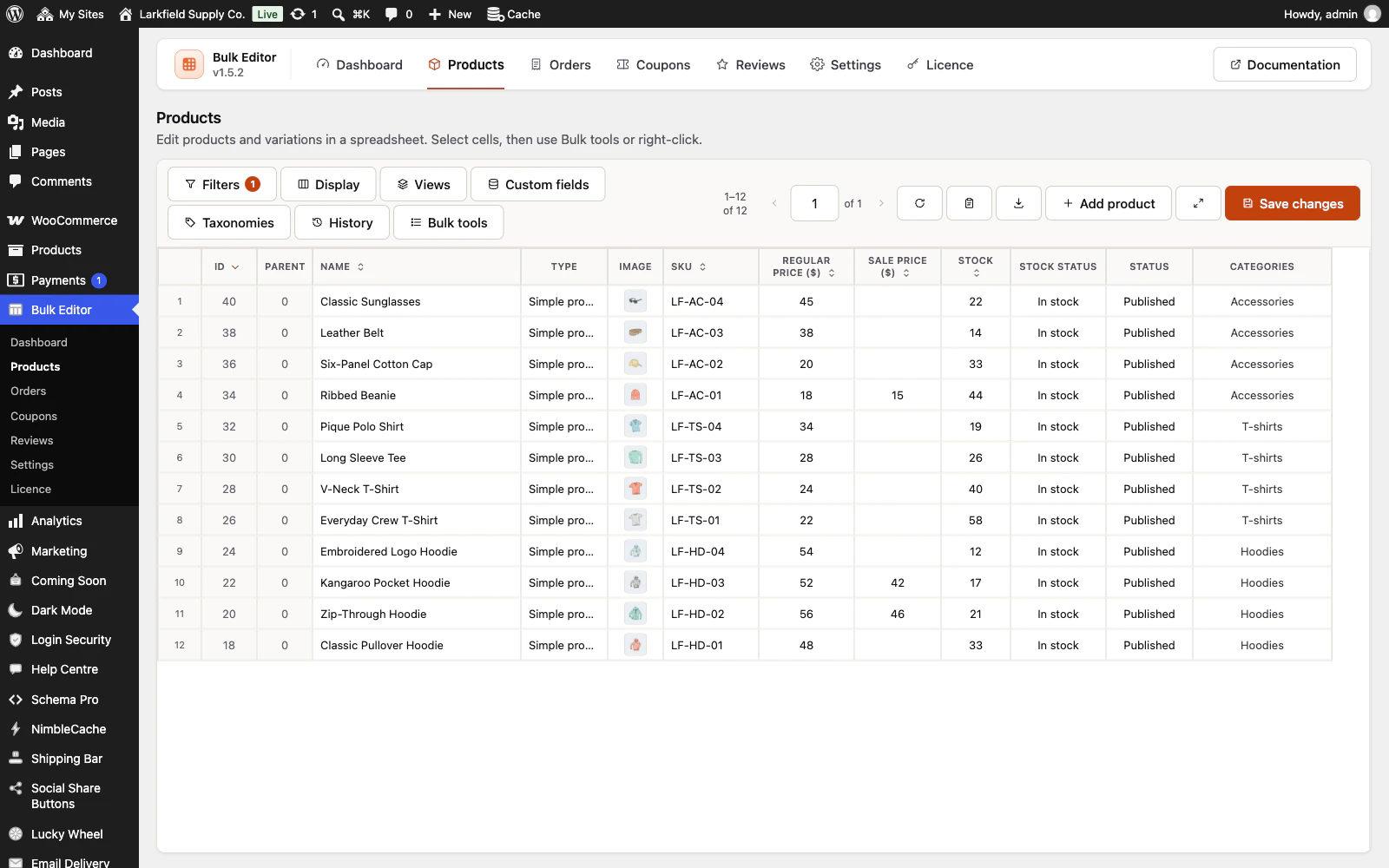
You can: every cell you edit is tinted, with a coloured rule down its left edge, until you save. Saving or reloading the page clears the tint. To throw your edits away instead, press the reload button next to the pager and confirm.
Still stuck? Ask the developers who wrote it. We aim to reply within one business day.
 Bulk Editor for WooCommerce
Edit WooCommerce products, orders, coupons and reviews in one spreadsheet, paste supplier lists by SKU, undo your edits.
From $19 a year · every feature · 30-day refund