All 37 Bulk Editor answers
Answer
Can I save the filters and columns I use every week?
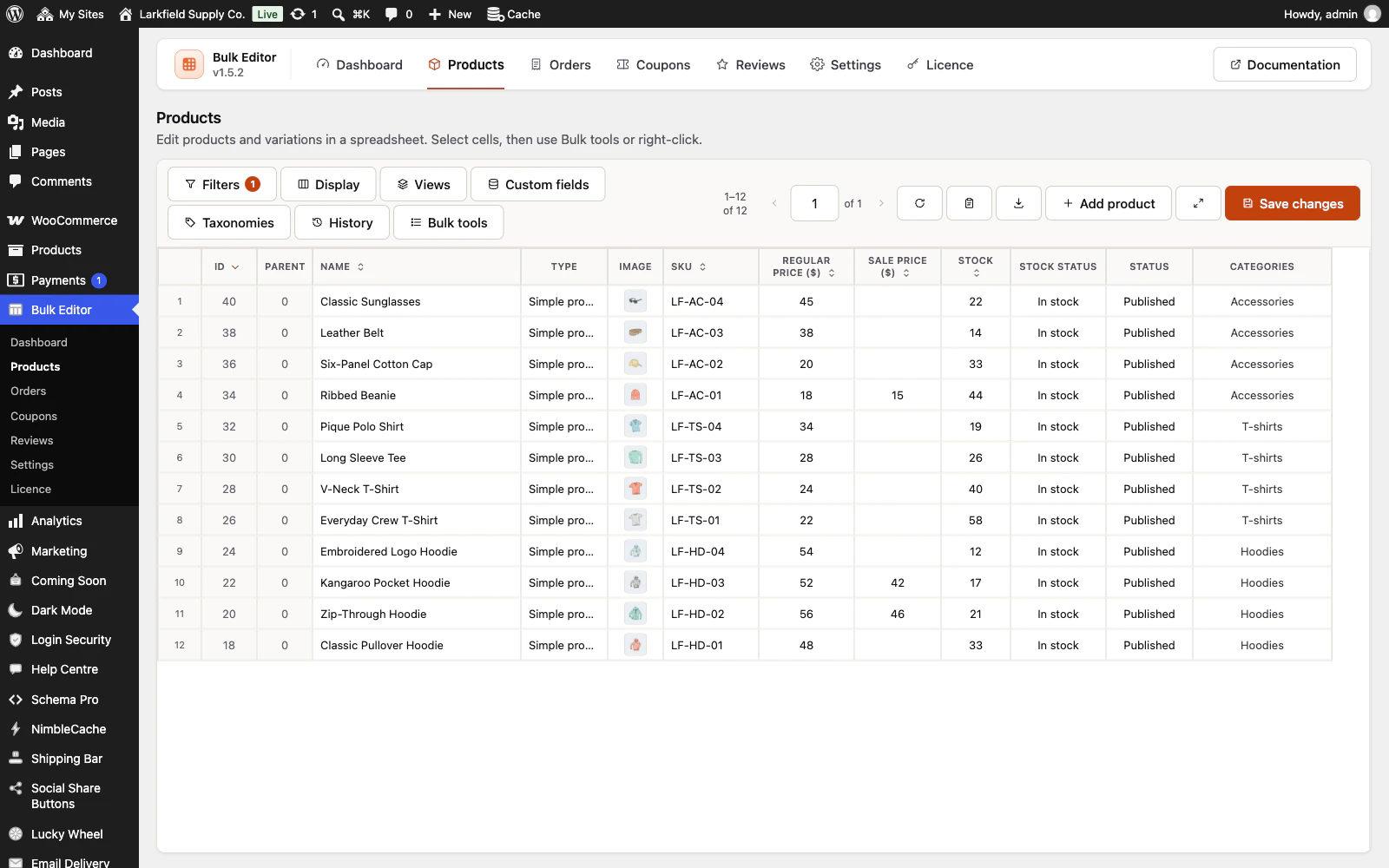
Yes. Set them up, then press Views in the toolbar and Save this view as…. Picking the view later puts back the filters, the columns and their order, the sort and the rows per page in one click, even after the filters were cleared by a new visit. Tick Share with everyone who can use this editor to list it for your colleagues too; only you, or somebody who manages the site, can rename or delete a view you shared. Products also offers four ready-made views: No image, No SKU, Out of stock and Low stock (which follows the low stock threshold in your WooCommerce inventory settings). A view never keeps unsaved edits.
Still stuck? Ask the developers who wrote it. We aim to reply within one business day.
 Bulk Editor for WooCommerce
Edit WooCommerce products, orders, coupons and reviews in one spreadsheet, paste supplier lists by SKU, undo your edits.
From $19 a year · every feature · 30-day refund