All 37 Bulk Editor answers
Answer
How do I sort the whole list, not just this page?
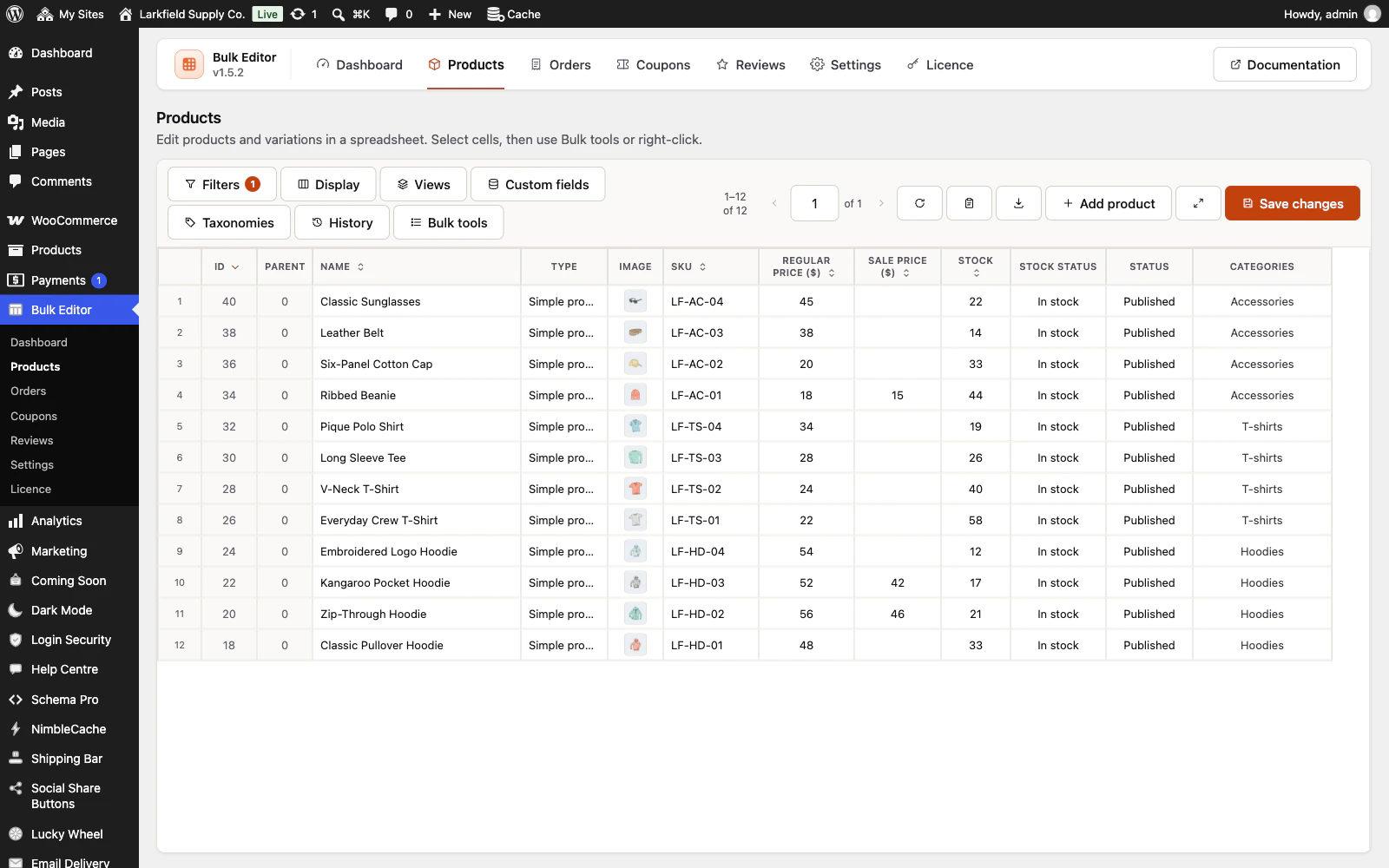
Press the arrow button in a column's heading, or choose Sort by and Direction in Display. The whole list is sorted on the server, every page of it, with your filters applied, so page 1 sorted by stock shows the lowest stock in the whole list. The first press sorts newest or highest first for dates, units sold and ratings, and lowest first or A to Z for the rest; press again to reverse it. Products can be sorted by ID, name, SKU, price, regular and sale price, stock, units sold, average rating, review count, publish date, last modified, menu order, weight and dimensions, and custom fields shown as Text, Number or Date; Orders by ID, date and total; Coupons by ID, code, created, amount, expiry and usage; Reviews by ID, date and rating. Records without a value, such as a product without a sale price, come last either way and are never left out. Pressing the heading itself, beside the button, still selects the whole column for the bulk tools. A saved view keeps the sort, unless it was sorted by a custom field the person opening it has not set up: it then opens sorted by ID and says so. A change to All N records in this list reads the list by ID whatever it is sorted by, so an order that changes a stock level while it reads does not stop it, unless it takes a product into or out of your filters.
If the order sorted by stock, units sold or average rating does not match the figures in those columns, stock or sales were probably written straight into the database, which skips WooCommerce's product lookup table that these sorts read. Run WooCommerce > Status > Tools > Product lookup tables > Regenerate.
Still stuck? Ask the developers who wrote it. We aim to reply within one business day.
 Bulk Editor for WooCommerce
Edit WooCommerce products, orders, coupons and reviews in one spreadsheet, paste supplier lists by SKU, undo your edits.
From $19 a year · every feature · 30-day refund