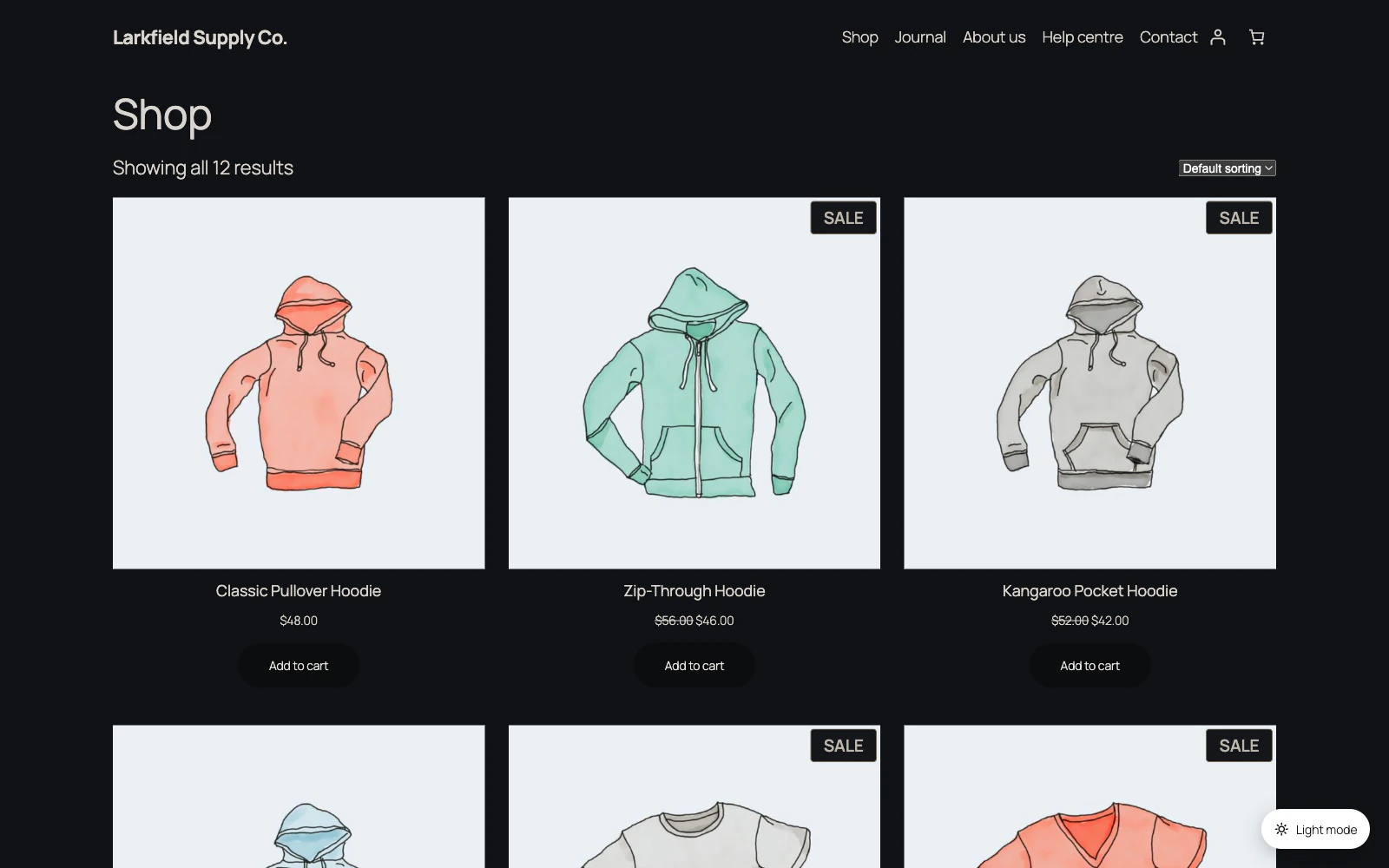
Dark mode re-colours what your theme's stylesheets draw. A map or chart that a script draws, or that another site shows in a frame, keeps its own colours.
A map from another site in a frame, such as an embedded Google map, is that site's page and cannot be re-coloured, but under Automatic it can be inverted: add iframe[src*="maps"], a frame with "maps" in its address, to Images and Elements → Parts of the page to invert. It comes out dark, with every colour on it turned over, pins and labels included.
A map, chart or chat window that a script draws on your own page can follow the switch itself. The plugin tells the page's other scripts each time dark mode comes on or goes off, and whoever looks after that script can use the example under For developers in the documentation.
Still stuck? Ask the developers who wrote it. We aim to reply within one business day.
 Dark Mode
Give your site a dark mode your readers can switch on — one that reads properly on every page, without you restyling anything.
From $19 a year · every feature · 30-day refund