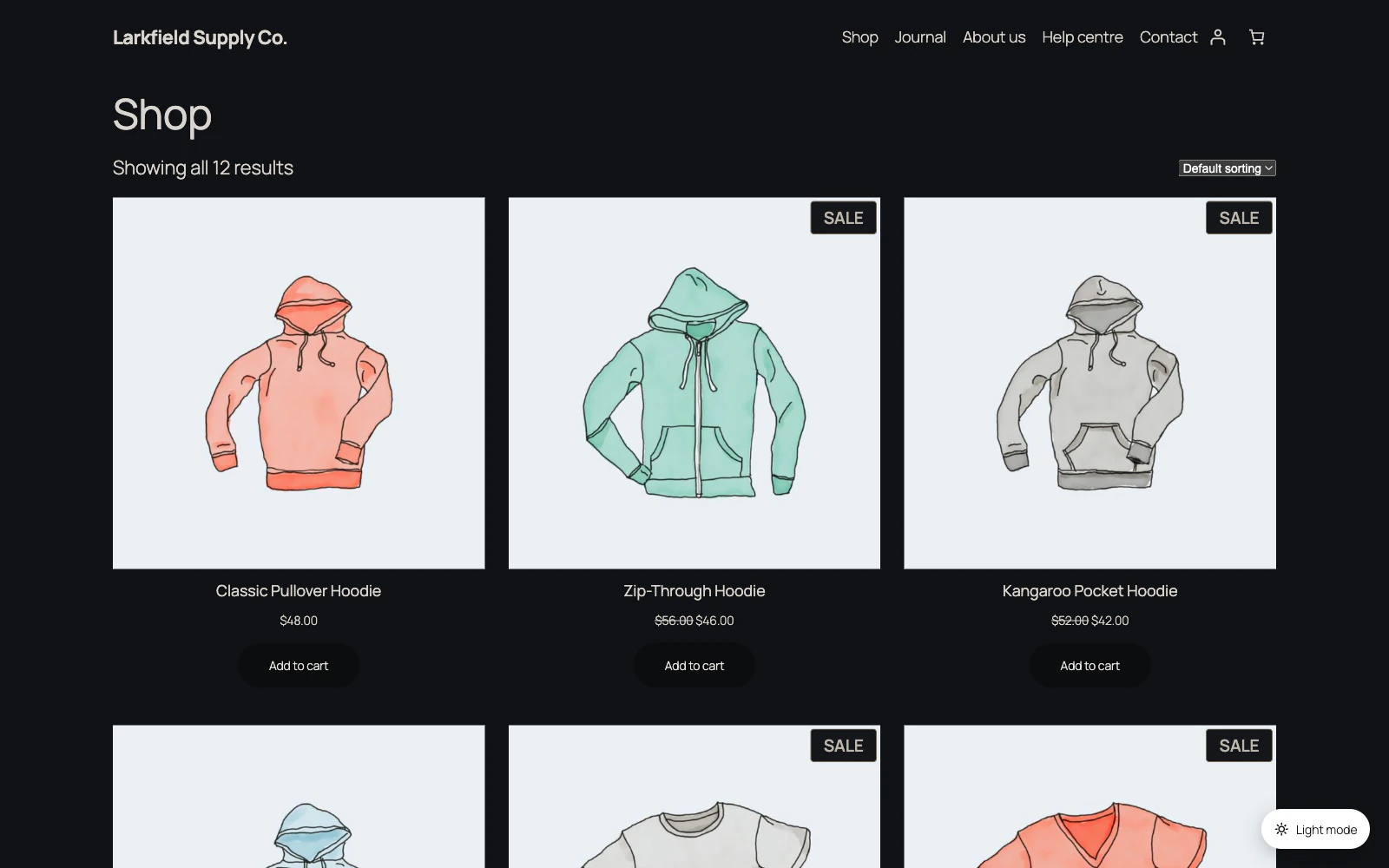
It did, and that is the trade that method makes. A card, a callout or a striped table row keeps a near-white panel that was chosen for a light page, and pale type on it cannot be read — so under Basic those panels are dropped and the page's own dark background shows through. Quotes, code, tables, figures and buttons are given a panel from your scheme instead.
Words go the same way. A heading, a price or a footer credit your theme has coloured for a white page is given your scheme's text colour under Basic, because the colour it had was chosen against white and almost never survives the move. Links keep your Links colour, and captions their quiet grey.
The same applies to a bar your theme pins to the top or the bottom of the screen: under Basic it loses its own background and the page shows through it as you scroll.
If you want those kept, use the Automatic method, which re-colours them rather than removing them.
Still stuck? Ask the developers who wrote it. We aim to reply within one business day.
 Dark Mode
Give your site a dark mode your readers can switch on — one that reads properly on every page, without you restyling anything.
From $19 a year · every feature · 30-day refund