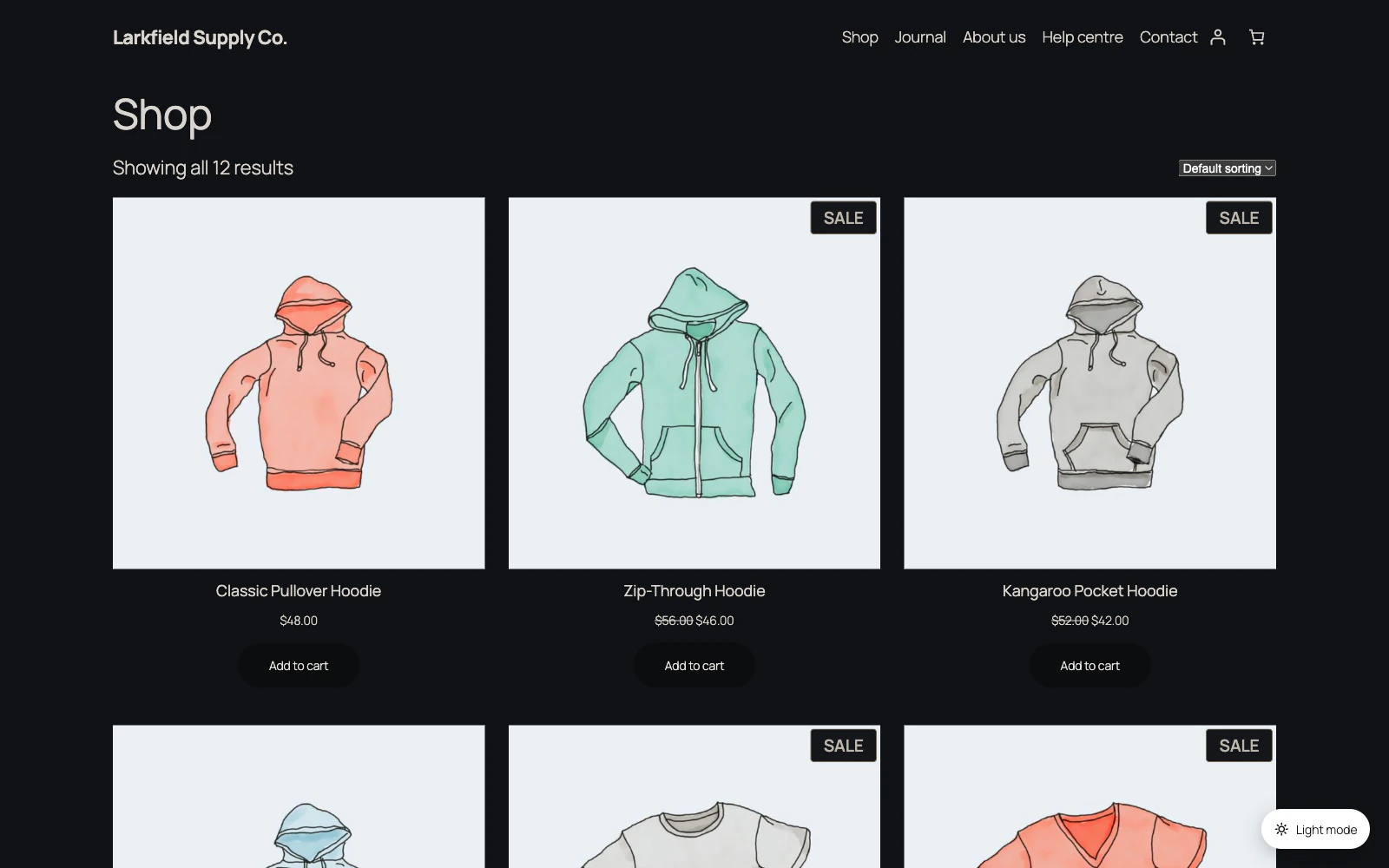
Ink unless you have a reason. It suits most themes, and the ten schemes that are only colours — Ink, Slate, True black, Warm, Midnight, Forest, Plum, Ocean, Charcoal and Frost — differ in nothing else, so choosing between them is choosing a tint: Plum, Ocean, Midnight and Forest for a brand that is that colour, Charcoal when near-black feels too stark, True black for OLED screens.
Two of the twelve are a shape rather than a tint, and change how a quote, a table, a picture and a form field are drawn:
- Layers draws with panels instead of lines. Good on a text-heavy site, and on a theme whose own boxes disappear once the page goes dark.
- Bold draws with thick dividing lines and no panels at all. Good for low vision, for bright rooms, and for anybody who finds the usual dark greys muddy.
Neither of them touches your theme's menus, and picking one changes nothing about the method you darken with.
Still stuck? Ask the developers who wrote it. We aim to reply within one business day.
 Dark Mode
Give your site a dark mode your readers can switch on — one that reads properly on every page, without you restyling anything.
From $19 a year · every feature · 30-day refund