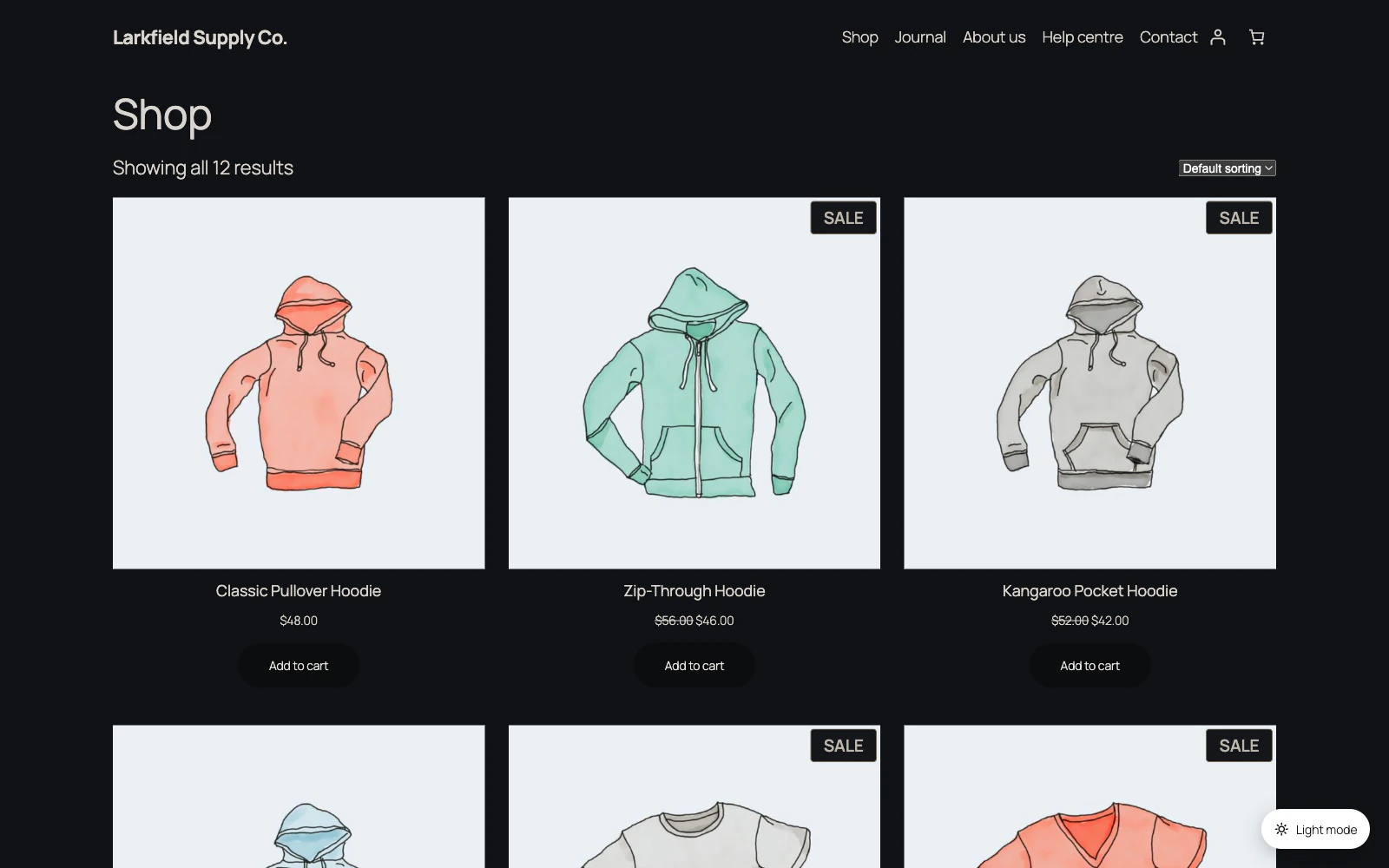
Yes: set Dark Mode's General → Default Mode to Dark, and every visitor who has not chosen otherwise gets your site dark. Their phone or computer setting no longer decides.
Three things to know:
- Automatic Switching has to be off. While a schedule is set, the schedule decides and the Default Mode choice is greyed out.
- Readers can still turn it off with the switch, and that is deliberate: a reader who cannot read your page dark has no other way out. With no schedule, their choice stays until they press the switch again.
- If you turn on Manual placement only, put the block, the
[dark_mode_switch]shortcode or the menu item somewhere readers can see.
For one page rather than the whole site, choose Open in dark mode in the Dark Mode box in that page's editor. To keep a kind of page, such as the checkout, out of dark mode, narrow it on Display Rules.
Related: Dark Mode docs: General
Still stuck? Ask the developers who wrote it. We aim to reply within one business day.
 Dark Mode
Give your site a dark mode your readers can switch on — one that reads properly on every page, without you restyling anything.
From $19 a year · every feature · 30-day refund