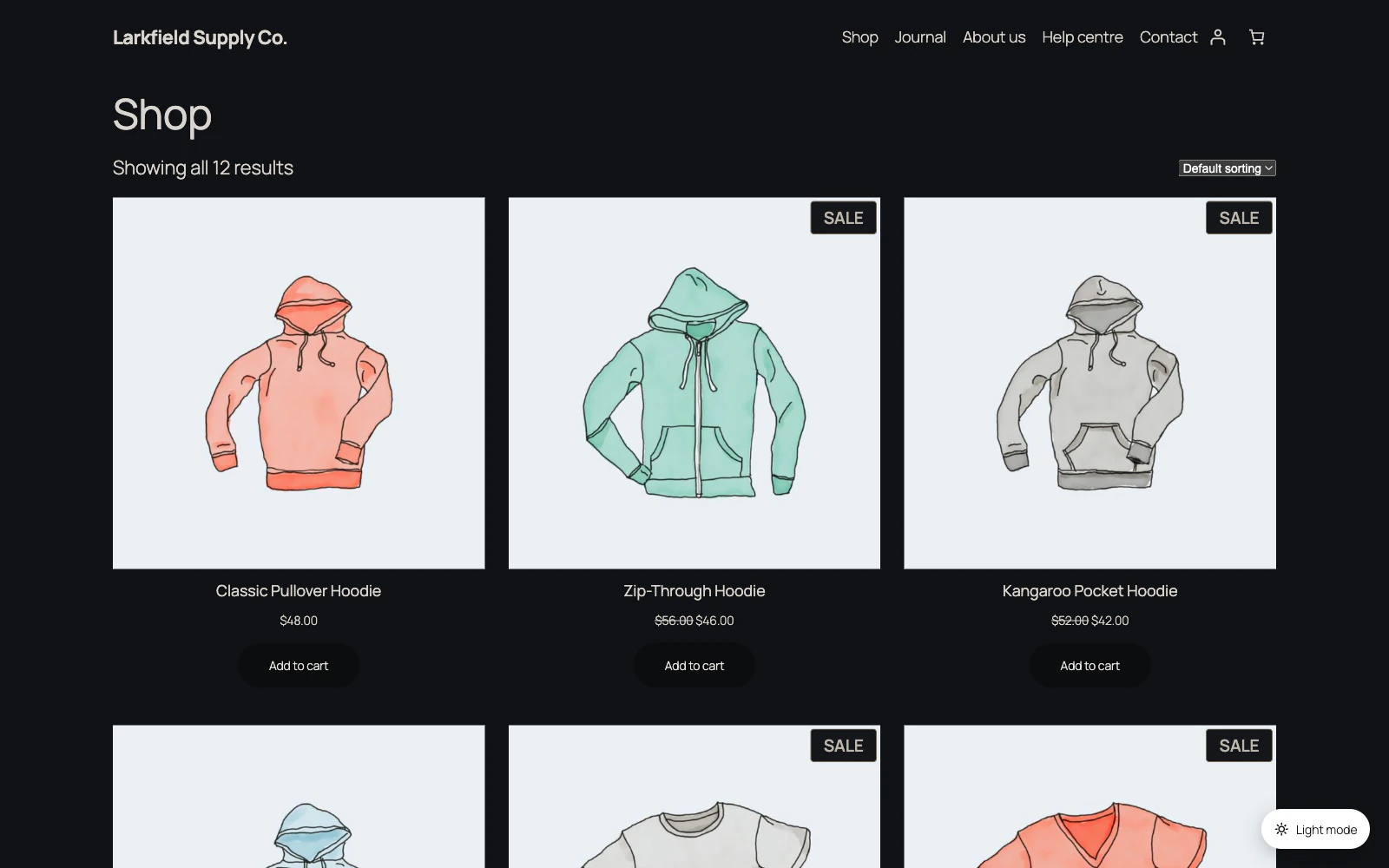
You are probably on Invert colours, which flips everything and then flips pictures back — and cannot flip back a picture that is set as a CSS background, which is how most theme headers work.
Switch to Automatic (recommended) on the Colours screen. It handles pictures properly.
Still stuck? Ask the developers who wrote it. We aim to reply within one business day.
 Dark Mode
Give your site a dark mode your readers can switch on — one that reads properly on every page, without you restyling anything.
From $19 a year · every feature · 30-day refund